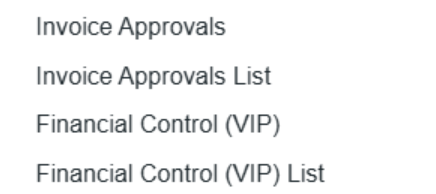
This FAQ outlines the different approval-related access rights available in Data Center → Security List explaining what each one controls and how it affects user permissions. These access rights determine how users interact with invoice approvals—ranging from approving individual invoices to configuring approval workflows and managing financial control settings.
Approve an Invoice
-
Path: Financials → Actions → Approve an invoice
-
Function: Allows the user to approve individual invoices directly.
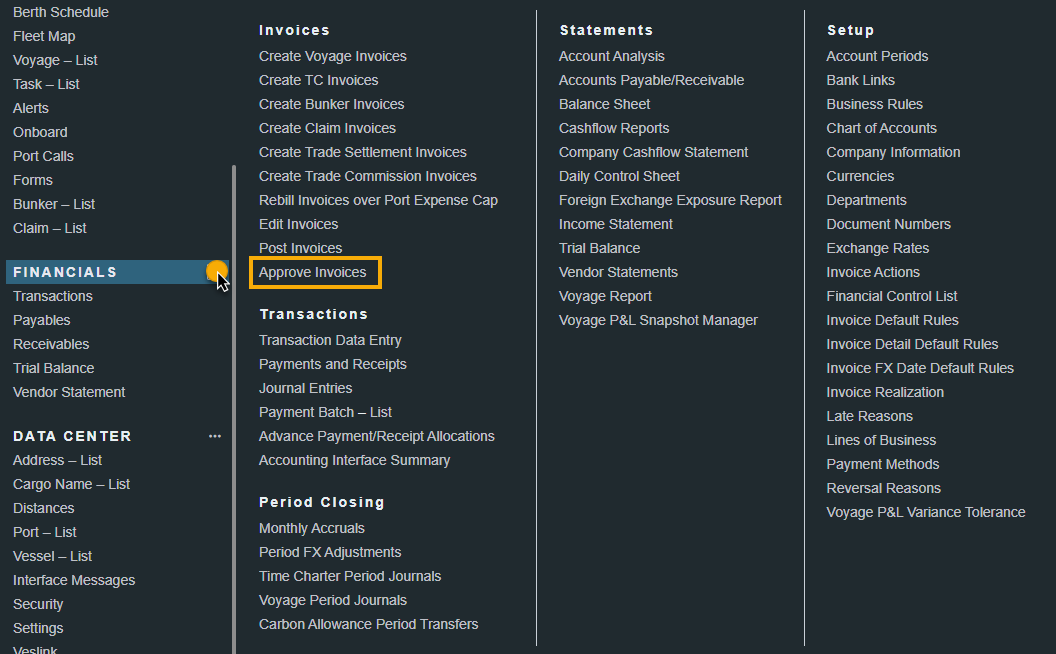
Approve Invoices
-
Path: Financials → Transactions → Approve invoices
-
Function: Provides access to the list of invoices pending approval.
Note: Even without this right, users may still access pending invoices through other areas (e.g., voyage invoice lists).
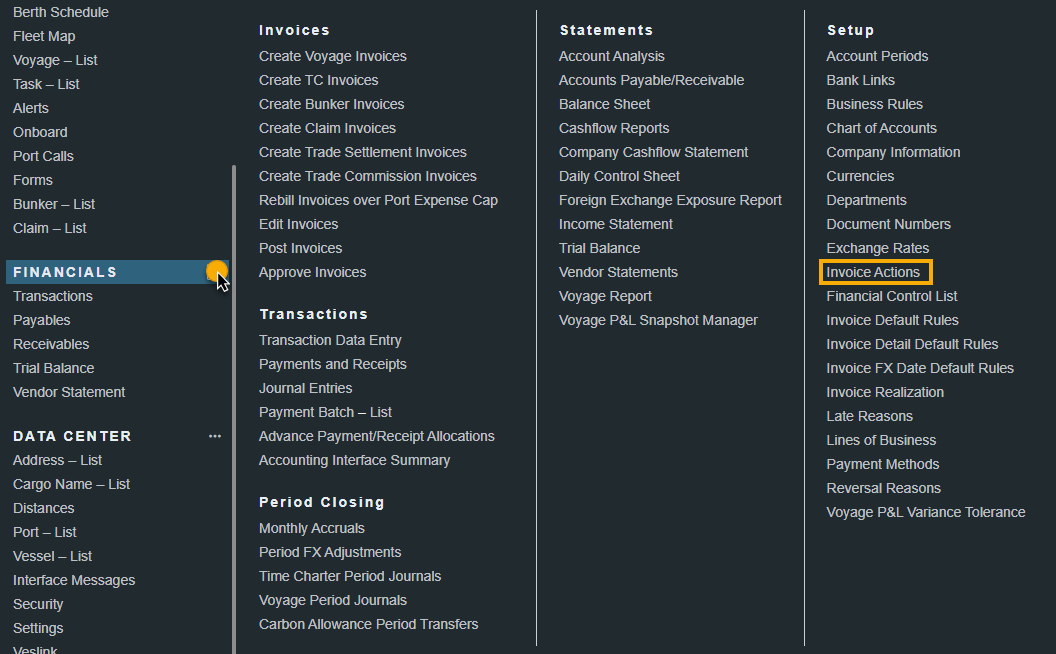
Invoice Actions
-
Path: Financials → Setup → Invoice Actions
-
Function: Grants access to the Invoice Actions setup area under the Financials module, where invoice workflows and rules can be defined.
Invoice Approvals
-
Path: Financials → Setup → Invoice approvals / Invoice approvals list
-
Function: Provides access to the Financial Control setup and the Invoice approvals list, which is part of the broader Financial Control configuration.
-
Note: In order for a user to be able to use the above actions, they must be granted the following access rights by your IT Team via the Security List → Access Rights.