
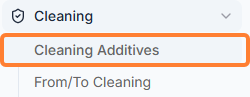
The Cleaning Additives module gives you access to all the IMO evaluated/approved cleaning chemicals. To access it click on the below
Overview
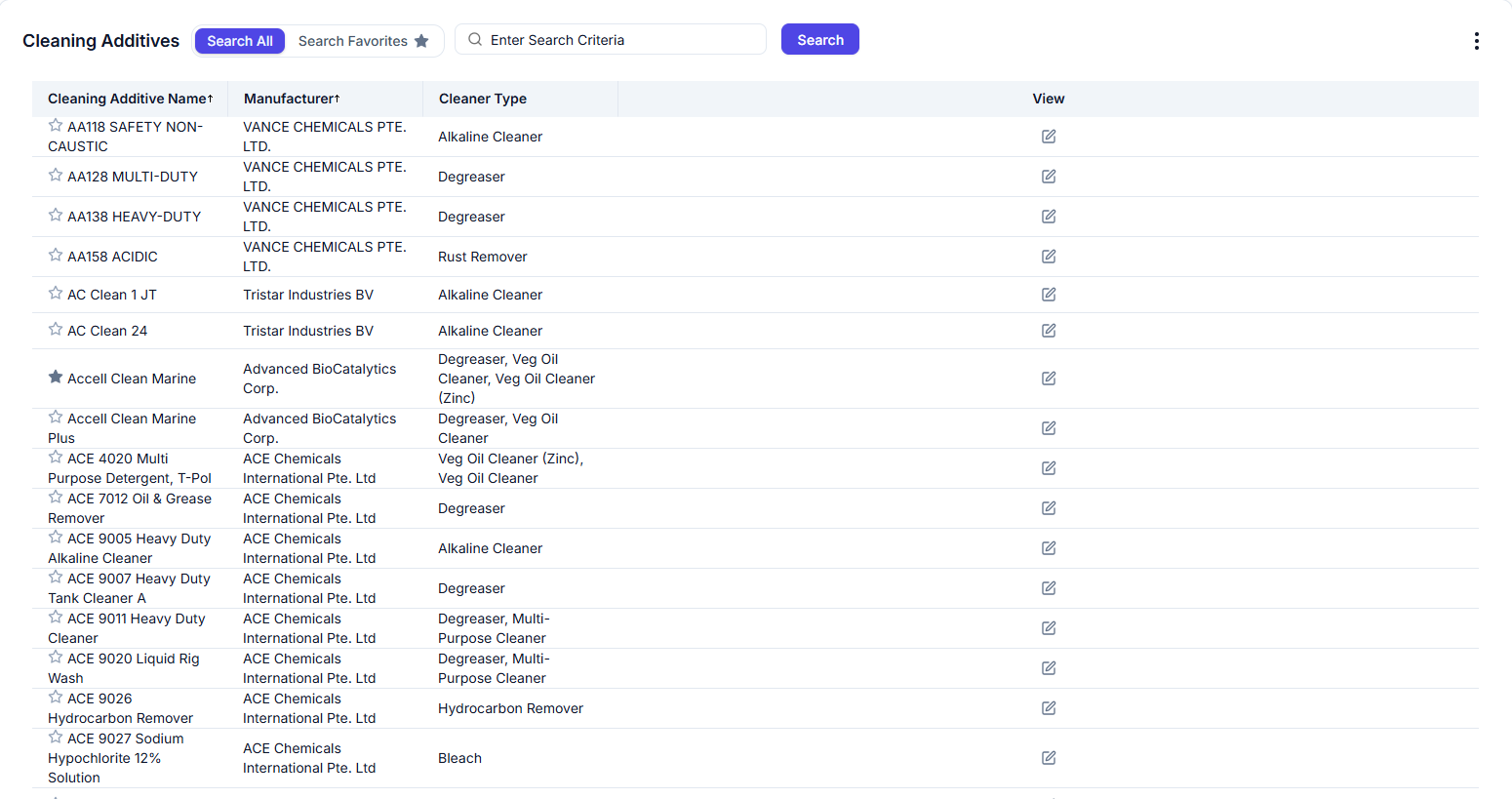
Setting Favorites Cleaning Additives
The Cleaning Additives module supports the same Favorites feature which is available in the Commodity Search module. Please see Commodity Search | 1.3 Setting “Favorite” Commodities for more information.
Column Ordering, Sorting, Filtering and Paging
The Cleaning Additives module support the same ordering, sorting, filtering and paging which are available in the Commodity Search module. Please see Commodity Search | [hardBreak]1.5 Column Ordering Commodity Search | 1.6 Column Sorting Commodity Search | 1.7 Filtering the Data Commodity Search | 1.8 Paging
Viewing Cleaning Additives Details
To view the details double click on the selected additive or click the Edit icon as shown below:

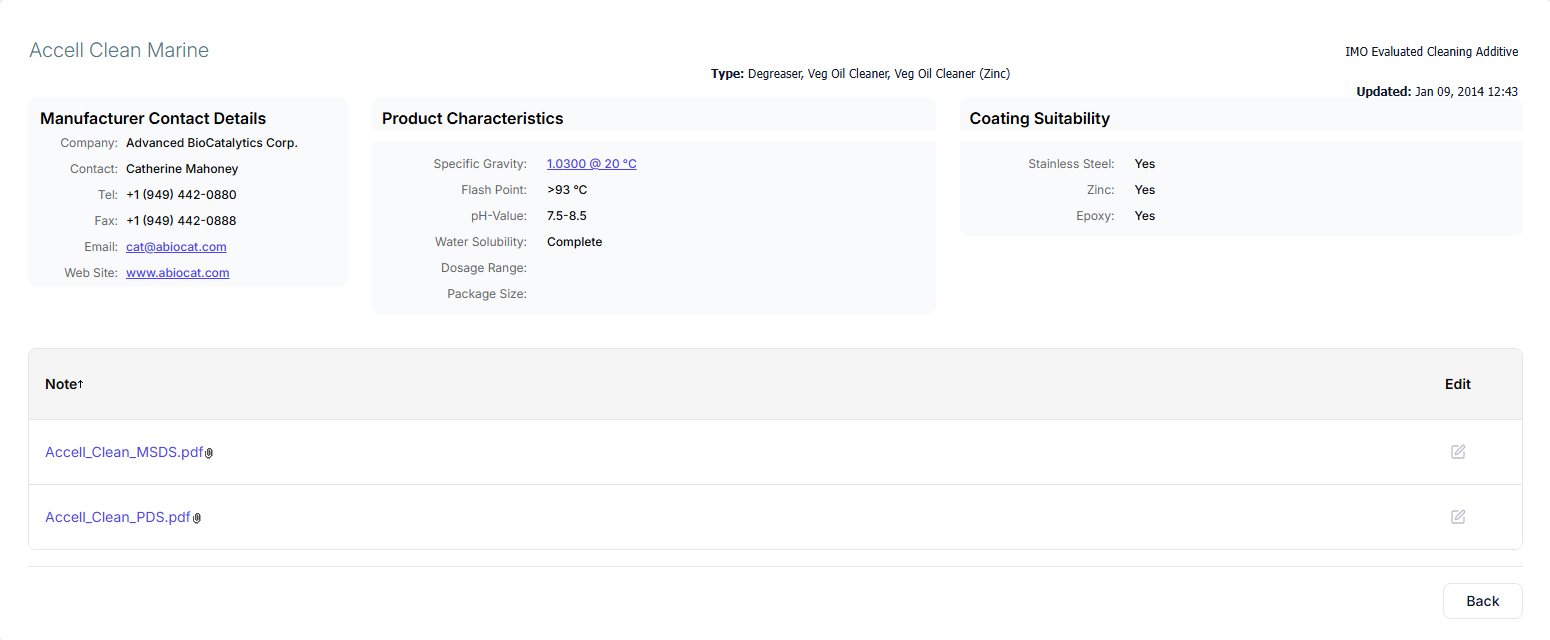
You can view the Manufacturer Contact details, Product Characteristics, Coating Suitability and Notes (such as SDS).
Actions Menu
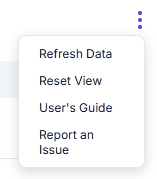
Click on the Action menu for the following options:
|
Refresh Data |
Refresh the underlying data from the database. |
|---|---|
|
Reset View |
Reset the sorting, filtering and default columns for the selected View. |
|
User’s Guide |
Download the User’s Guide to the Milbros. |
|
Report an Issue |
Click this link to email an issue you would like to report to Milbros Support on the Cleaning Additives. |