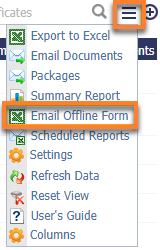
If you need the Master to assist in updating the certificate date, you can do so by sending the Offline forms to them by clicking on the Actions Menu → Email Offline Form.
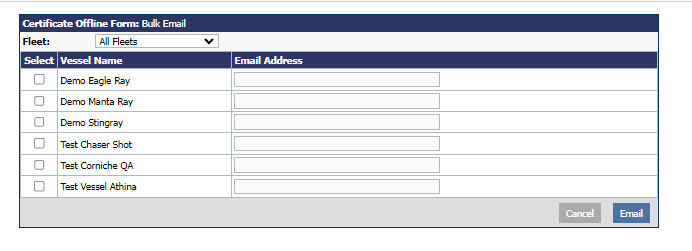
The Bulk offline form can be sent to all vessels in your fleet or you can choose a specific vessel you wish to send the form to. Once you have selected the vessel(s), click the Email button to proceed.
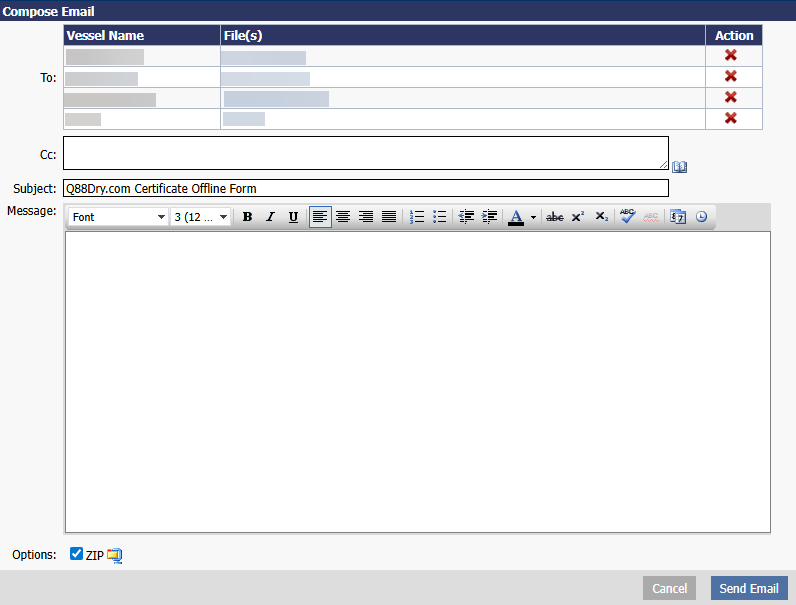
The system will compose an email template with the attachment of the selected Offline form and the instructions for updating it.
Note: Certificates/documents offline form will be in Microsoft Excel format.
Note: Offline forms will expire after 1 month upon sending them out to vessel. The expiry date will be reflected on the form.
Customize Offline Form
If you have an administrator role, you will have the ability to customize the list of certificates/documents according to your requirement by selecting the Actions Menu → Settings.
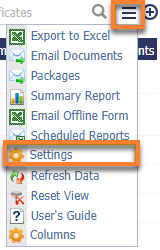
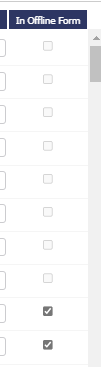
Then you can choose which certificates or documents to include in the Offline form by selecting the check box under the In Offline Form column.
Once the Master updates the dates, they will have to save the Offline form → attach it to an email → send it to download@q88.com. Once the Offline form is imported, the date of the certificate will be updated in your Q88 account accordingly.
Email Notifications
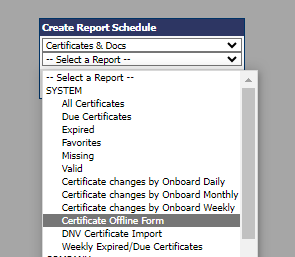
To receive an email notification alert when the offline questionnaire is submitted, you can click on the Actions Menu → Scheduled Reports:
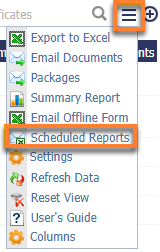
Then, click the plus sign on the report page and create the report schedule: