
For both Q88 users and Q88 Onboard users, any certificate can be deleted from the system. From the Certificates & Docs page, you can click on the Delete button to delete the certificate.
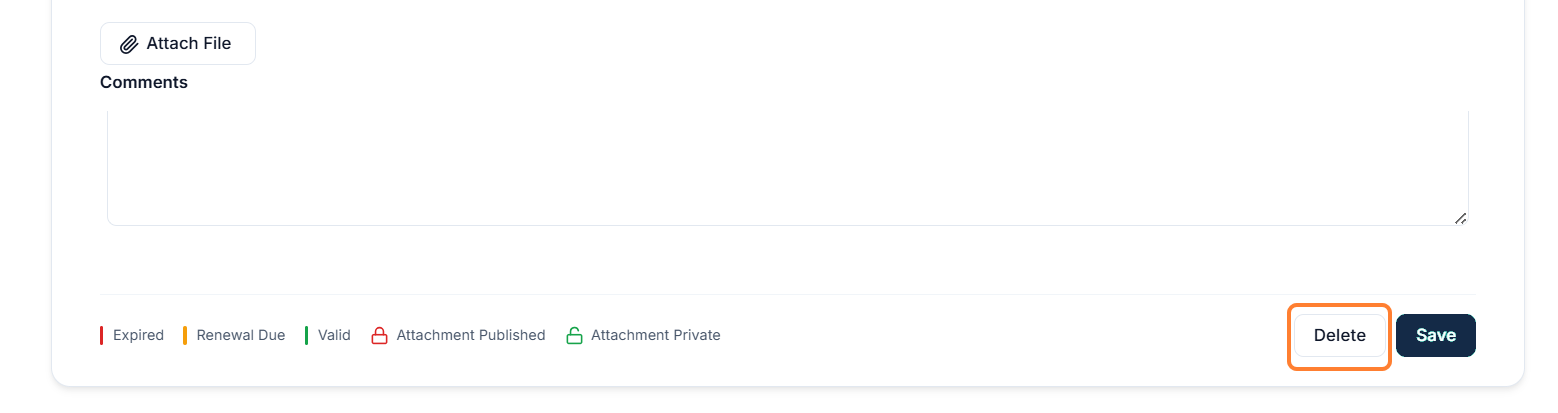
After clicking on the Delete* button, you will receive a confirmation prompt:
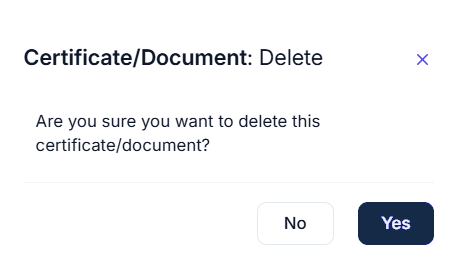
Delete*: When you delete a certificate for a vessel, it only removes the data and attachments for the selected vessel/certificate. The certificate itself will remain in the system in case you need to add it again later.