
Home > Financials > Accounting Interface Summary
The Accounting Interface Summary provides a central viewing point to see incoming and outgoing transactions between IMOS and a third-party interface.
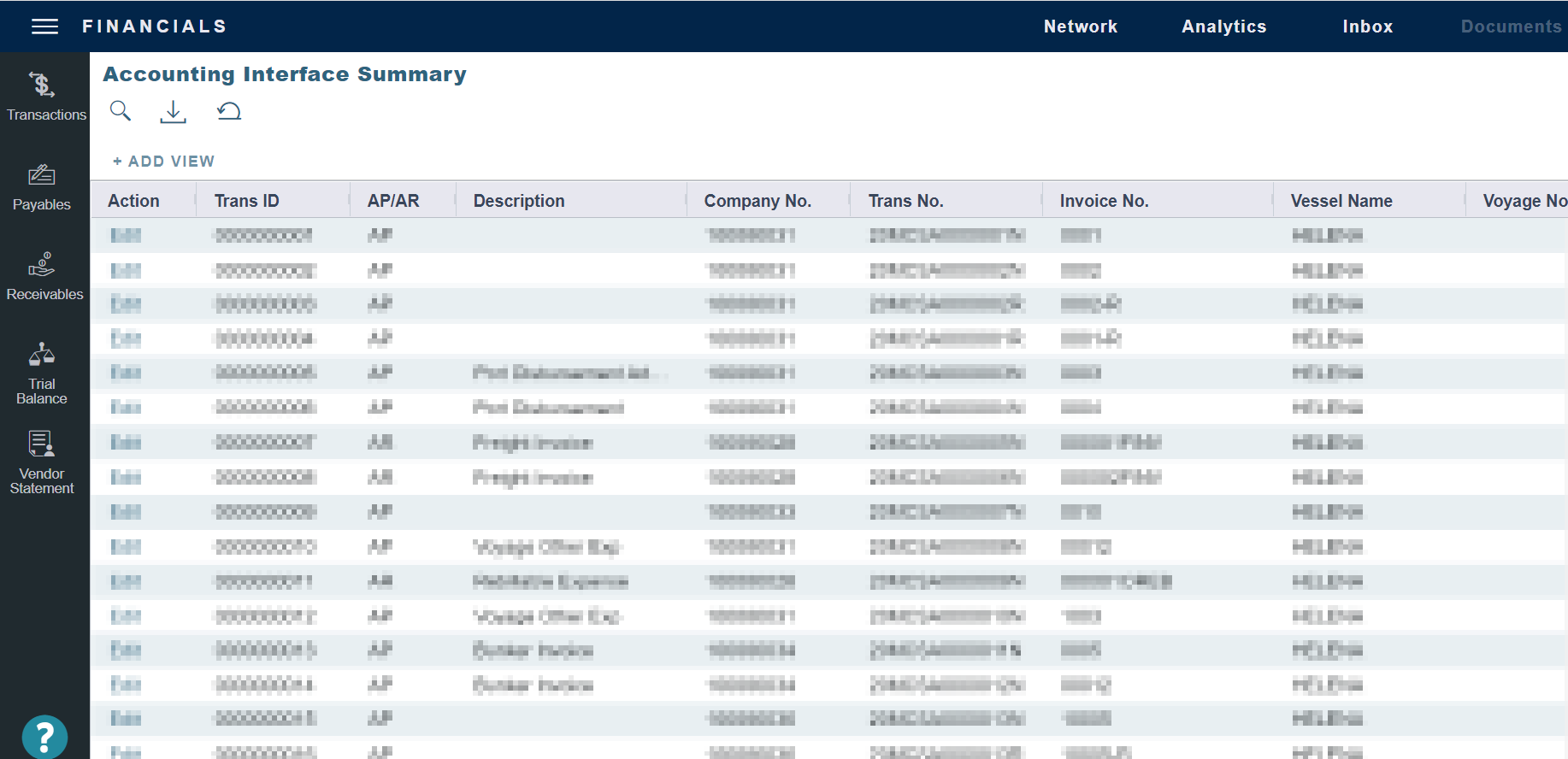
The Action column contains an Edit link. To open the Transaction Data Entry form, click the link. From there, you can correct an invoice transaction that may have failed import to or export from IMOS.
Configuration Flag: actControlInterfaceEnabled
Disabling the Accounting Interface Summary ensures that IMOS Financials pulls all transactions from the invoice table instead of the control table. This resolves an issue where a transaction could be released to a financial interface more than once. For example, if the item is released, it cannot be edited, saved, or released again.
When the config flag is enabled, the system relies entirely on third-party control data for reporting. Therefore, this interface is not intended as a financial details lookup, but rather as a status monitoring tool.
Status Types

|
<TransStatus> |
<InterfaceStatus> Returns from final endpoint |
Definition |
|---|---|---|
|
|
B |
Invoice was posted from IMOS with no technical errors, IML shows "Success", but external system rejected it due to a business logic error. |
|
|
S |
Invoice was posted from IMOS and successfully accepted and processed by the external system. IML shows "Success". |
|
|
(Not yet returned) |
Invoice was posted from IMOS successfully, IML shows "Success", but no response has been received yet from the external system regarding its status. |
|
|
(Not yet sent out from IMOS) |
Invoice is in Saved Only (V) Status in IMOS. |