
Search the Questionnaires database using either keywords or numerical values.
Accessing the Search Particulars
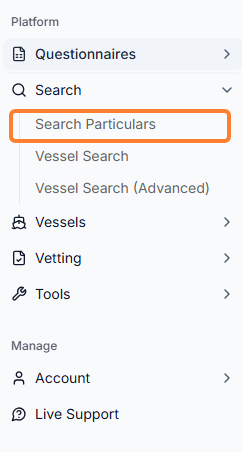
In the sidebar menu, under Search, select Search Particulars.
-
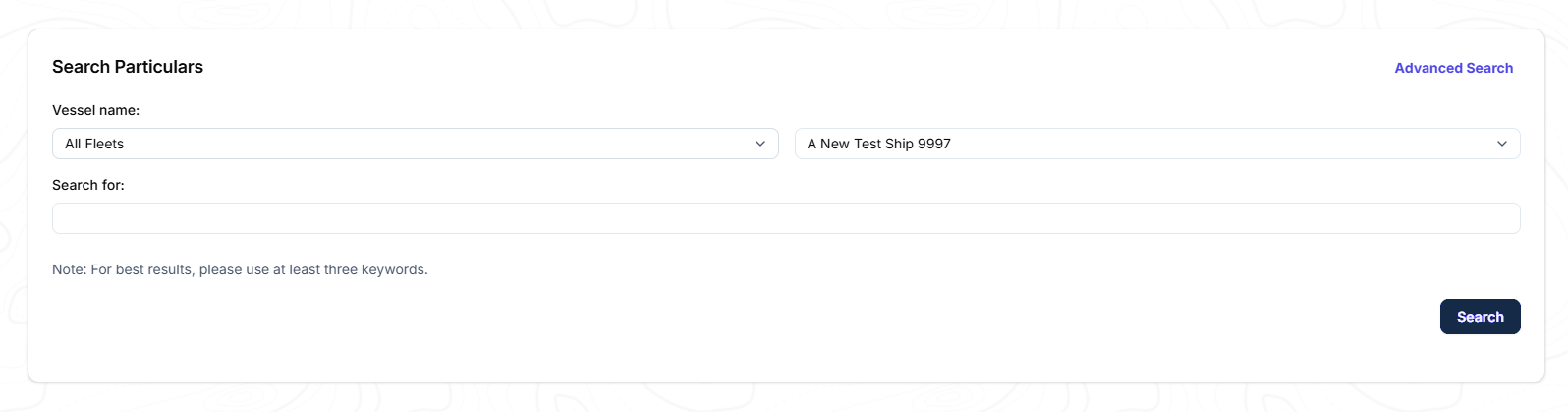
A new window opens where you can select the vessel and vessel type in the Search for text box.
-
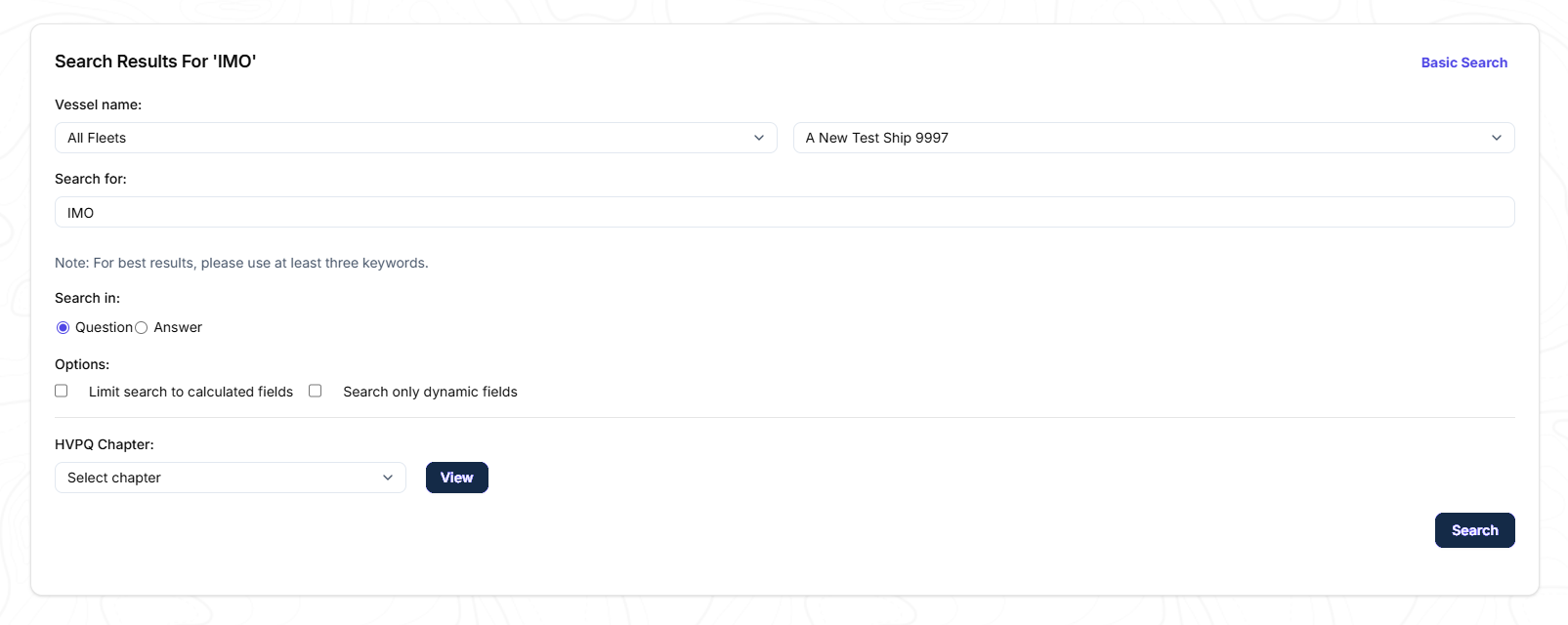
By default the search will be based on the Questions list for all fields. If you wish to search within the Answers, click Advanced Search, and the following window will appear.
-
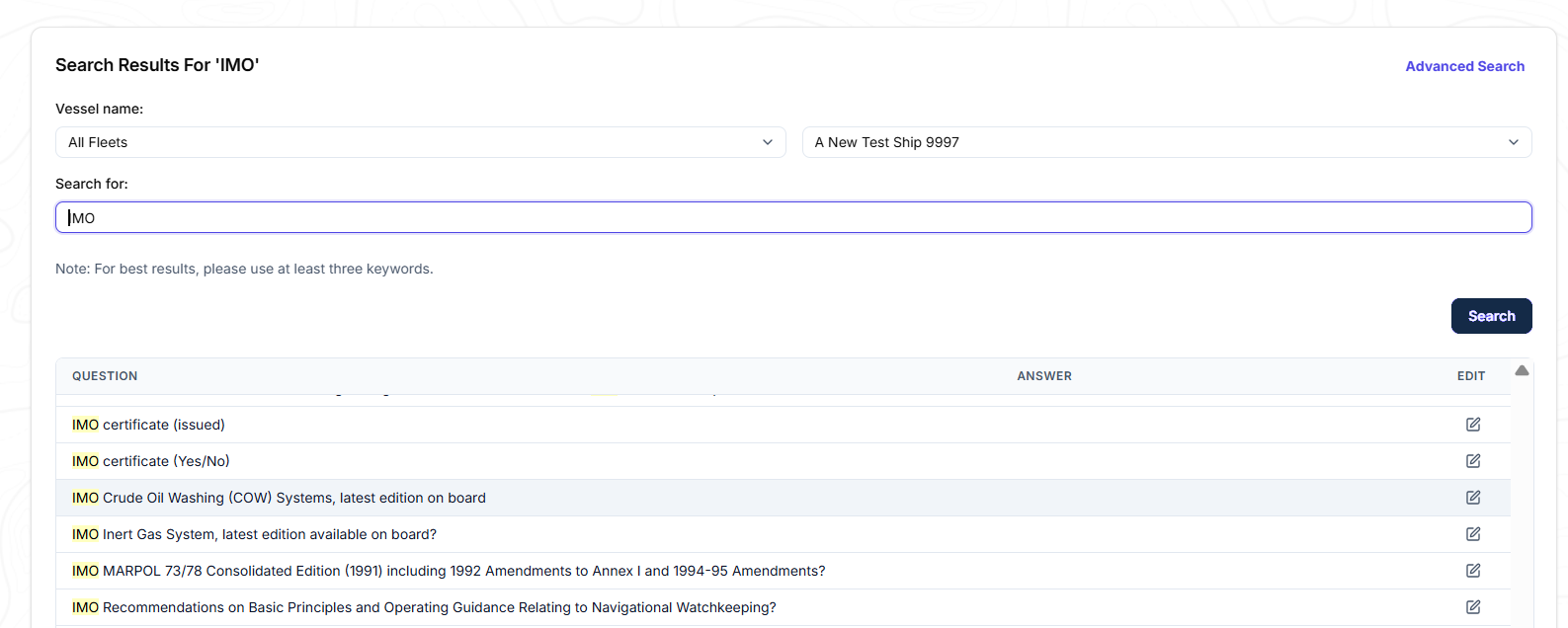
Once you have filled in the details, a list with all of the results will appear and can be edited if any discrepancy is found.
View for Q88 Onboard Users
For Q88 Onboard users, please note that you will only be able to view the vessels you have been granted access to.