
Q88 Onboard Users: Please note that you will only be able to view the vessels you have been granted access to.
You can have access to the registered vessels in the Database to view/email/download the vessel's Baltic 99 form and other details.
-
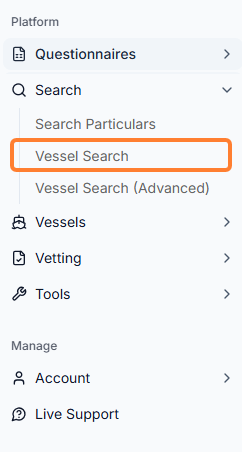
Navigate to Search → Vessel Search:
-
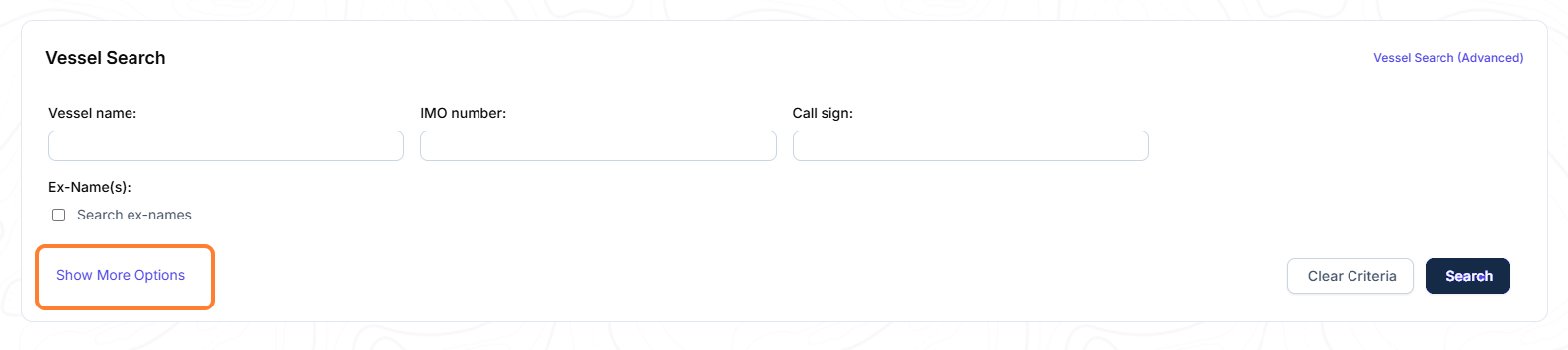
In the next step, you will be asked to complete the following search criteria. Click on the Show More Options for further details → click on the Search button:
-
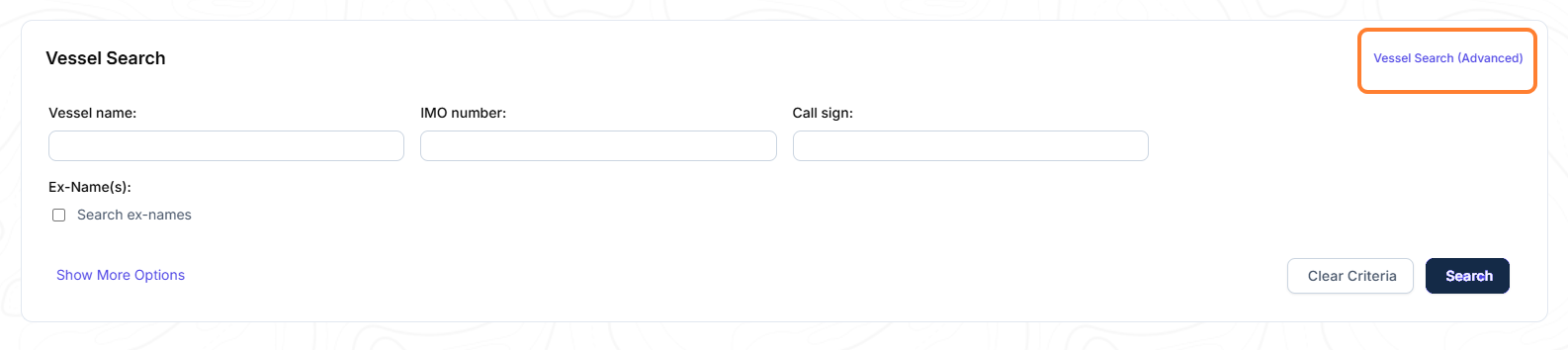
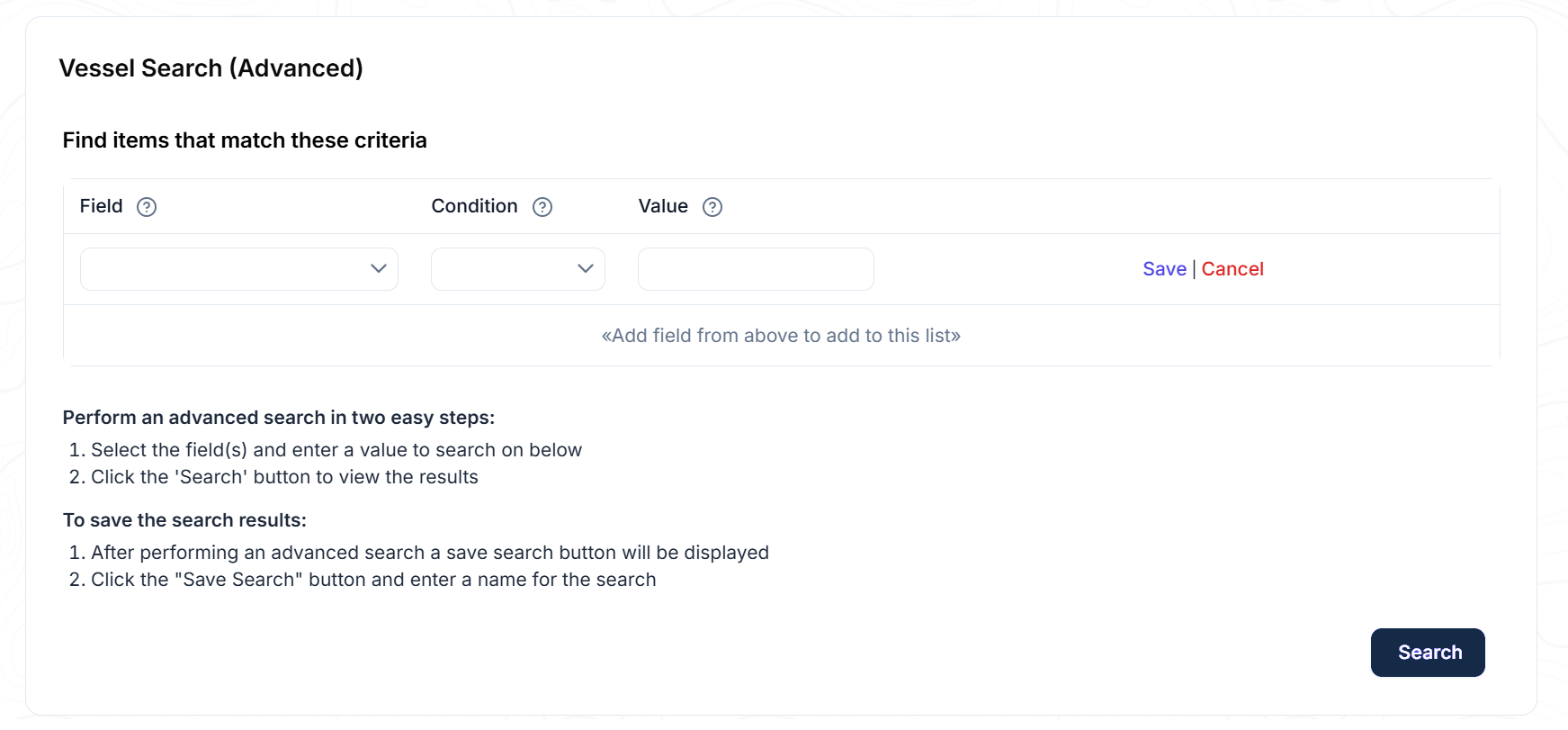
If you would like a more tailored search, you can click on the Vessel Search (Advance) link → click on the Search button:
-
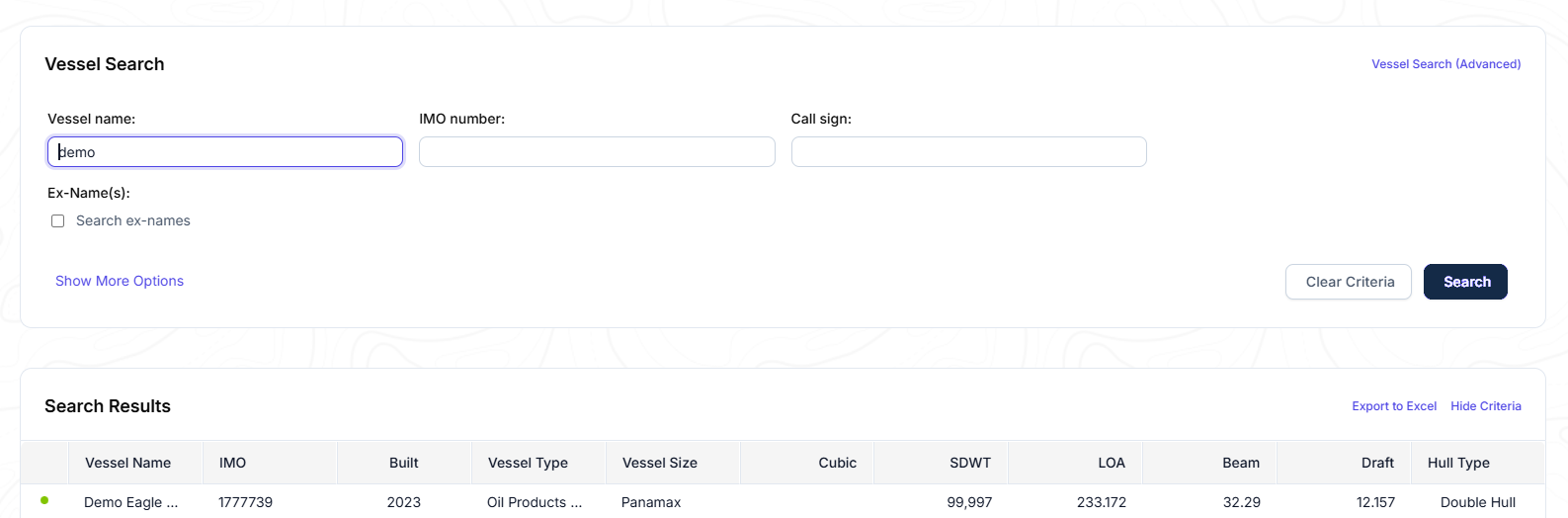
A list of vessel(s) will appear under the Search Results section that fulfills the criteria you set in the previous step.
-
Example: Search name to include word: Demo
-
-
By clicking on the vessel's name, the details and the Baltic99 form of the vessel will appear.
-
Select Print Baltic99 or EmailBaltic99 you need to email/export the Baltic 99 form.
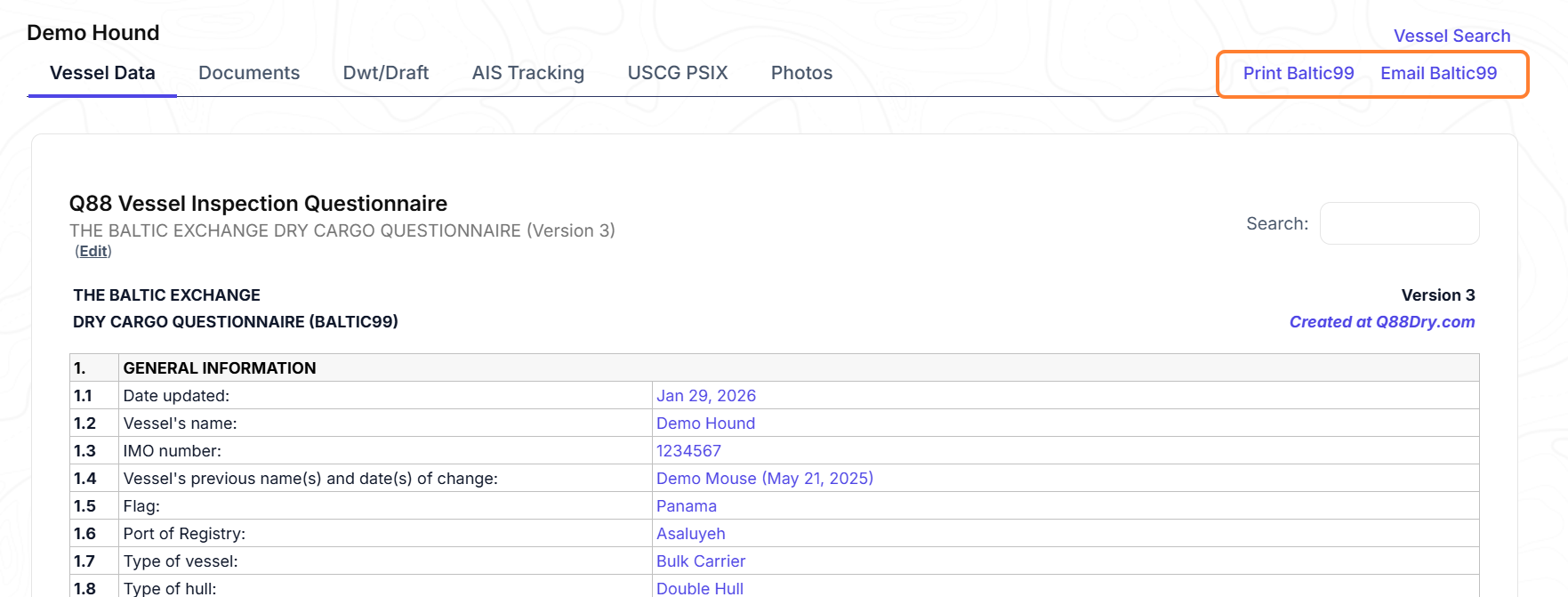
Details of the Baltic99 Form
-
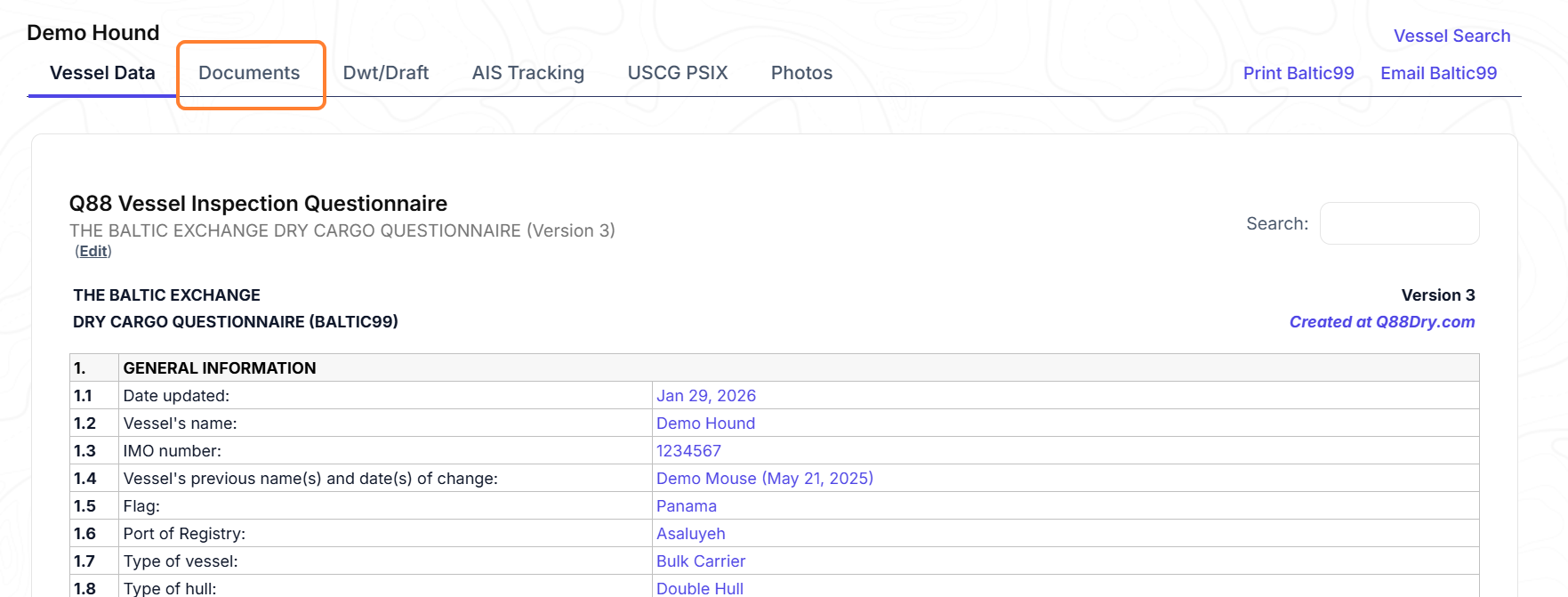
If you click on the Documents tab, you will see the list of all published documents for this vessel. Depending on the access level that the operator has allowed, you can view and download the documents as well.
-
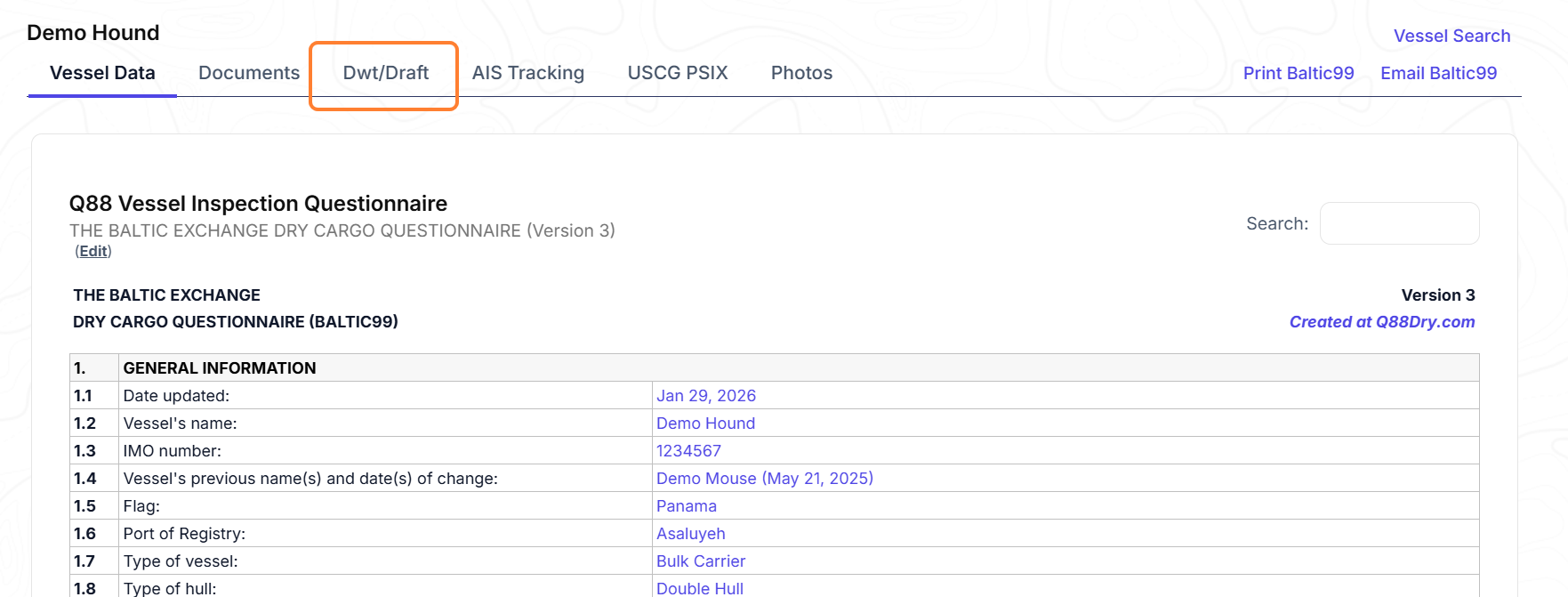
Dwt/Draft: Calculator basis the data retrieved by the Baltic99 form.
-
AIS Tracking: Displays the current position of the vessel on a map.
-
USCG PSIX: An integrated page with USCG website, displaying all relevant entries made for this vessel.
-
Photos: If available, this tab can be found on the next tab.
-
Private Notes: You can keep notes for your account and for your reference only.
Advanced Search
If you would like to conduct a more detailed search, click Advanced Search.
Fill out the provided fields and select Search.
Note: You have access to specifications and documents only for vessels whose Operator has granted you permission on their Manage Vessels page.