Accessing the Mooring Diagram Tool
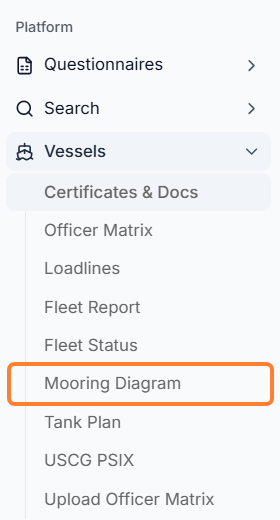
There is a drawing tool to create Mooring Diagrams for your vessels in the sidebar menu under Vessels → Mooring Diagram.
Select a Diagram Type
-
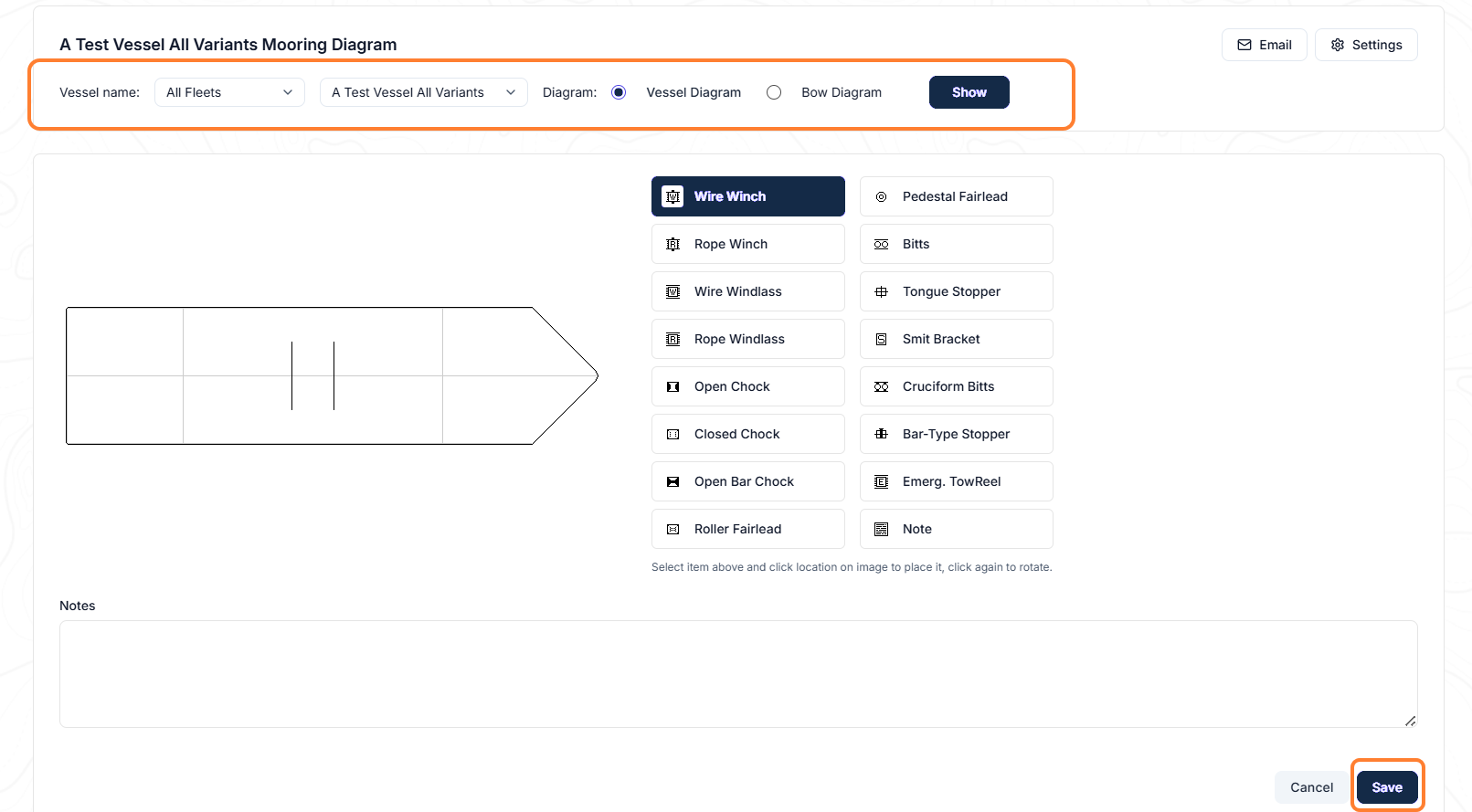
In the new window that opens, select the fleet, specific vessel, and whether to use a Vessel Diagram or Bow Diagram → click the Show button.
-
Design the diagram with the available icons to reflect the vessel’s mooring plan. Select an icon, drag it to the vessel’s drawing, and click Save.
Email Functions
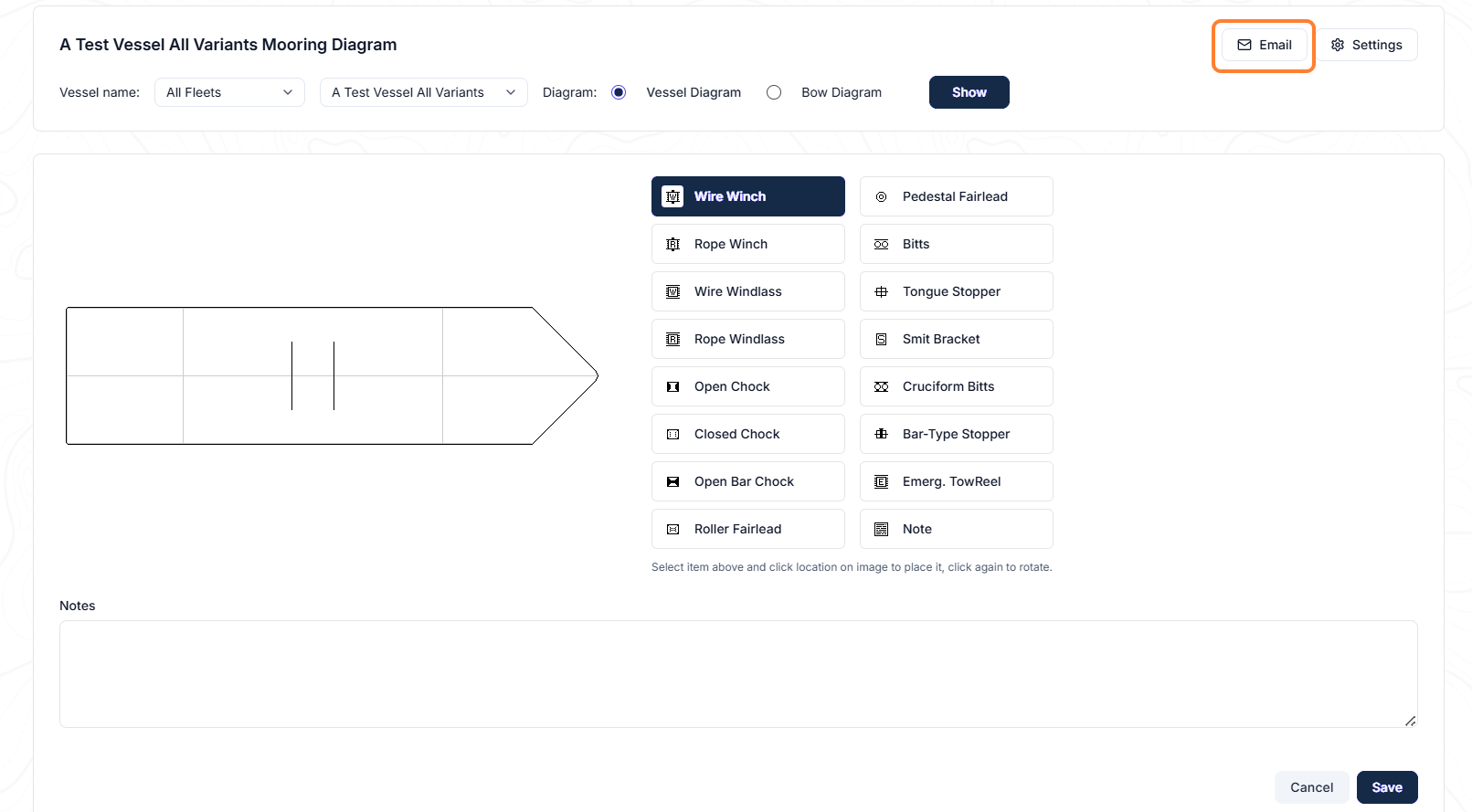
To email the diagram, click the Email button in the upper right and the system will automatically attach the diagram.
Settings Function
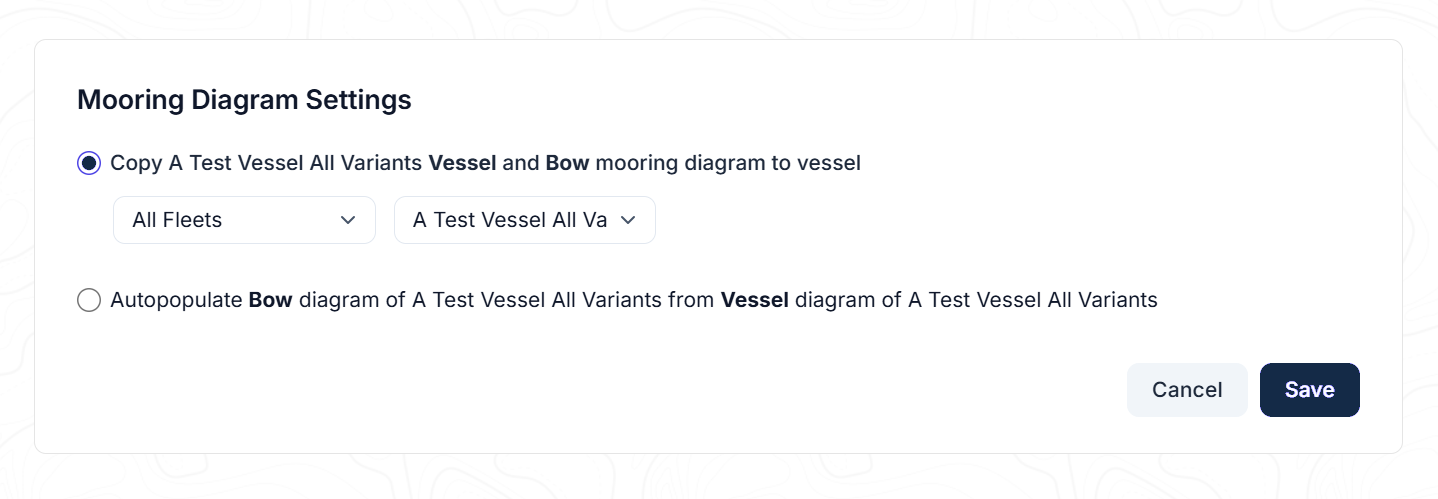
If you click the Settings button, this will allow you to copy the existing diagram to the current one or to another vessel.