
Insights is a section in Shipfix that provides data-driven market analysis, including Market Trends and Freight Analytics. You can access it from the main navigation.
To access Insights:
-
Log in to your Shipfix account.
-
Locate the Insights section in the main navigation menu.
-
Click on Insights to open the module.
-
In the Insights module, you can navigate between different sub-sections such as Market Trends and Freight Analytics.
What you can view in Insights:
-
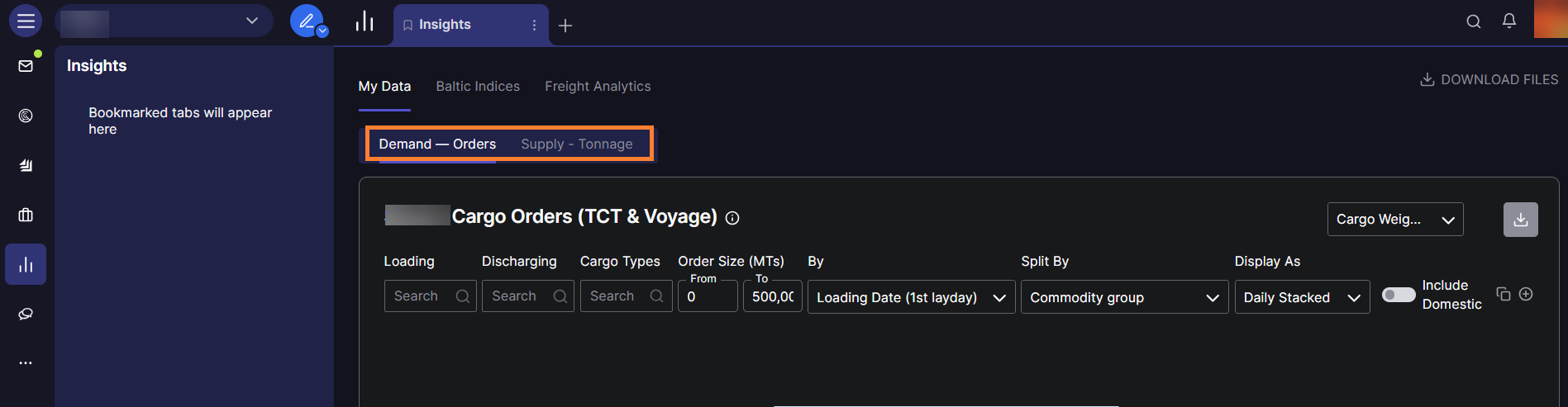
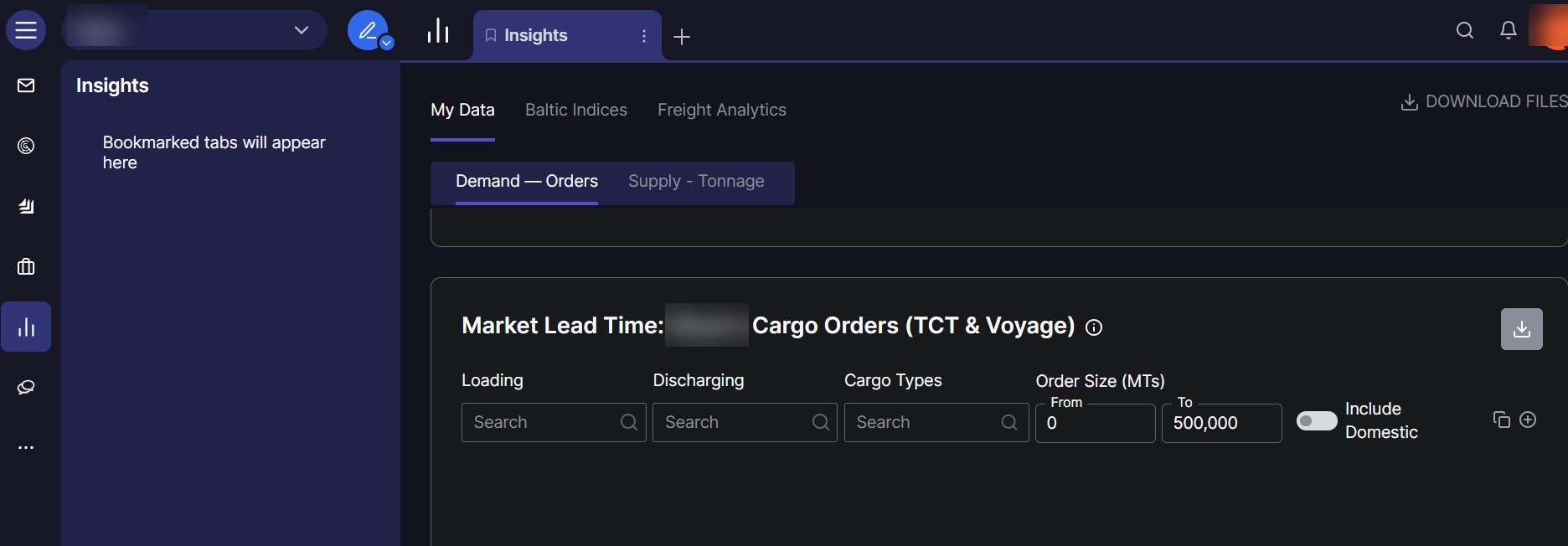
Market Trends provides historical and forward-looking data on:
-
Demand (cargo orders) - shows cargo seeking transportation.
-
Supply (vessel openings) - shows advertised vessel positions.
-
Market lead time indicators.
-
-
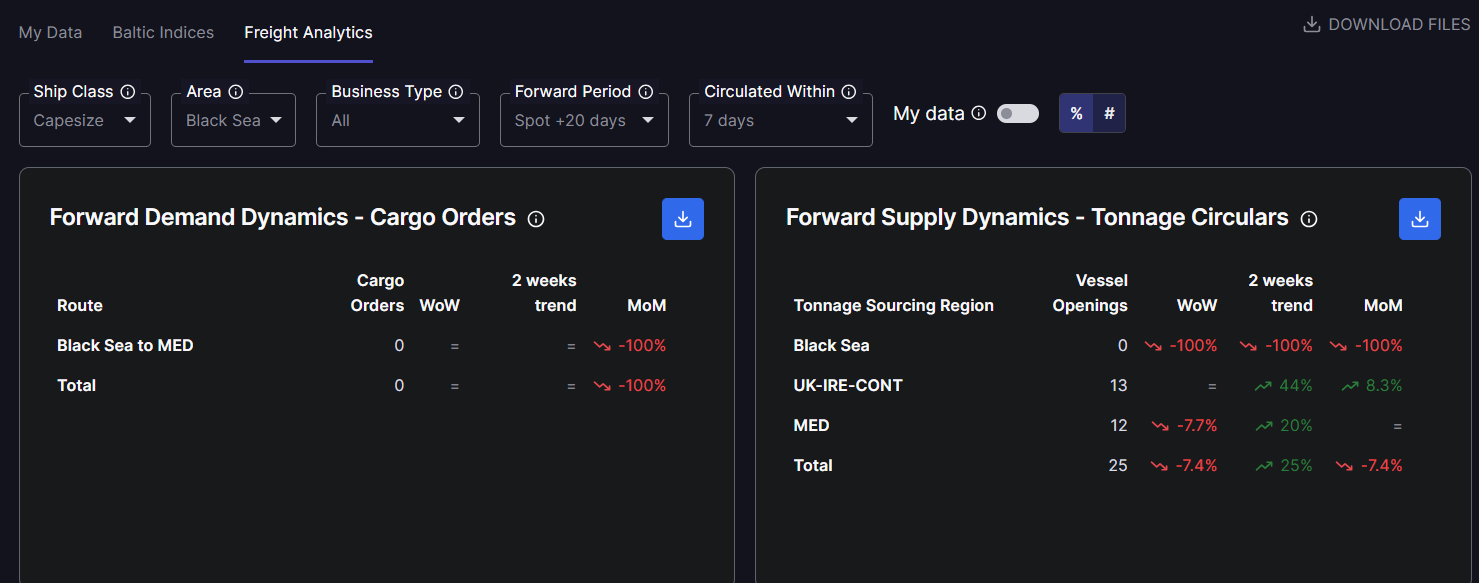
Freight Analytics offers:
-
Overview of orders and tonnage counts by load area.
-
Price dynamics segmented by vessel size.
-
Supply and demand curves for specific regions.
-
Customizing your view:
You can apply various filters to refine the data you see, including area filters (loading/discharge zones), date ranges, vessel size ranges, and cargo types. These filters allow you to analyze historical trends and forward outlooks based on your specific needs.