
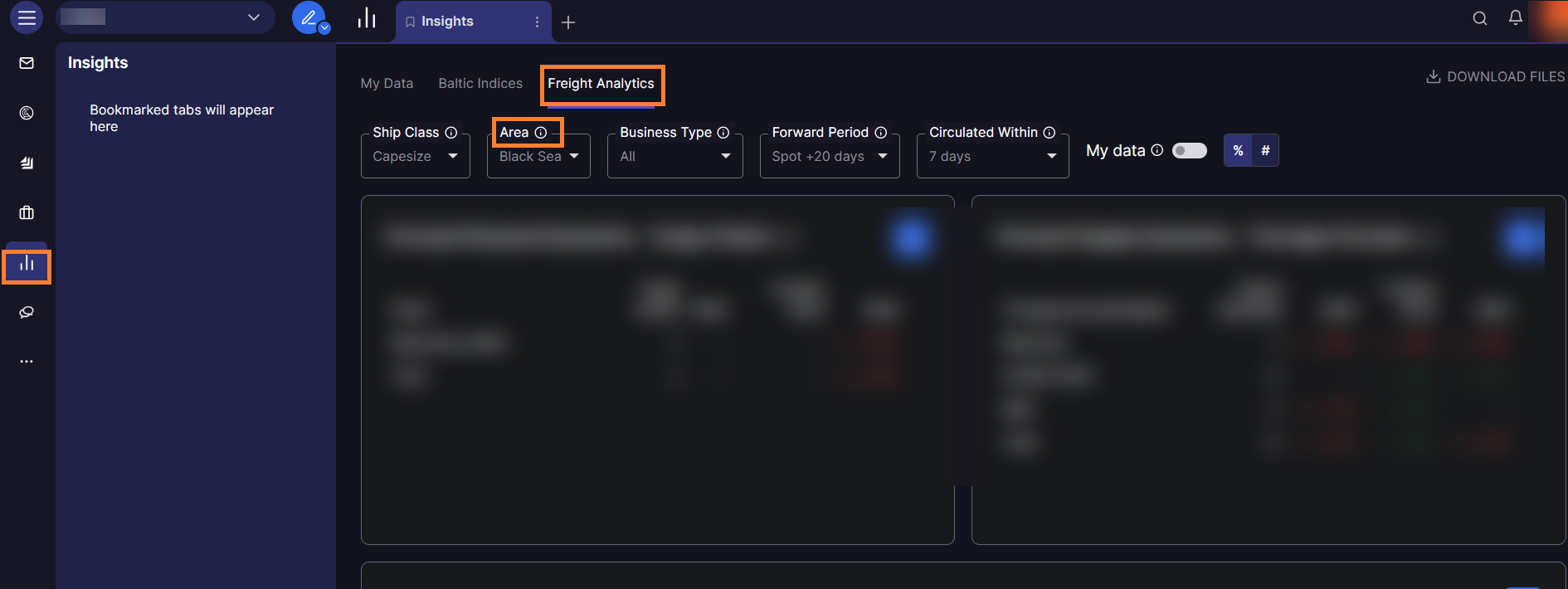
Loading zones are available in the Freight Analytics section in the Insights module, which includes area filters to refine your data by supply and by demand.
To select loading zones in Freight Analytics:
-
Navigate to Insights → Freight Analytics.
-
Use the Area Filter at the top of the page to select your desired loading zone.
-
Choose from the available macro regions and specific countries for cargo orders.
Shipfix maps relevant load areas for each ship segment. Each Freight Analytics page corresponds to a specific load are, segmented by vessel size. You cannot set Northeast Asia (NE Asia) as the default on the Insights page. However, you can customize your view using area filters each time you access the page.