
When onboarding new users with Microsoft SSO, you may encounter issues with the magic link authentication process. Here are the recommended solutions:
Step-by-step SSO instructions:
-
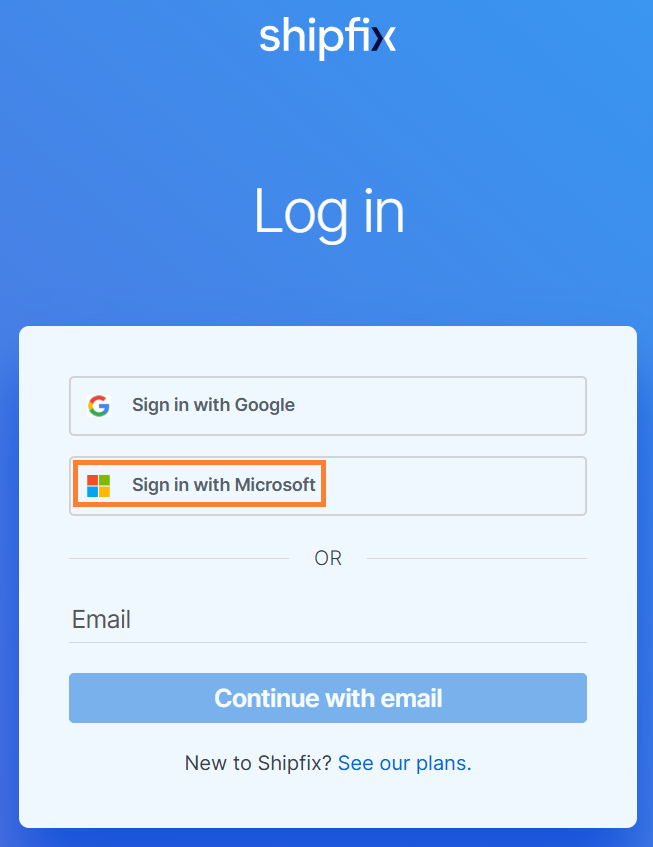
Navigate to the Shipfix login page.
-
Click Sign in with Microsoft.
-
Enter the user’s Microsoft credentials.
-
Complete any multi-factor authentication if required.
Magic link expiration:
Magic links expire after 24 hours and redirect to the sign-in page instead of the workspace. This is a security measure to protect account access.
Alternative login methods:
If a magic link has expired, users have two options:
-
Request a new magic link through the login page.
OR
-
Use the Microsoft SSO option to bypass the magic link entirely.