
This guide walks you through everything you need to get up and running with the Veson Platform.
How to Log In
Here's how to access your account:
-
See Getting Access.
-
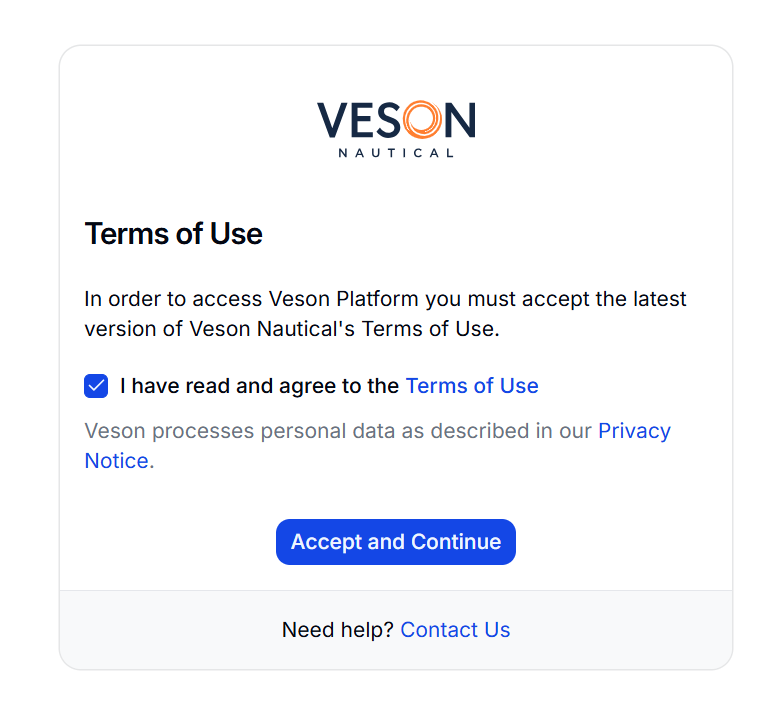
Review our Terms and Conditions by checking the box and selecting Accept and Continue.
Navigating the Platform
Workspaces
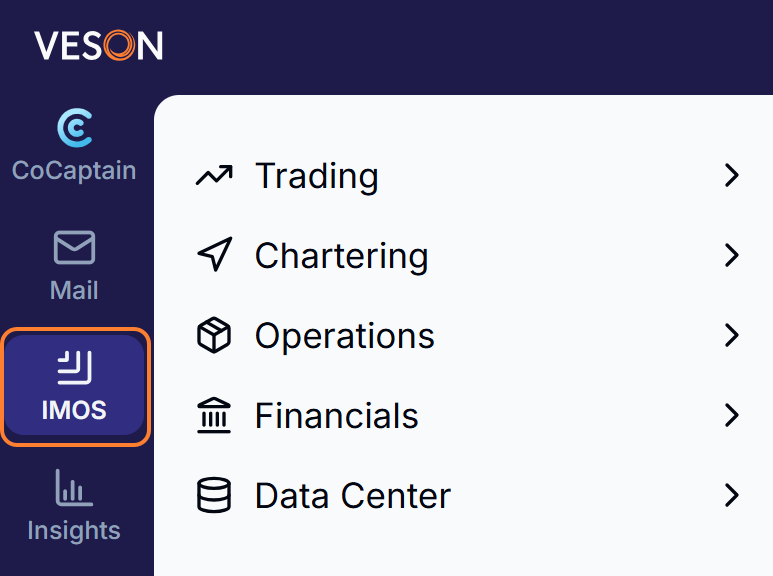
The Veson Platform organizes its core capabilities into functional workspaces. Whether you're managing voyages, monitoring performance, or analyzing market data, there's a dedicated space designed to support that work. See the Workspaces article for more details.
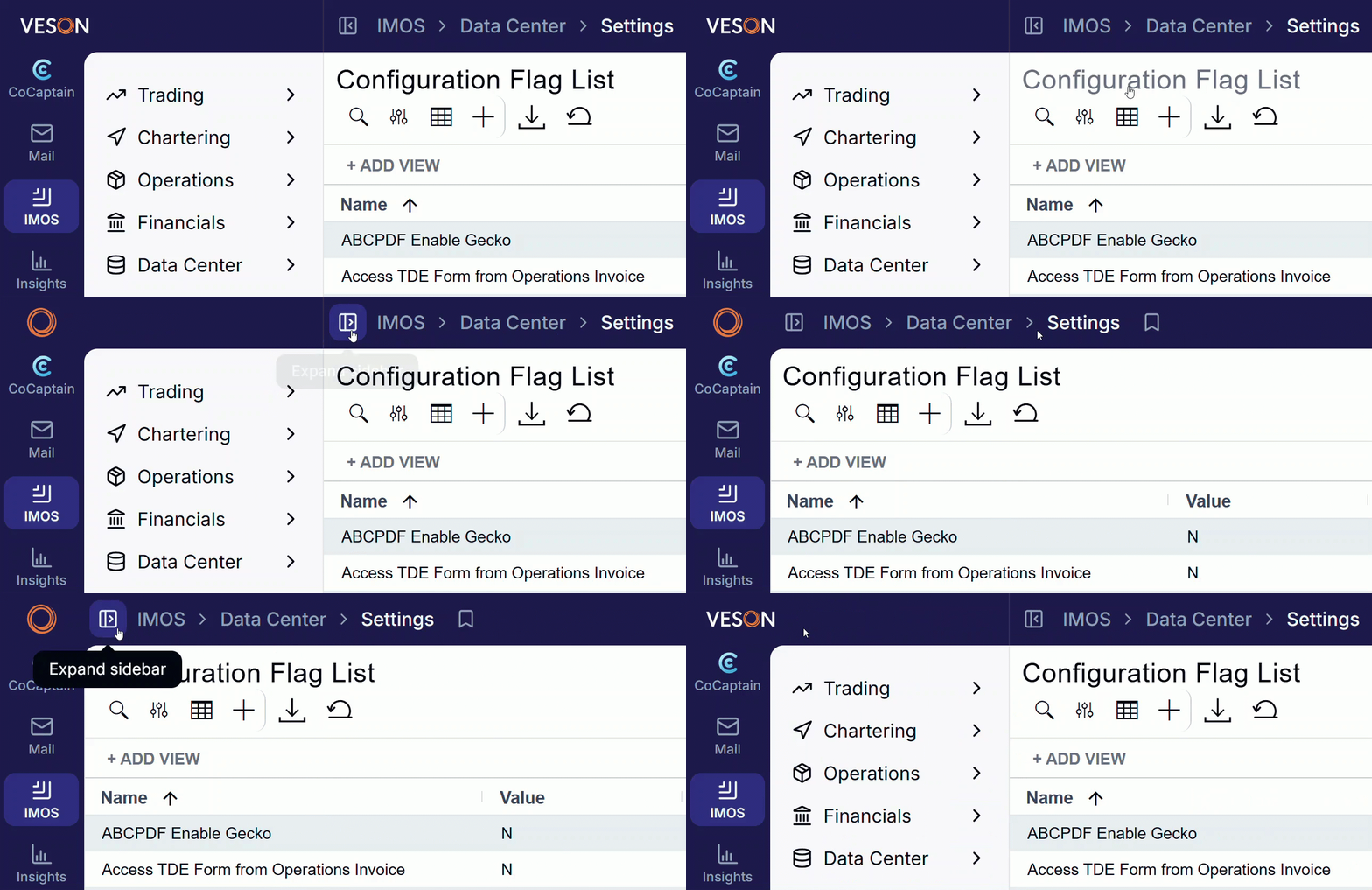
Prefer a little more screen space? Collapse or expand the panel by selecting the sidebar icon.
Global Search
Select the search bar in the upper-right of the platform to use the global search functionality.

Contact Veson Support
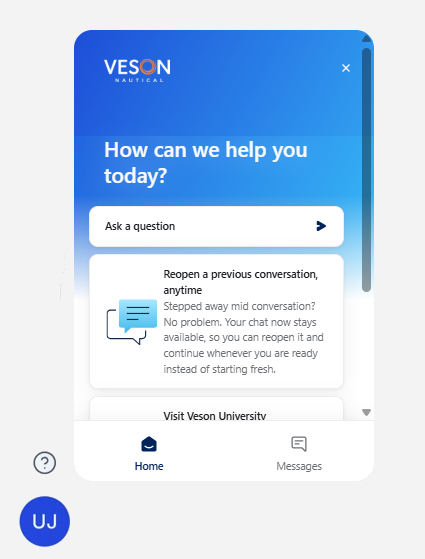
Select the icon in the lower-left of the platform to chat with Fin, request Veson Support, and access helpful resources and links.
Profile Settings
You can view and manage your personal settings at any time to customize your experience and keep your account information up to date.
To access your settings:
Select the initials icon in the lower left of your screen and choose Settings.
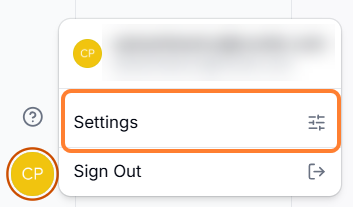
From the Settings page, you can:
-
View your profile — name, email address, and other personal details.
-
Control your email notification preferences — Choose when you receive emails.
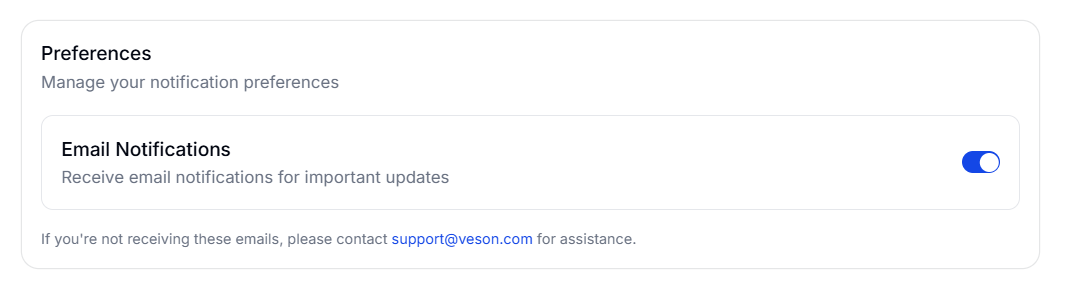
-
Review your sharing settings — Manage data sharing and check your Sharing status.

-
Veslink API Connectivity — Verify your Veslink API connectivity, or restart the service.
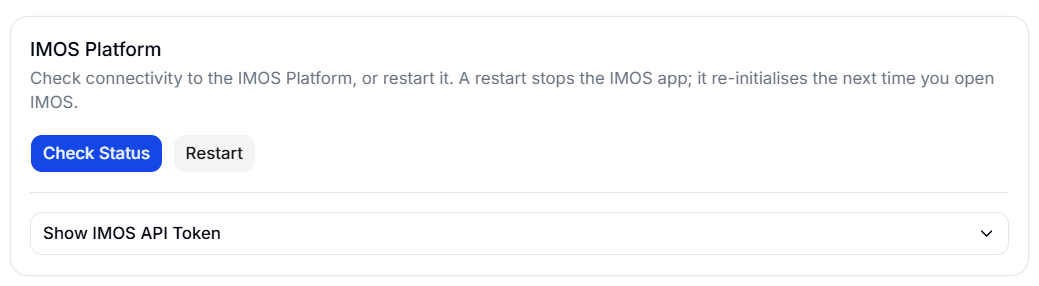
-
Legal & Privacy — View our Privacy Policy and Terms & Conditions.

Your changes are saved automatically. If you need help, contact Veson Support.