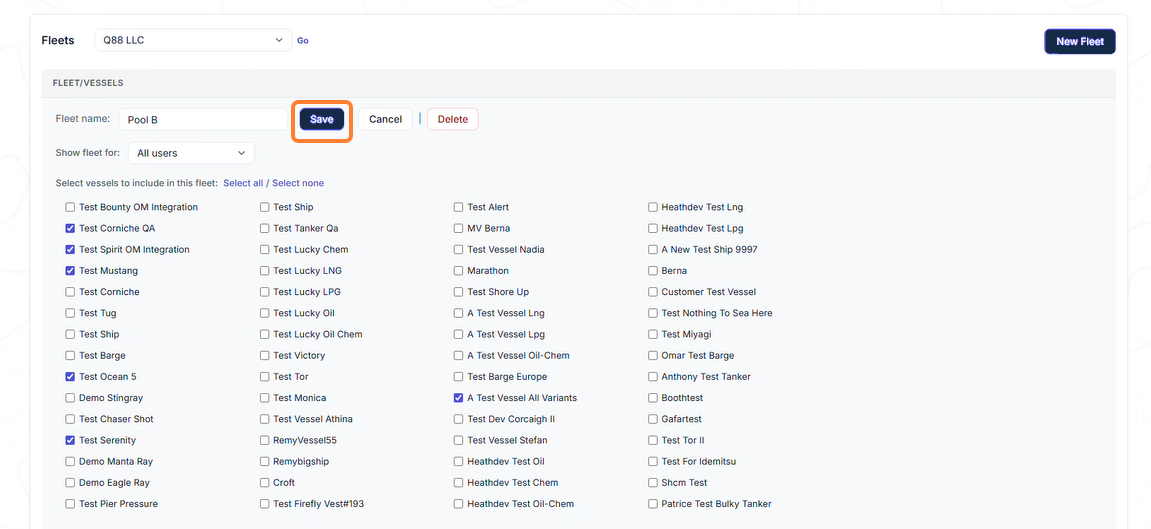
Access the Manage Fleets module
All users can add Fleets, regardless of their permission. However, the Account Admins and Vessel Admins are the only ones that can add/edit Fleets for all users.
-
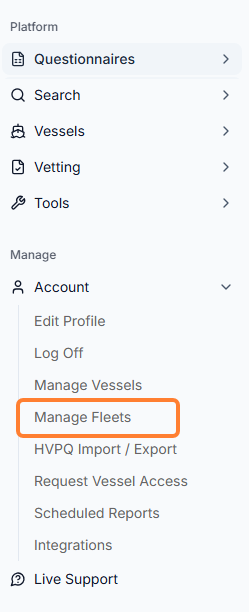
To access the module, you can click Account → Manage Fleets in the sidebar menu.
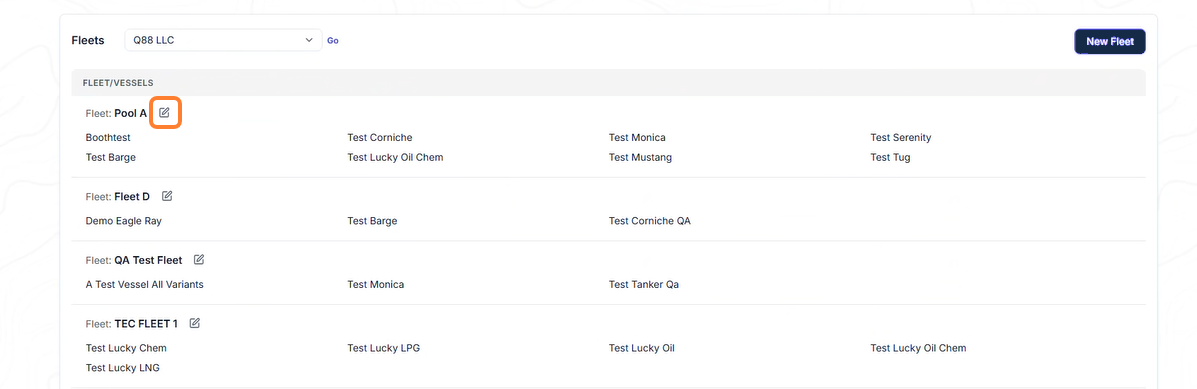
From there, you can view/edit the existing Fleets.
Edit Existing Fleet(s)
Select the edit icon to make the relevant changes.
Add New Fleet(s)
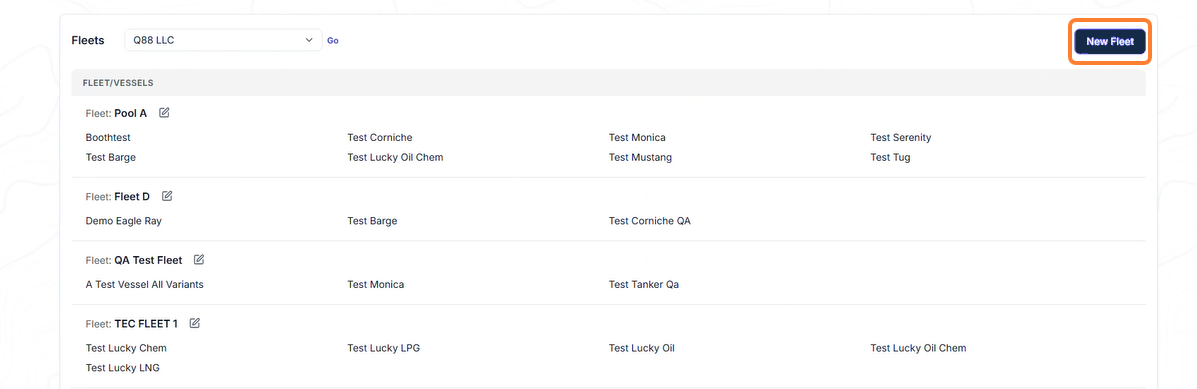
To add a new fleet, select the New Fleet icon.
Once you’re on the Fleet/Vessels page, complete the following:
-
Give a name to the new Fleet.
-
Select whether this should be visible to you or your company’s users.
-
Click the vessels you wish to include.
-
Click Save.