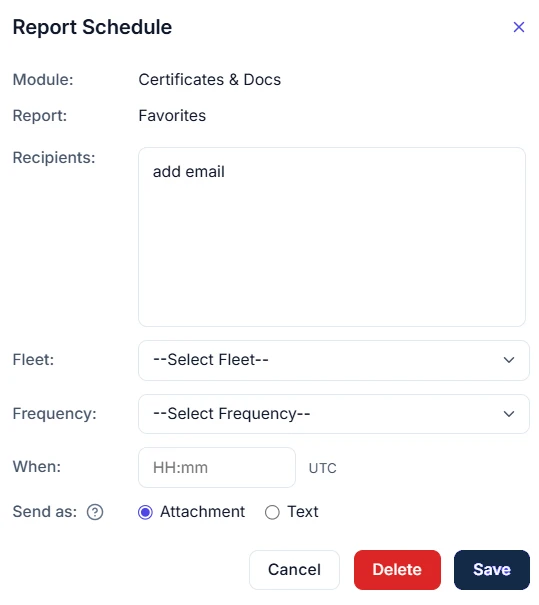
Scheduled reports help you track deadlines and renewal dates. All users can create and edit scheduled reports as needed.
Accessing Scheduled Reports
To access the tool, click on the Account tab → click Scheduled Reports.
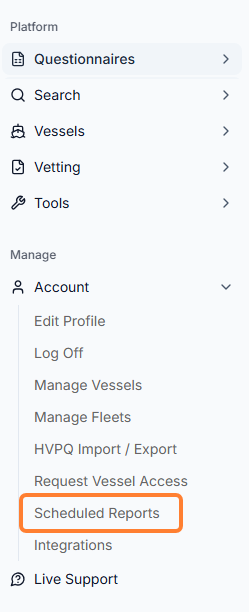
Scheduled Reports Page
In the new window, you can do the following:
-
To find an existing report, use the search bar to find reports by entering any part of the report name.

-
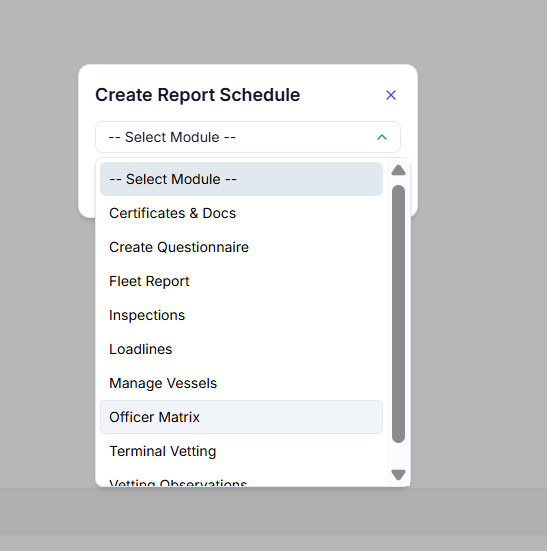
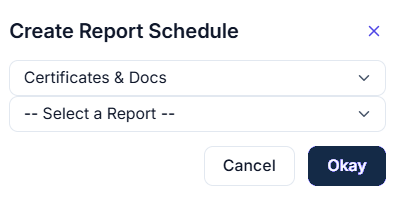
To add a new scheduled report, click New Schedule and select the module and report from the list.
Add as many emails as needed in the Recipients field, select the Fleet, and Frequency for the newly created report. Click the Save button.