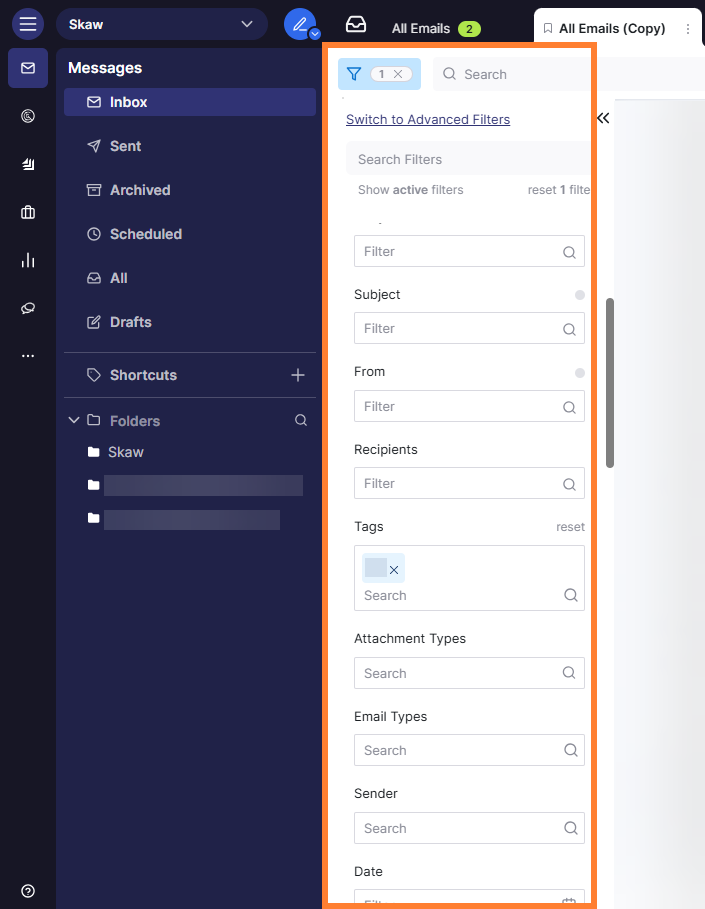
Column search filters are only available under the under the Basic Filters mode.
To activate the column search:
-
Click on the vertical three dots on the tab bar.
-
Select Duplicate to create a copy of your tab.
-
Choose where you want to duplicate the tab.
-
On the duplicated tab, click on the

-
Click Switch to Basic Filters

-
You can now use the following filters to search for specific emails.