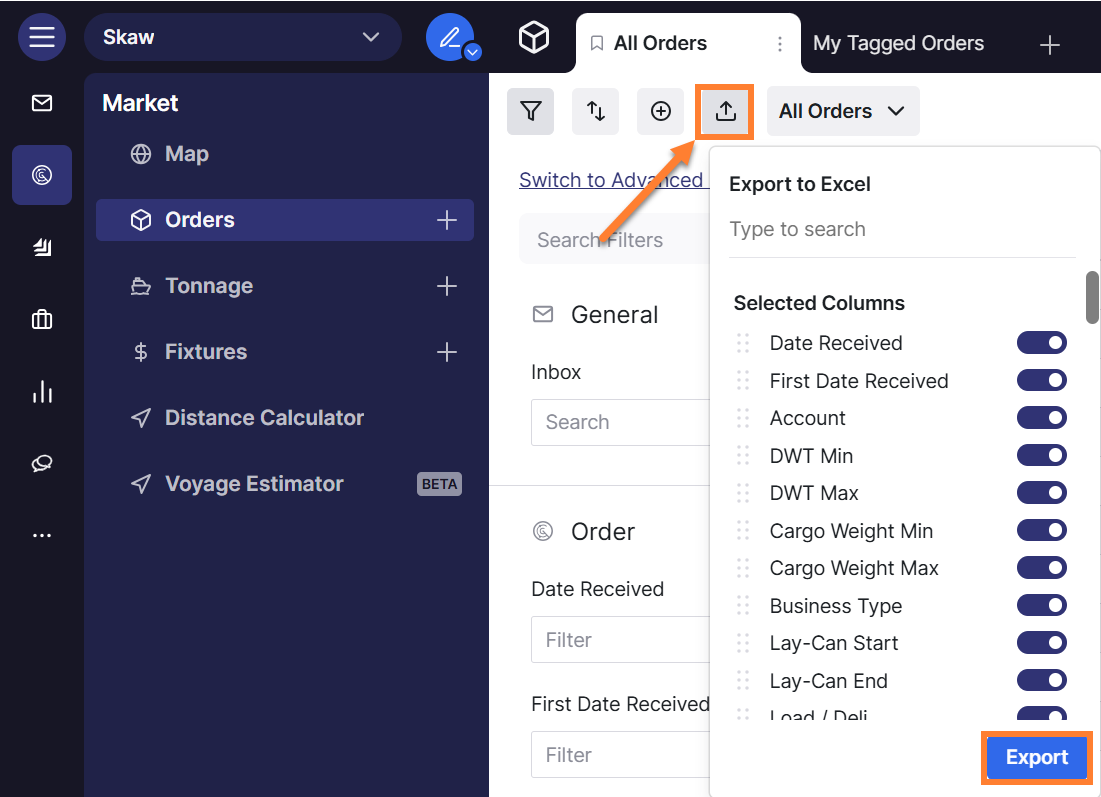
You can apply filters such as date ranges, cargo weight, and loading zones to your order list, then export the results to Excel as a customized report.
To export a filtered order list:
-
Navigate to the Orders screen.
-
Click on the

-
Apply your Date Received filter (e.g., select the date range for the week you want to analyze).
-
Apply your Cargo Weight / Ship DWT filter (e.g., set the range from 10,000 to 60,000 mts).
-
Add any additional filters as needed (loading zones, discharge zones, cargo type, etc.).
-
Select any other columns you want to include in the export.
-
Click the blue Export button to download your Excel spreadsheet.