You can hide orders from your view by doing one of the following:
How to hide orders:
-
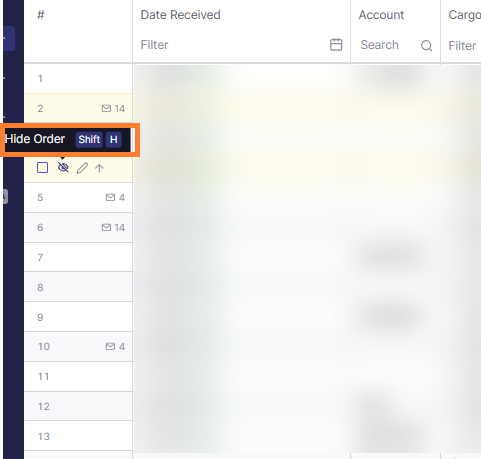
Click on the

OR
-
Press Shift + H on your keyboard to quickly hide the selected order.
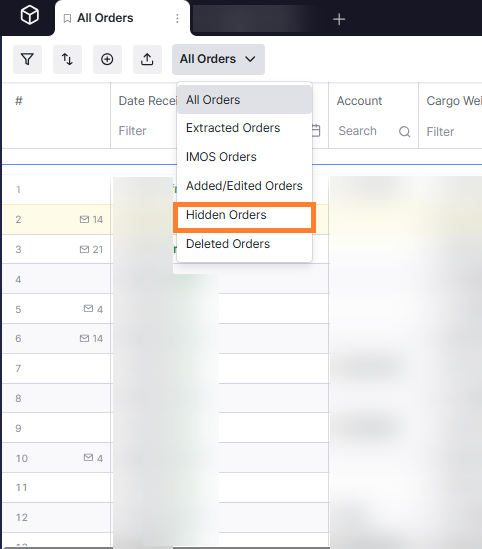
When you hide an order, it is hidden only from your personal view. You can still view hidden orders by switching to the Hidden Orders filter in your preset views.