
When searching for fixtures by discharge or loading regions, you may notice that some countries appear under multiple regional classifications. This occurs because geographic boundaries can overlap, and countries may belong to more than one ocean region.
Understanding regional overlaps:
Some countries and ports are classified under multiple parent zones because their geographic location spans boundaries between different ocean regions. For example, a country's coastline may border multiple oceans, resulting in ports being associated with more than one regional classification.
To refine your search results:
-
Select the


-
Use area filters to select your desired region.
-
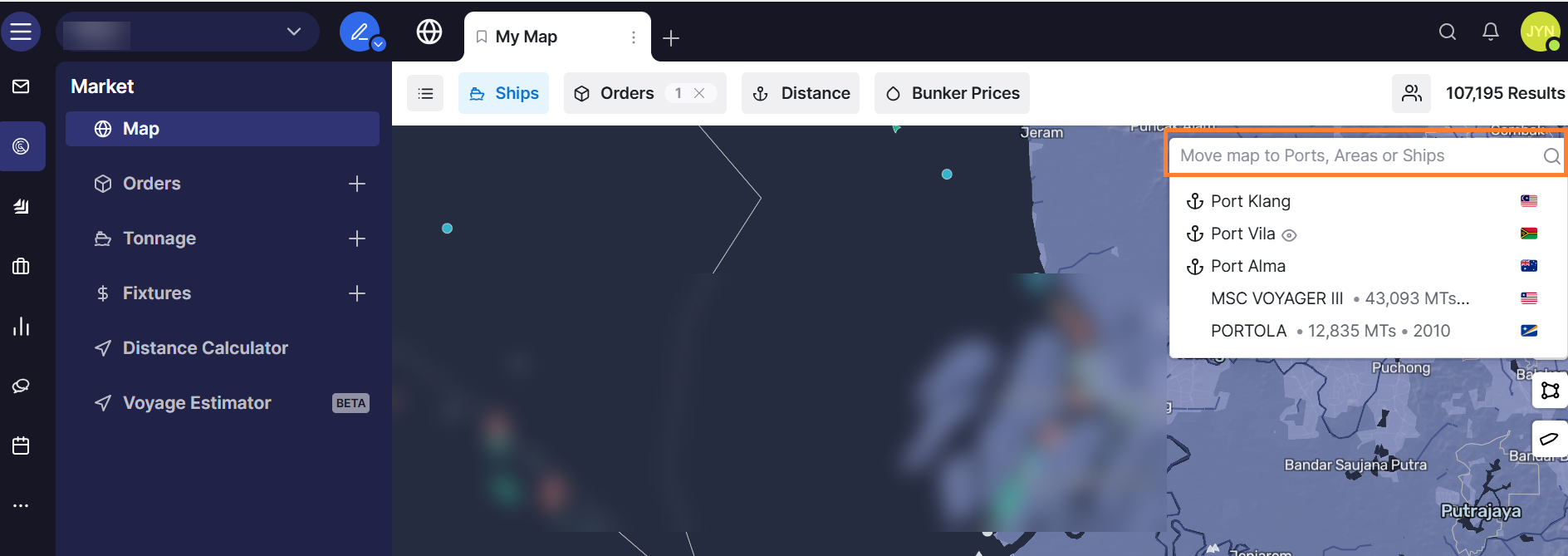
Use the search filter in the map toolbar to search for specific ports or areas.
-
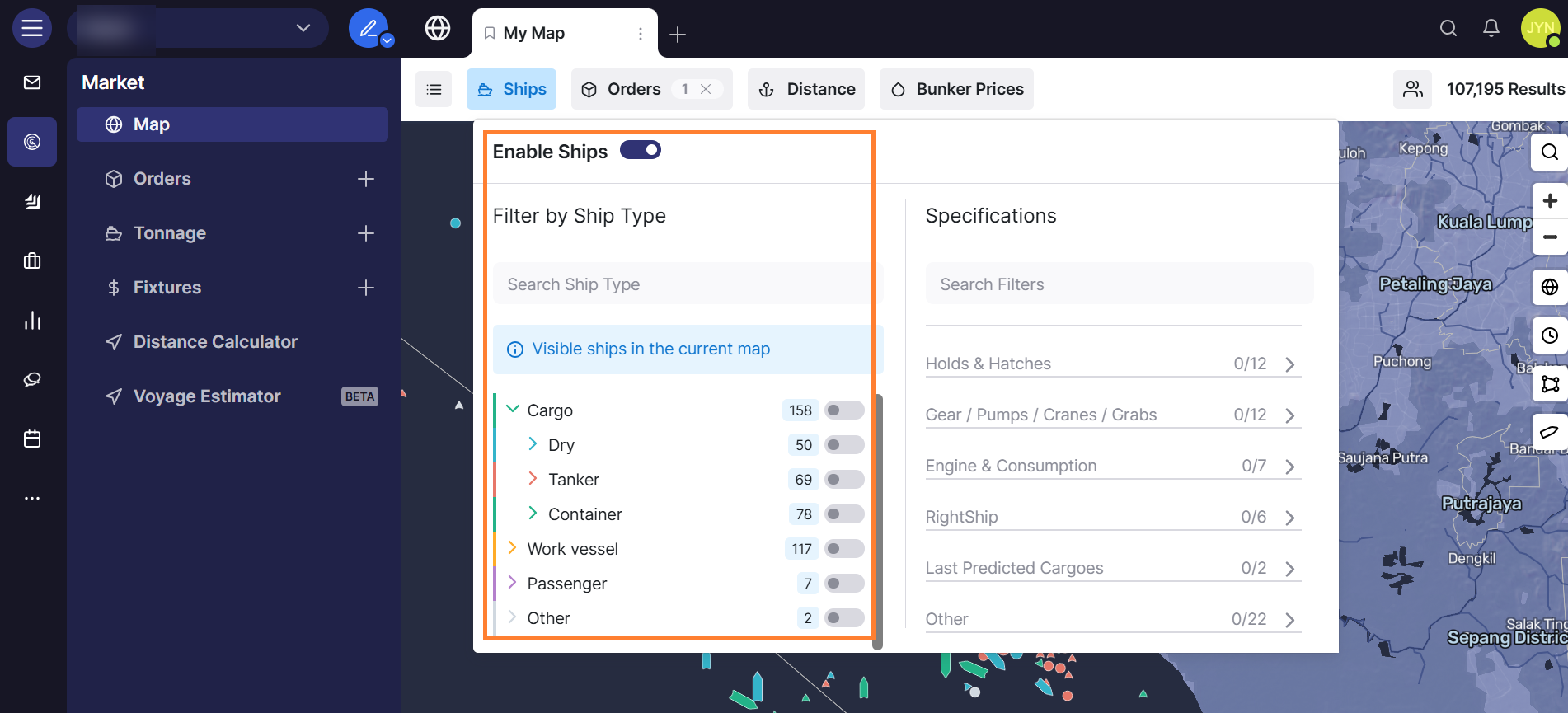
Apply additional filters to narrow down results based on your specific needs.
-
Review the filtered results to ensure they match your search criteria.