
Recap to Cargo reads a fixture recap, and its PDF attachment if one is included, and creates or updates a contract of affreightment (COA) and its linked liftings in IMOS on the day it is fixed. You do not re-enter the recap by hand. A revised recap updates a COA that already exists. The recap email must be received in Mail.
What starts Recap to Cargo?
-
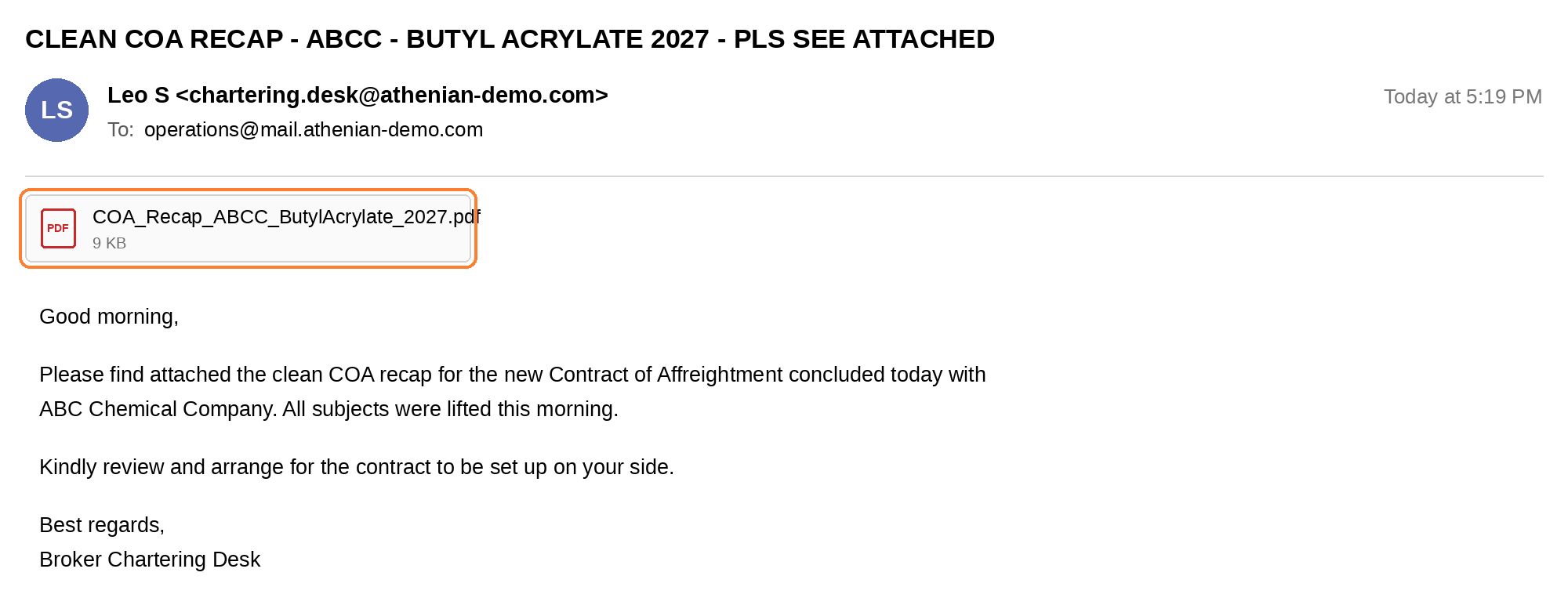
A recap email: The workflow starts when a fixture recap email is received in Mail.
-
A chat request: Tell CoCaptain, "We just fixed, parse this recap."
Note: For everything you need to get started, see the Prerequisites page.
What happens after a recap arrives?
-
CoCaptain reads the email, and the attachment if there is one, and extracts the terms, and matches ports, cargo, and counterparties to your IMOS records. If it cannot match a value, it flags the item for you to resolve.
-
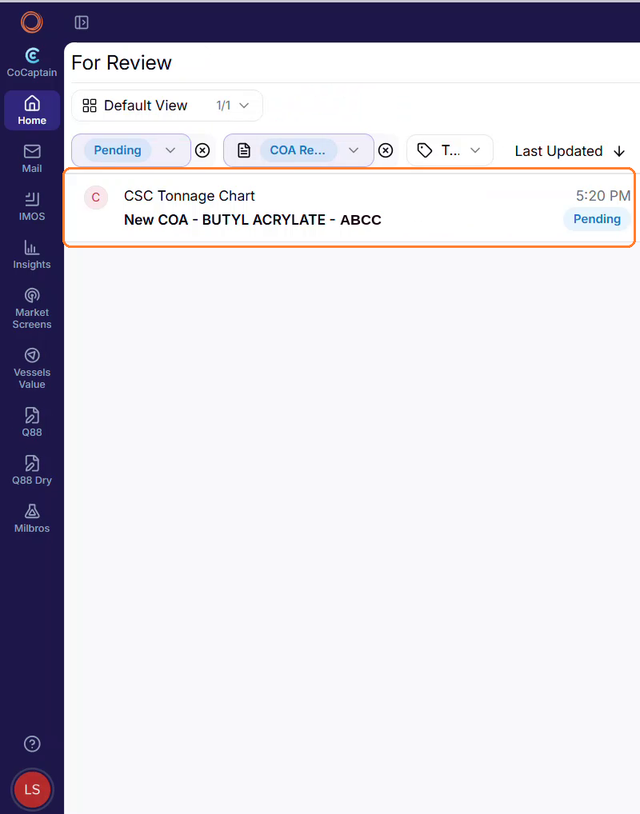
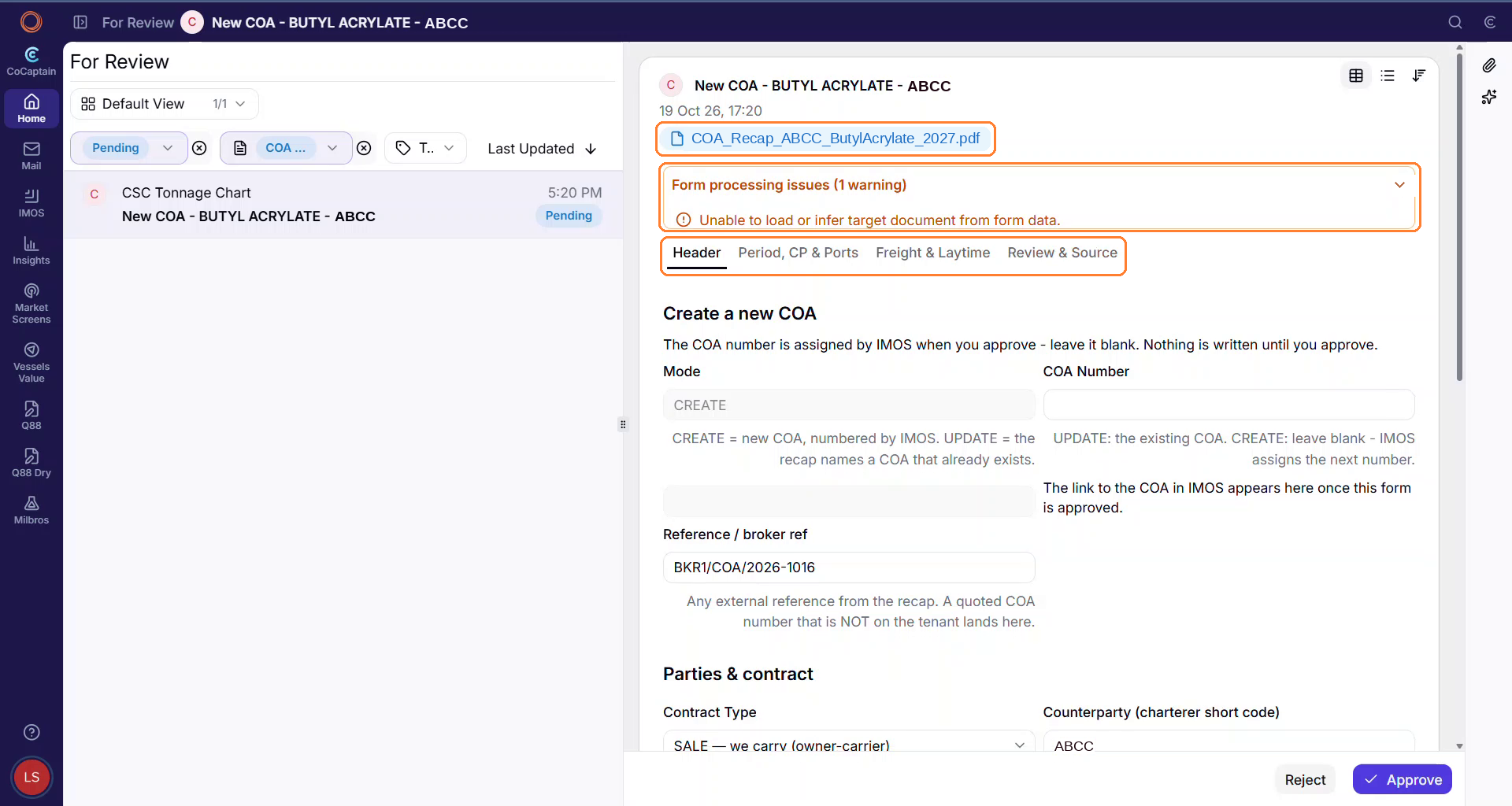
CoCaptain prepares a COA form for your review, which appears on your Home page as a pending recap. The form covers the COA and its linked liftings, including COAs with multiple ports and cargoes.
-
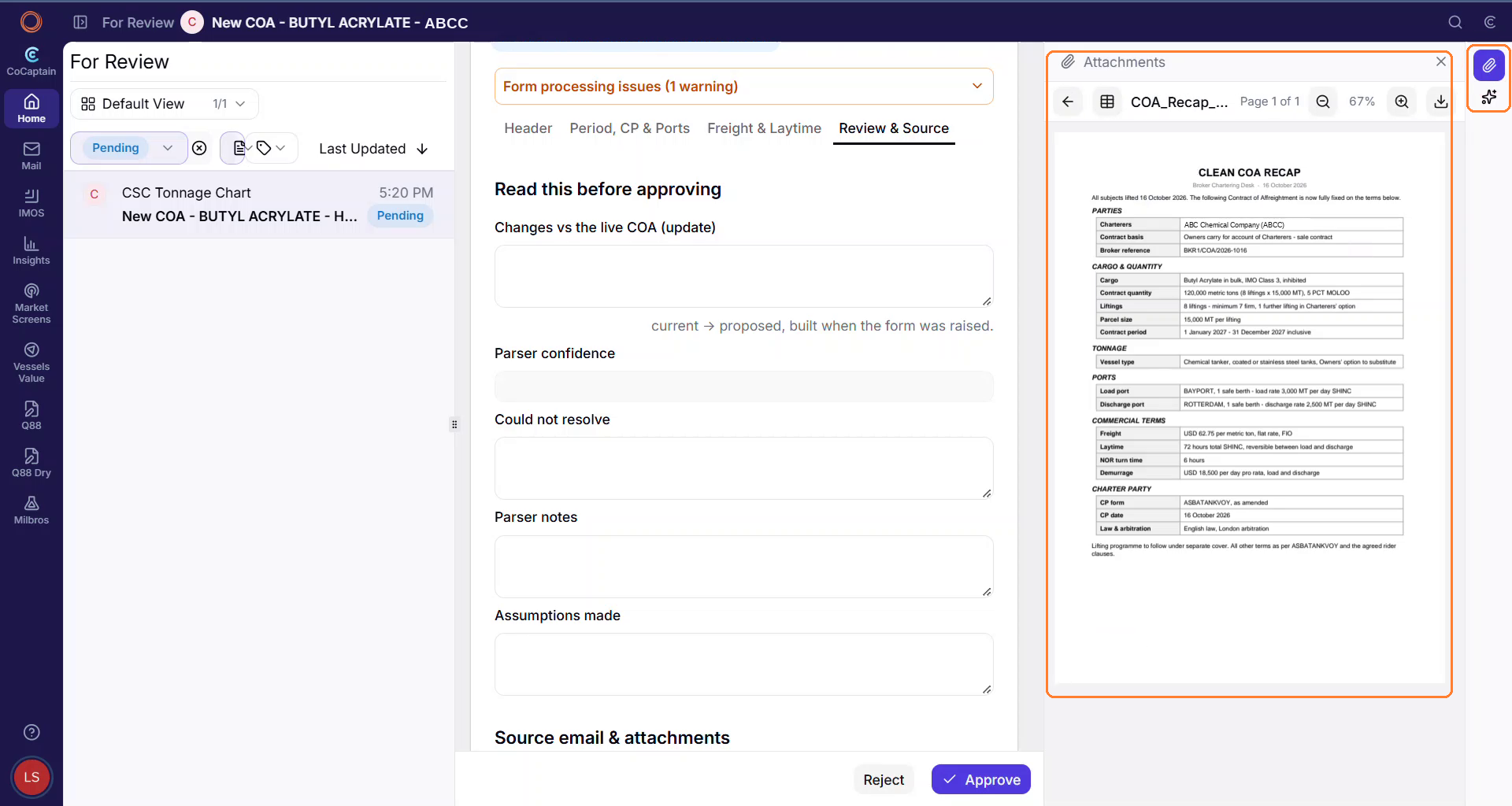
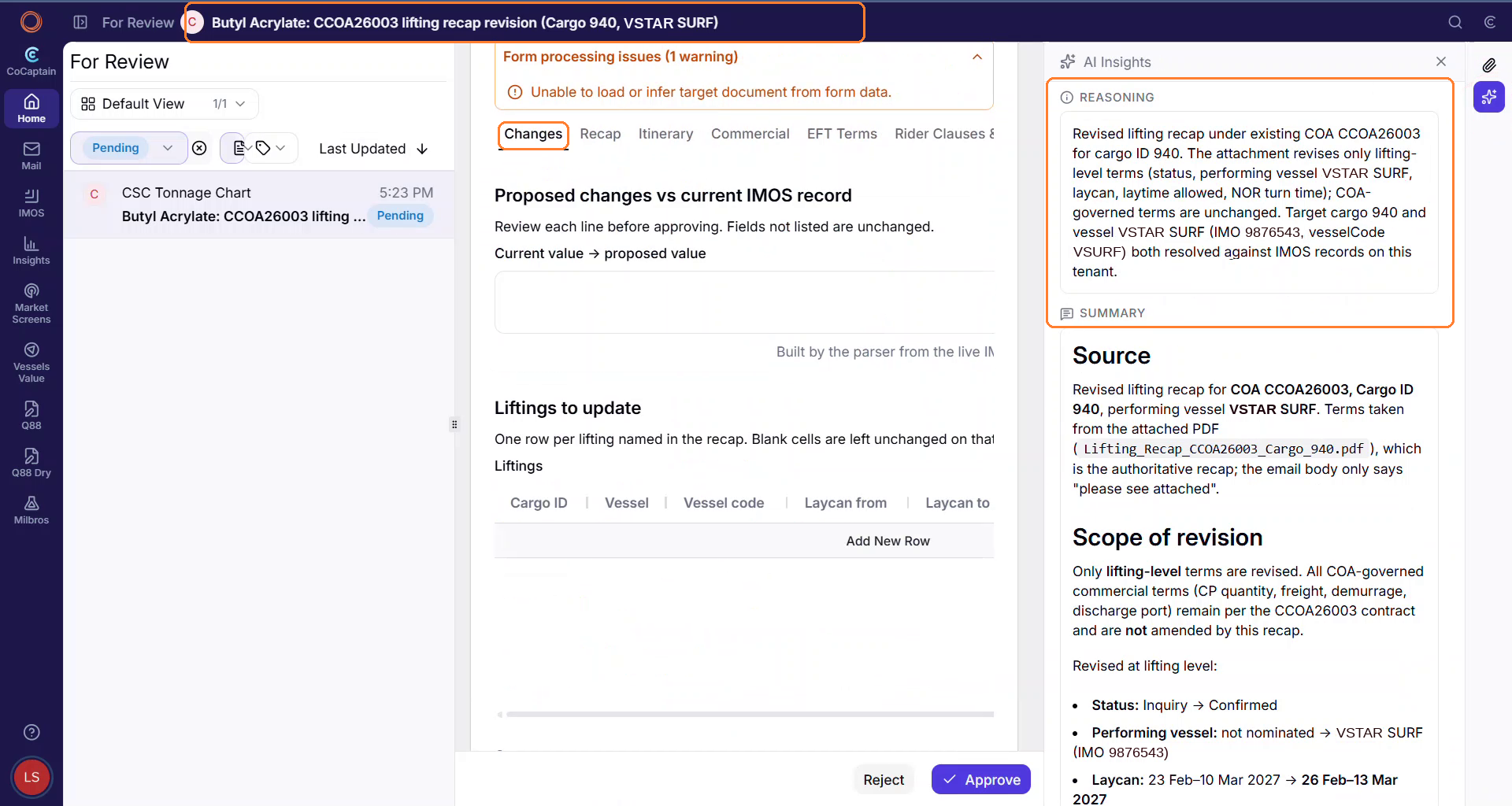
The form fields are editable and you can view the attachment. The AI insights panel shows what CoCaptain extracted, why, its confidence score, and any data that did not match.
-
After you approve the form, CoCaptain creates the records in IMOS and notifies your operations team. Each record keeps a link back to the recap it came from.
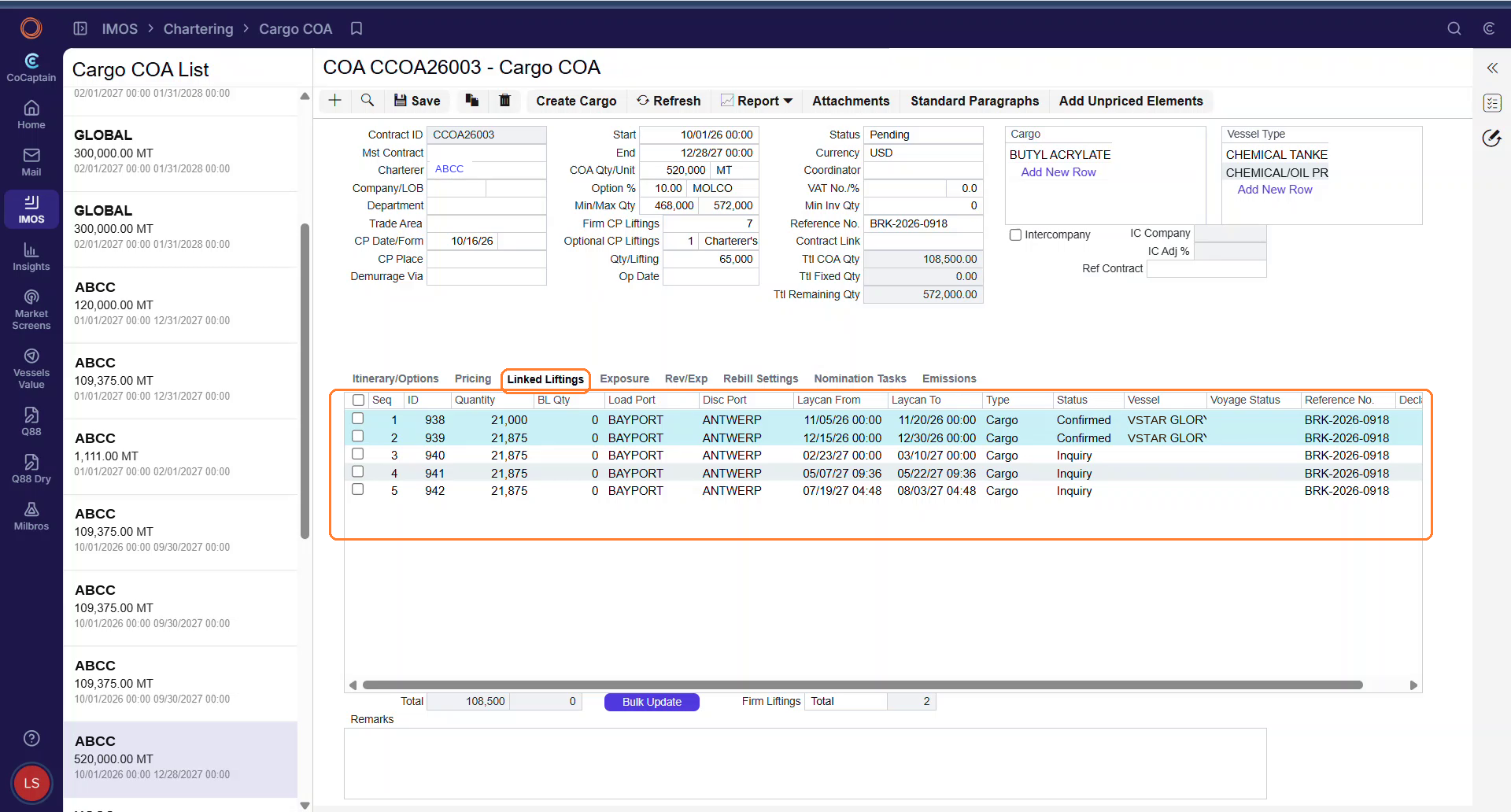
What if the record already exists?
You usually receive a firm fixture recap when the COA is already in IMOS, often in a pending state. If a recap arrives for a COA that already exists, for example a revised recap that changes its liftings, CoCaptain recognizes it and prepares an update form for that COA, instead of creating it again. After you approve, CoCaptain updates the existing record.
Outside of the Current Scope
See Outside of Scope for the limits that apply to every workflow. In addition, this workflow has this limit:
-
Negotiating fixtures: The workflow does not replace your judgment on commercial terms.