
CoCaptain Agentic Workflows are AI-powered workflows built for one part of your business chartering, operations, or claims that carries out multi-step work for you and returns the result for your review. This article covers what you have, what it needs from you, and how it differs from the CoCaptain you already use today.
How are CoCaptain Agentic Workflows different from CoCaptain?
You already have access to CoCaptain as part of the Veson Platform. CoCaptain answers questions about your IMOS data, helps you update records, and walks you through tasks when you ask it directly. See the CoCaptain article for a broader understanding of how it works.
CoCaptain Agentic Workflows are an addition to that. The workflows Veson sets up with you work through a task from start to finish, like turning a broker email into a ranked opportunity, or a fixture recap into a cargo record, for example. CoCaptain can respond to a question, but CoCaptain Agentic Workflows can complete a piece of work and ask for your approval.
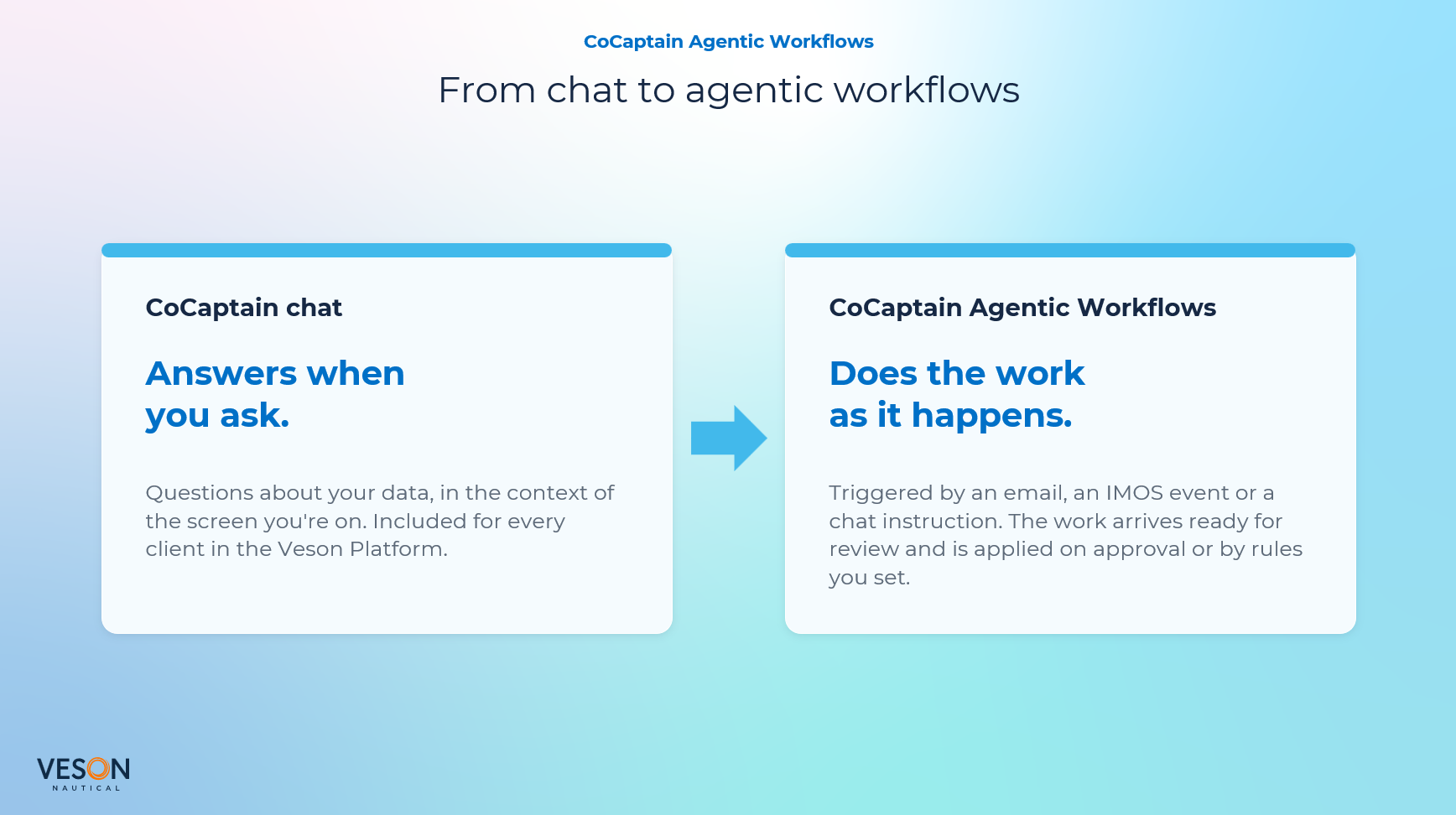
Here is how the two work side by side.
|
CoCaptain |
CoCaptain Agentic Workflows |
|---|---|
|
|
Which CoCaptain Workflows are available?
Before you can use a workflow: Your Veson team sets up and tests each workflow with your own data as part of a Professional Services engagement. Workflows are not available until your Veson team has reviewed the setup with you and enabled them. Contact your Veson representative to start.
Here are the CoCaptain Agentic Workflows available today by function:
-
CoCaptain Agentic Workflows for Chartering: Triage broker emails, compare vessels on one TCE basis, and book cargo from fixture recaps.
-
CoCaptain Agentic Workflows for Operations: Update itineraries, automating ETA/ETD changes, nominate agents, and share invoices.
-
CoCaptain Agentic Workflows for Claims: Process statements of facts, extract charter party and recap terms, match AP claim invoices, and file ancillary documents.
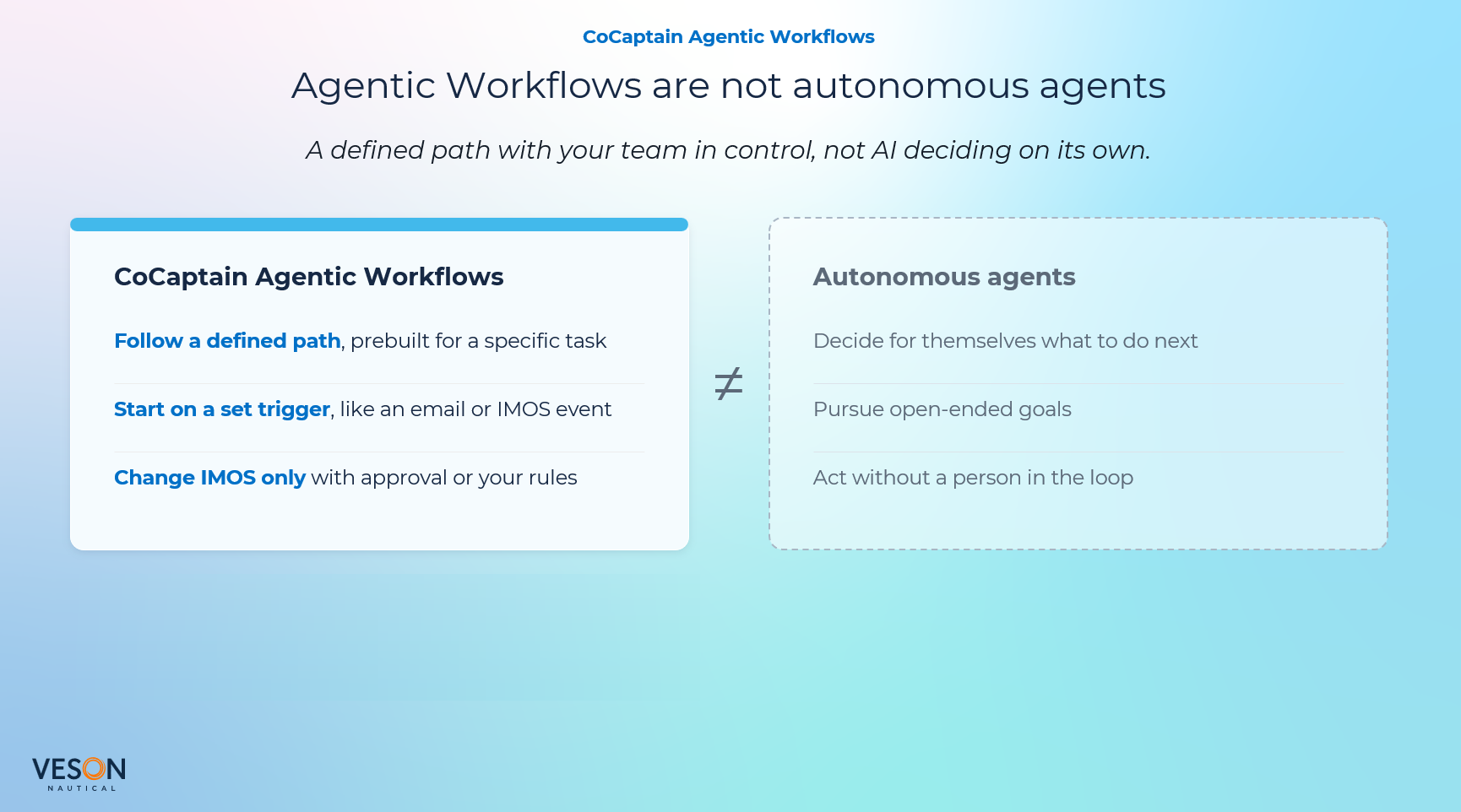
Workflows start from an email received in Mail, an IMOS event, a document you upload, or a request in chat. Each workflow gathers what it needs from your Veson data, does the work, and returns a form on your Home page for you to review. Nothing is committed to your records until you or a rule you set approves it. You can choose which workflows to enable, and you do not need to enable all of them.
How do I get started?
Confirm the following so your workflow can work as expected.
-
Veson Platform is enabled for your organization: Your Security Admin enables Allow Veson Platform Access in IMOS for the users who will work with workflows. Users then sign in at app.veson.com with their existing IMOS credentials.
-
Mail is enabled for your organization: Many workflows start when an email is received in Mail, so your organization needs Mail in addition to Veson Platform. You can keep your current email provider. Emails reach Mail when you forward them, connect a shared desk mailbox with Microsoft credentials, or connect a private mailbox. Your Veson team can help with setup.
-
Your Veson team has set up and enabled your workflow: Workflows are configured around your own process and tested with your data before you use them. Contact your Veson representative to begin.
-
Your data is updated: The vessels, ports, counterparties, and other records the workflow will look up are accurate and up to date in IMOS. The workflow resolves everything it does against your own records, so outdated or missing master data may lead to outdated or missing results.
-
You know where you will receive the workflow’s output: Most results arrive on your Home page, where you review and approve them.
How is my data protected?
-
Your organization stays in control: Changes to IMOS are approved by your organization or by rules you set. Anything sent outside your company is always sent by a person.
-
You can see what CoCaptain did: Forms prepared by a workflow include an AI insights panel showing what CoCaptain extracted, its confidence score, and any data that did not match, so you know where to look more closely. You review each form before you approve it.
What can I change after my workflows are enabled?
Once your workflows are enabled, contact your Veson representative or raise a Veson Support ticket if you need to:
-
Add or remove a user’s access to a workflow
-
Change what starts a workflow or what it does
-
Request a new workflow for a different part of your business
How do CoCaptain Credits work?
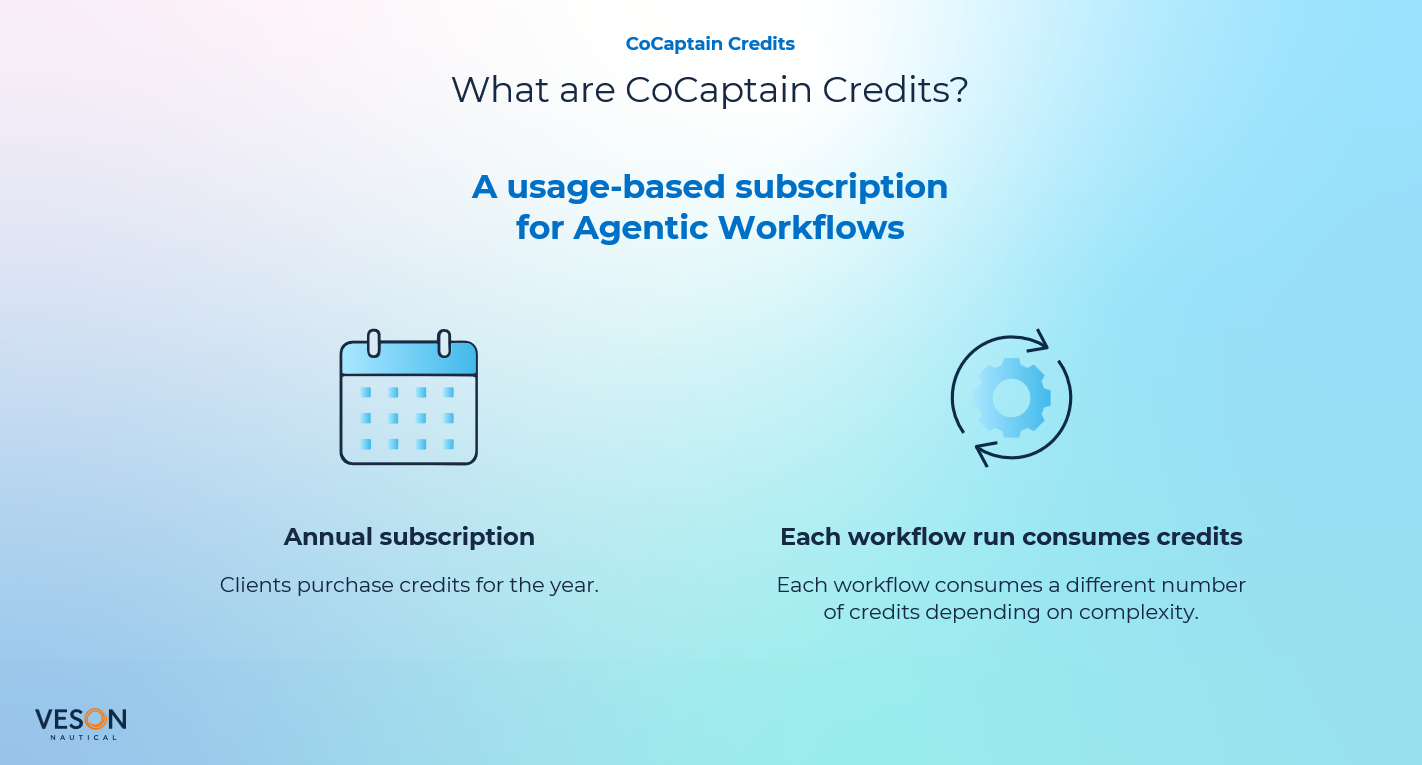
CoCaptain Agentic Workflows run on CoCaptain Credits.
-
Annual subscription: Your organization buys credits for a year. Credits reset at the start of each term, and unused credits do not carry over.
-
One shared balance: Credits are shared across every workflow and every user in your organization. Each workflow run uses credits, including a run on a document you upload manually.
-
Usage varies by workflow: The credits a run uses depend on the workflow, how complex the task is, and how much information it processes. A workflow that runs more often uses more credits in total.
-
Packages: Your IMOS subscription includes a starter allowance of credits. For more capacity, larger packages are available, and the cost per credit goes down as the package size goes up.
-
Adding credits: If your usage grows, you can add credits during the year.
-
Tracking usage: Administrators can see your credit balance and usage by workflow and by user. See Using Your Home Workspace in the Veson Platform.
-
Existing Claims CoCaptain clients: Claims CoCaptain is moving to CoCaptain Agentic Workflows. Your claims processing will run on CoCaptain Credits instead of per-claim pricing. Your Veson representative can help you plan the move.
Note: To choose a package, estimate how many credits you need, or discuss adding credits, contact your Veson representative. They will recommend a starting package based on the workflows you want to use and how often you expect to run them.
Who manages workflows and usage?
Your administrators need administrator access to manage workflows and view credit usage. Your Veson representative can arrange it. Here’s what your administrator can see:
-
Enabled workflows: Administrators can see workflows are enabled for your organization. Administrators can enable or disable a workflow. Building your own workflows is not available yet.
-
Workflow runs: Administrators can see every run, including those that did not succeed. You can filter the list and save views to follow what a desk or team is doing.
-
Credit usage: Administrators can see credit balance and usage over time, by workflow and by user.
Outside of Scope
CoCaptain Agentic Workflows have these limits today:
-
Actions beyond permissions: A workflow runs inside your own permissions/rules you authorize and never beyond them.
-
Workflows beyond the job they were built for: Each workflow is built for a specific job and configured for your organization by Veson. Building or editing your own workflows is not available yet. To change a workflow or request a new one, contact your Veson representative.
-
Replying to notification emails: You can’t reply to the notification emails.