
Explore answers to common questions about the new UI in VesselsValue at app.vesselsvalue.com.
What's changing in VesselsValue?
VesselsValue's interface moves to a modern layout, navigation, and visual design. Your vessel valuations, market data, and underlying data models are not changing, but you will notice quality-of-life improvements including clearer data displays, easier-to-use tables, and a layout that adapts better across screen sizes.
Why is VesselsValue's interface changing?
The VesselsValue beta improves usability and enhances your in-product experience. The modernized VesselsValue experience also shares a design system with the rest of Veson Platform, so the products feel consistent if you use more than one.
Can I continue to use VesselsValue as normal? Is it optional?
Yes, you can turn on the modernized experience yourself whenever you are ready or switch back to the current interface if needed.
How do I try the enhanced VesselsValue experience?
You can preview the enhanced experience whenever suits you. Just select the Try our new design toggle within VesselsValue to switch into the new interface.

If you want to go back to the current interface at any time, simply turn the toggle off.

Does this affect my valuations, data, or methodology?
No. This is a visual and navigational update only. The valuation models, market data, and methodology behind VesselsValue are unchanged.
Are my saved portfolios, watchlists, or reports affected?
No data is lost as part of this update, and your portfolios, watchlists, and saved reports carry over to the modernized interface unchanged.
Does this affect my bookmarks or saved links?
No this will not affect any bookmarks or saved links. The links will change slightly whilst this is on beta, but you should automatically be redirected back.
Is there a cost or licensing change for the beta?
No. Previewing the modernized interface is included for all existing VesselsValue subscribers at no additional cost.
General FAQs
Where can I get help while using VesselsValue?
-
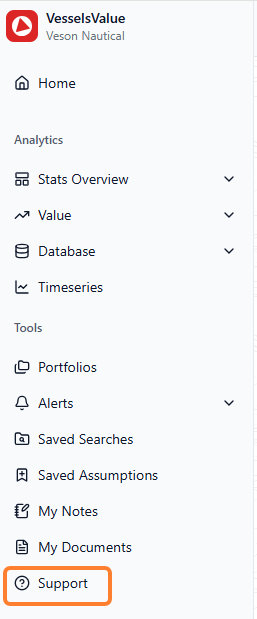
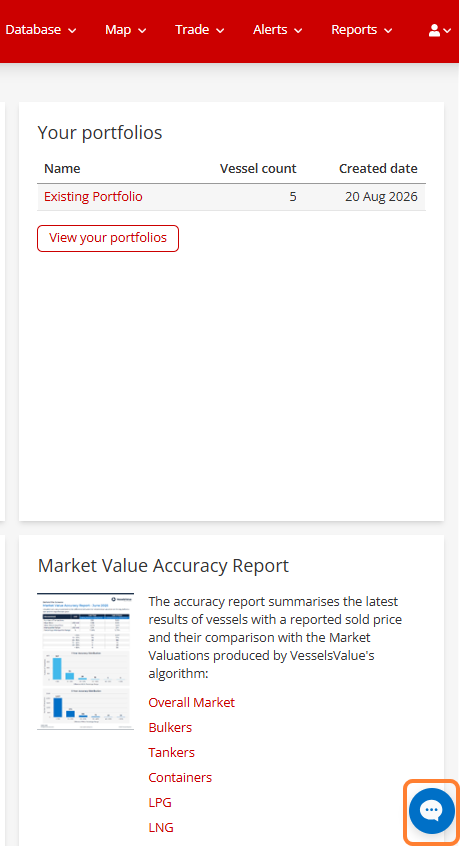
Chat with Support. Ask Fin a question in plain language, for example, "Where did the Export option go in Timeseries?" or "How do I compare vessels in Fleet Database?" and get an instant, guided answer, any time of day.
-
Follow the in-product guidance. Look for tooltips and informational messages built right into the new interface to help you get oriented as you go.
Where can I learn more about the changes?
-
Explore the Help Center. Our library of step-by-step articles covers every area shown here, from navigating the new layout to locating the tools and menus you use most. It's the best place to go deeper at your own pace.
Who do I contact if something looks wrong or I have feedback?
If you come across a bug, something isn't working as it should, or you've checked the resources above and still need a hand, raise a Veson Support ticket.