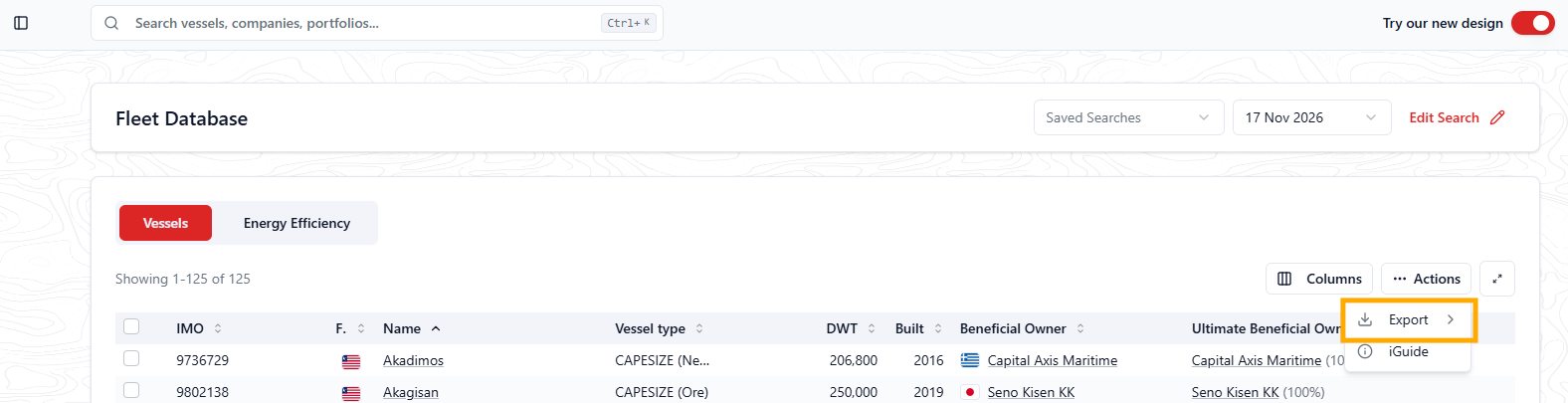
Data can be exported from the platform if you subscribe to our “Export” product. This includes being able to export valuations, vessel specifications, database searches, transaction data and much more.
If you would like to find out more, please contact us.
Charts
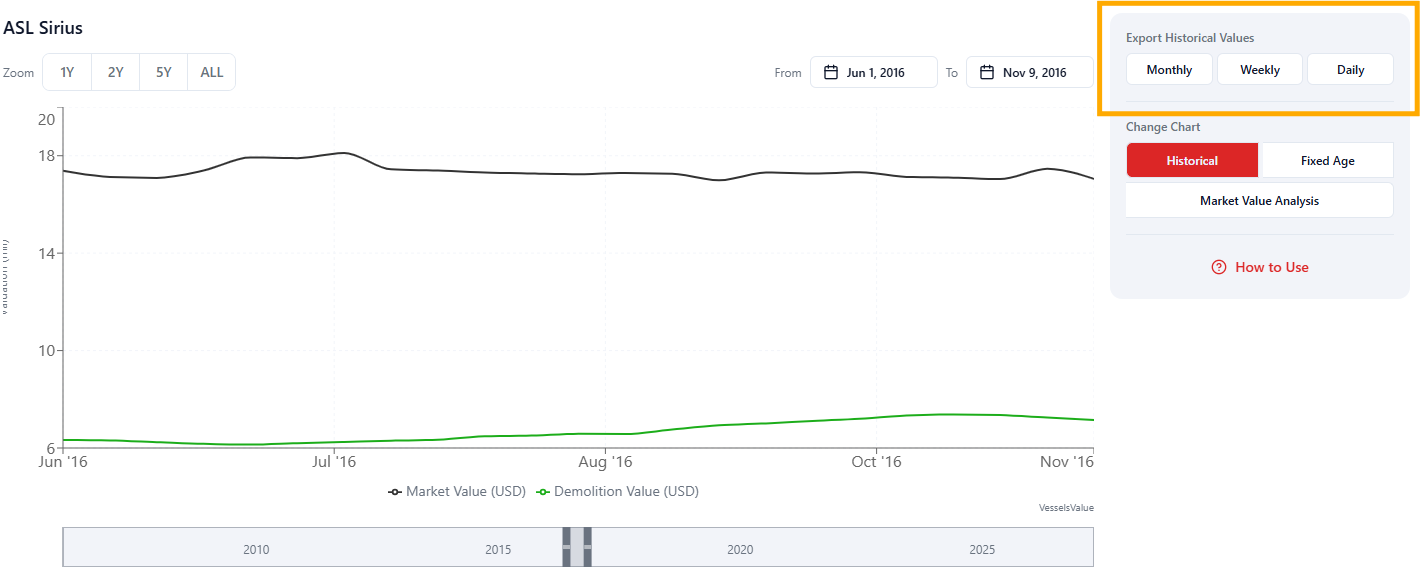
All export options for charts are either displayed in the grey chart asides:
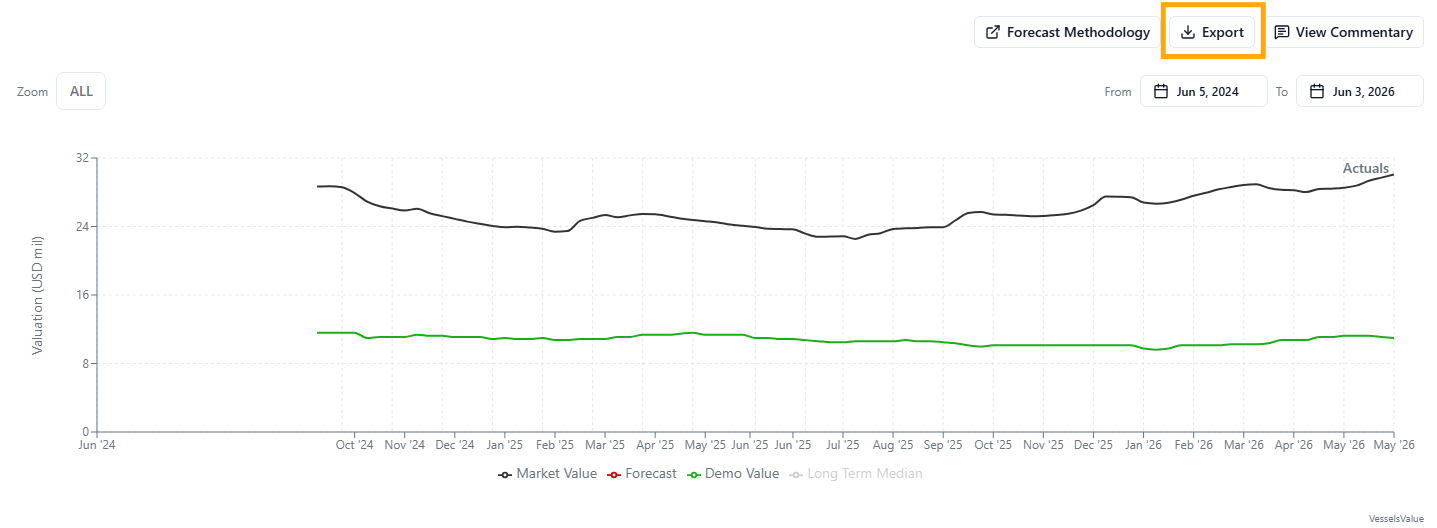
Or within the standard Actions button:

Tables
All export options for charts are displayed in the Actions buttons above the table. You will get the option to export in either .CSV or .XLSX