
Shipfix includes an Archived user status for users who are deleted or are no longer active. Archiving a user preserves their historical context, frees up licenses, and keeps their person tags searchable in the system.
To archive a user:
-
Click on your organization name at the top left corner.
-
Select Workspace from the menu.
-
Navigate to the Users tab.
-
Find the user you want to archive.
-
Click on the user to open their details.
-
Change the user status to Archived.
-
Click Update at the bottom to save the changes.
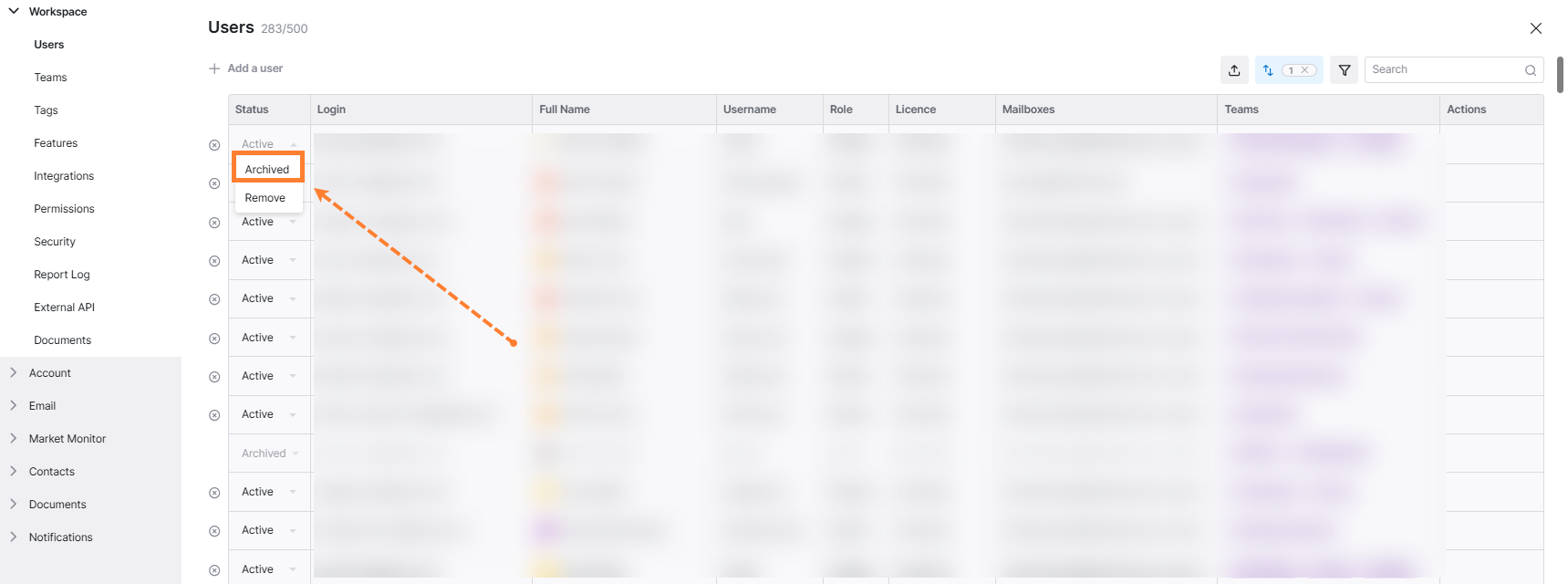
Archiving a user keeps their history usable while clearly marking them as no longer active.
Main benefits:
-
Their person tags remain visible and searchable, so you can still reference past emails in which they were tagged.
-
Their name appears with a strike-through on the tag, indicating that the user is archived.