
If you cannot open the installed version of Shipfix from your desktop shortcut, follow these steps to troubleshoot the issue.
To troubleshoot and fix this issue:
-
Open Google Chrome browser.
-
In the URL bar, type: chrome://apps/
-
Press Enter → a list of installed apps should appear.
-
Locate and click on the Shipfix icon.
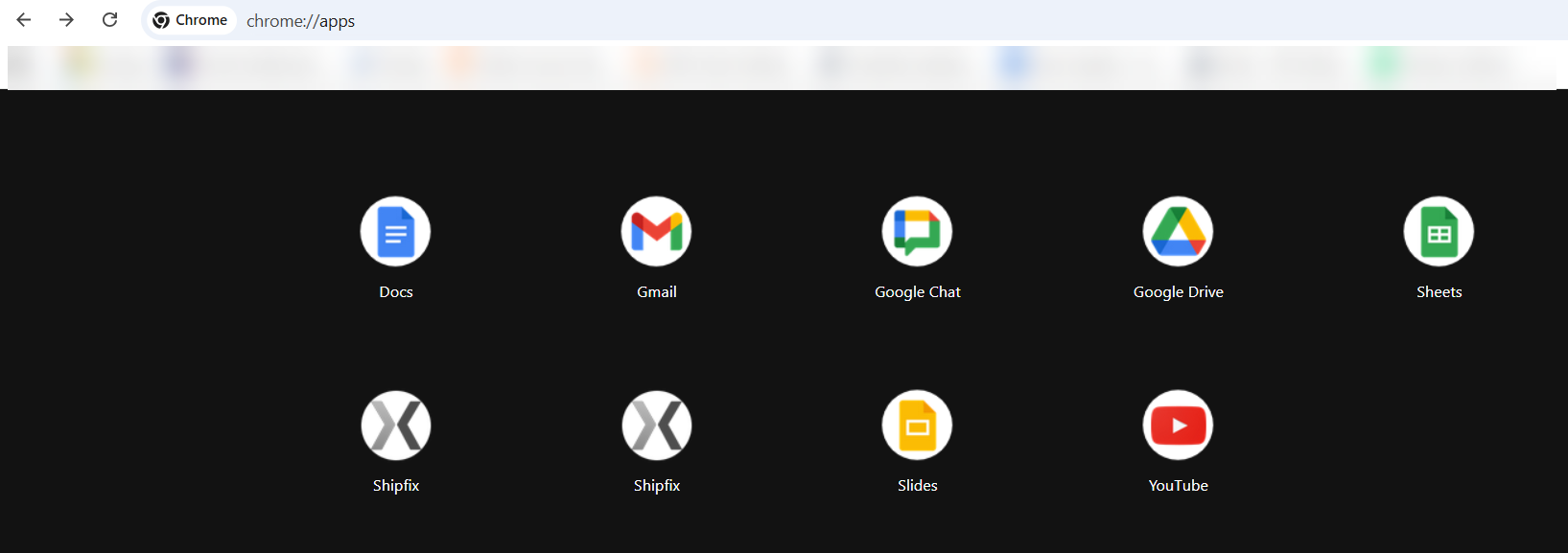
If Shipfix opens successfully from this location, the issue is likely with your taskbar shortcut.
To recreate the shortcut:
-
Stay on the chrome://apps/ tab.
-
Right-click on the Shipfix app icon.
-
Select Create shortcut.
-
Test the new shortcut to confirm it works.
This will create a fresh shortcut that should open Shipfix correctly.