
Ancillary Documents matches notices of readiness (NOR), letters of protest (LOP), and bills of lading (BL) to the right claim and files them. Key data is exposed so you can validate it.
Other claim documents follow the same path as the SOF, so they land on the right claim without manual filing.
What starts Ancillary Documents?
-
An email or claim packet: An email or claim packet containing one or more of these documents is received in Mail.
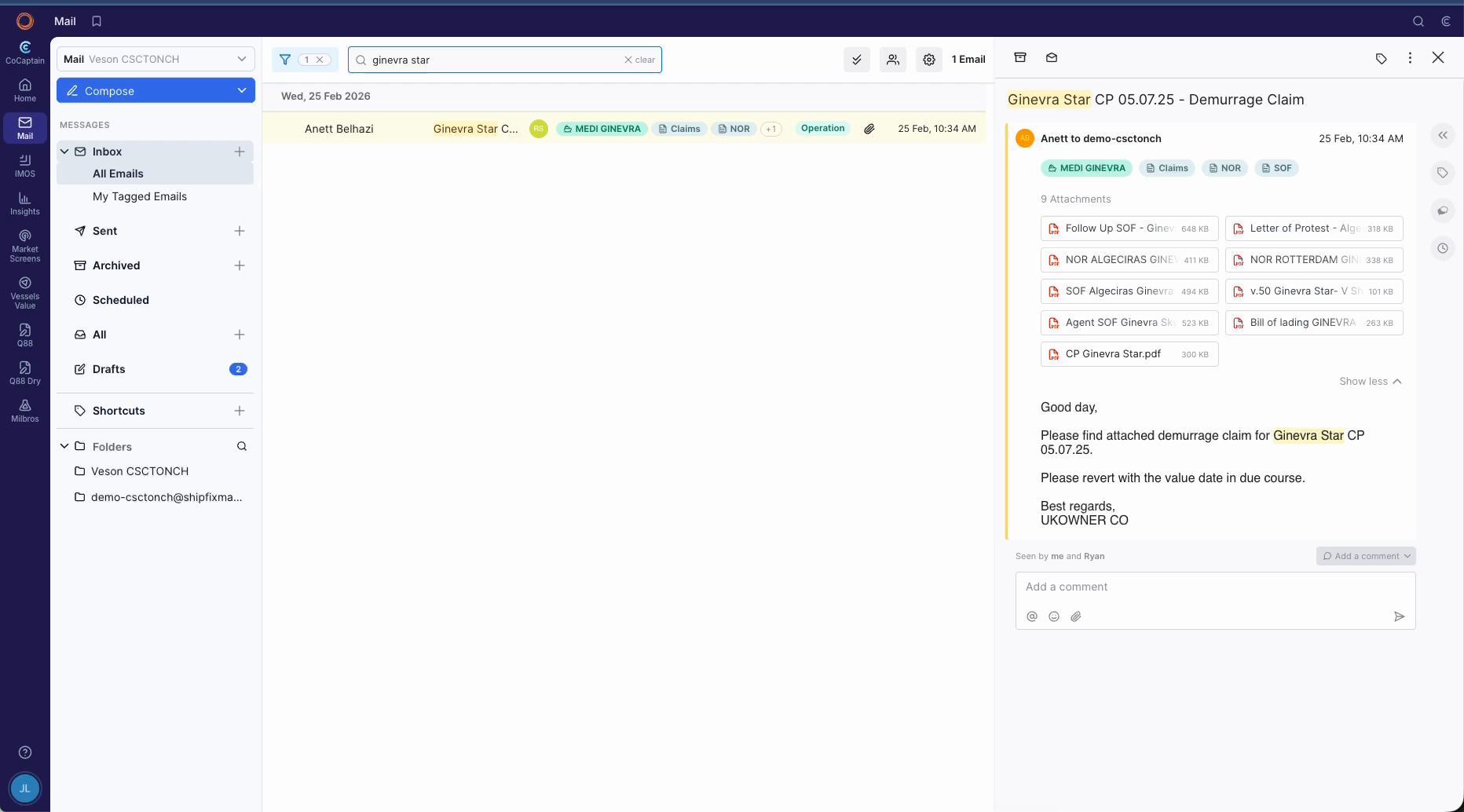
-
An uploaded document: You add a document to the claim.
Note: A claim must exist for the voyage. For all other requirements, see the Prerequisites page.
What happens when a document arrives?
-
CoCaptain identifies the document as a NOR, LOP, or BL, finds the matching claim through the voyage and cargo, and files it there.
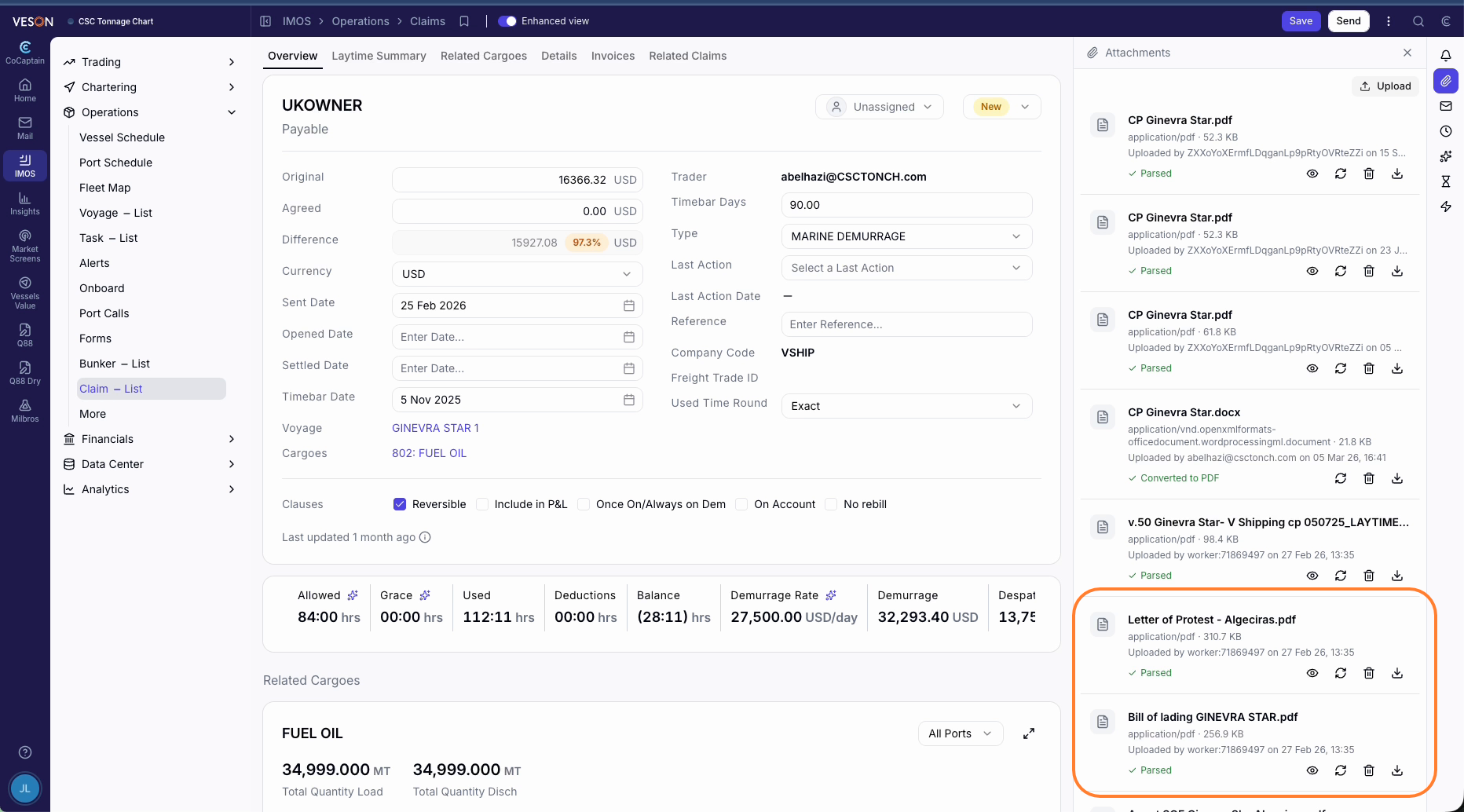
-
CoCaptain extracts key data, such as dates and times, based on the document type.
-
You review the extracted data and correct it if needed. The Processing Log shows where CoCaptain found each value and how confident it is. See Claims - Enhanced View for details about the Processing Log.
Next in the claims flow: Processing Charter Party and Recap Terms →
Outside of the Current Scope
See Outside of Scope for the limits that apply to every workflow. In addition, this workflow has these limits:
-
CoCaptain sending documents: Nothing leaves your company without a person.
-
Deciding the impact on a claim: You decide how a document affects the claim.