
Milbros brings the industry's most reliable and extensive database of liquid bulk commodities into Veson Platform, joining IMOS, Mail, CoCaptain, Insights, VesselsValue, and Q88 in one connected experience. Instead of switching to a separate system to check cargo compatibility, cleaning requirements, or regulatory data, you can search commodities, plan tank cleaning, and confirm compliance in the same place you already plan voyages and manage fixtures. Milbros rounds out Veson Platform's cargo data, giving chemical and oil tanker operators the information they need to handle cargo safely and efficiently without leaving their workflow.
If you already use Milbros, you'll recognize most of what you see.
Accessing Milbros in Veson Platform
-
Go to app.veson.com.
-
In the Veson Platform, go to Milbros in the sidebar menu.
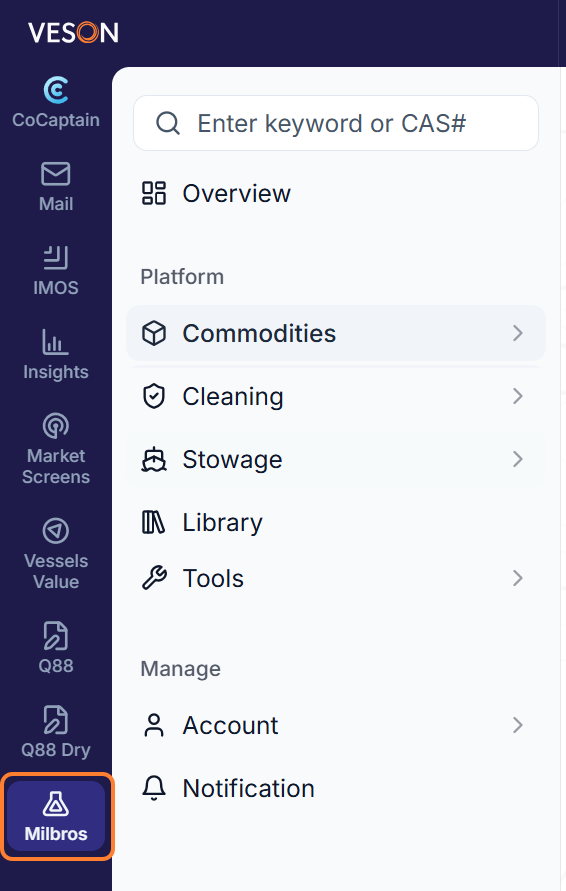
What can I do with Milbros in Veson Platform?
Here's a closer look at what each Milbros module offers within Veson Platform.
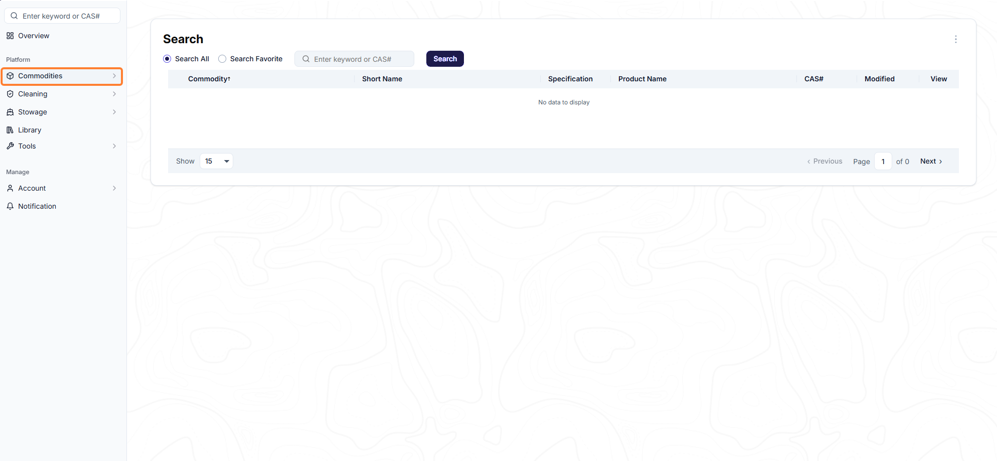
Commodities
Search more than 15,000 liquid bulk commodities and open any one to see its full record, including properties, compatibility, regulatory data, safety information, and cleaning requirements all in one place.
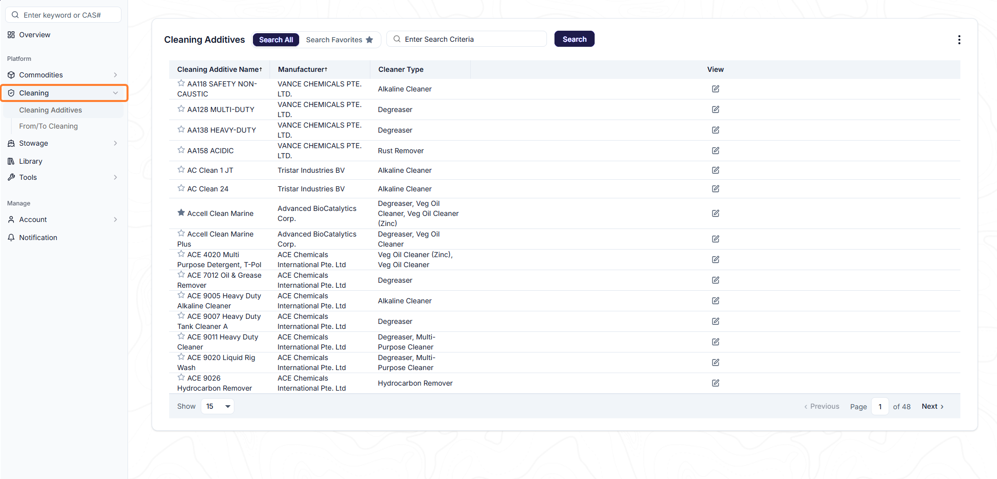
Cleaning
Look up cleaning recommendations for any cargo change, reference IMO-evaluated cleaning chemicals, and confirm a tank is clean to standard with UV graphs.
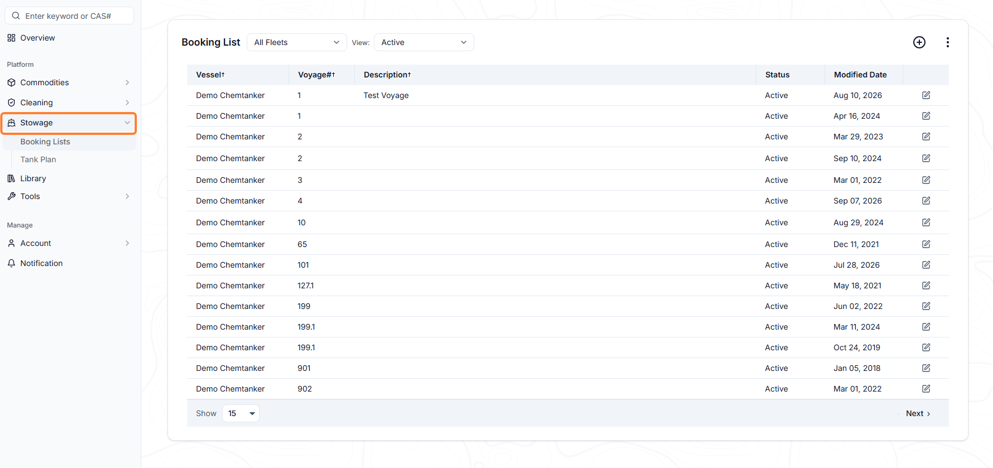
Stowage
Build a booking list for each vessel voyage and stow commodities directly onto your vessel's tank plan.
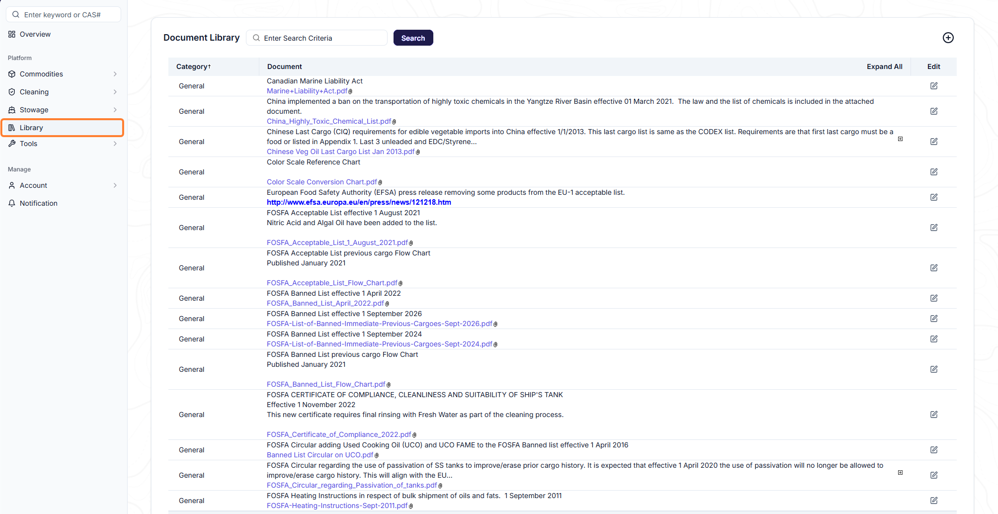
Library
Search and store reference documents, and subscribe to notifications so you know when something you rely on changes.
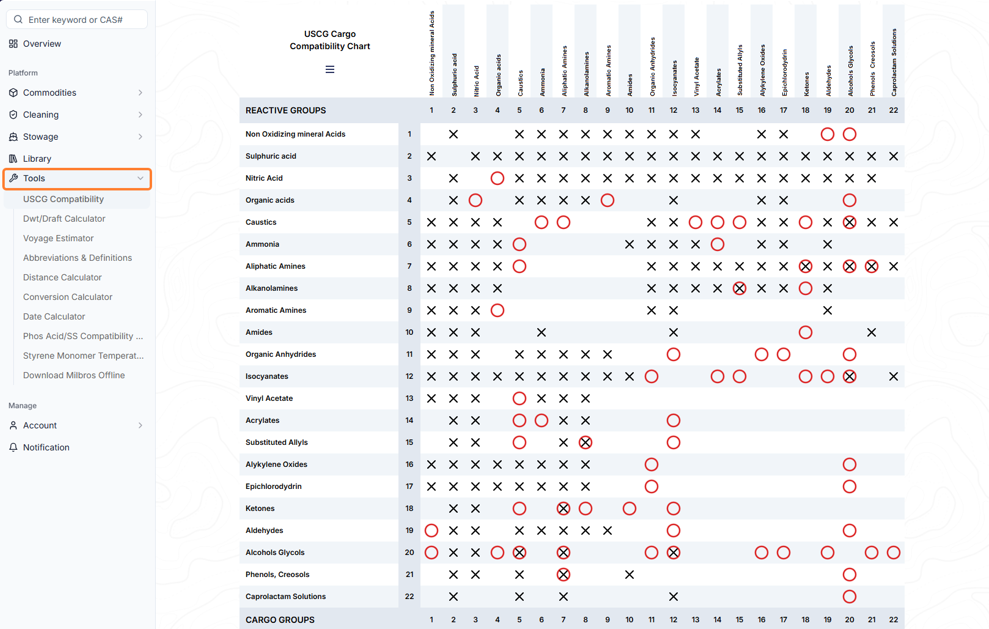
Tools
Built-in calculators support day-to-day handling decisions, from cargo compatibility and passivity checks to deadweight/draft, unit conversion, and distance calculations.
How can I use CoCaptain for Milbros?
You can now ask CoCaptain about your Milbros data. See the Vetting and Compliance prompt list for examples.
CoCaptain helps you search and surface Milbros data. At this time, it only draws from the data available under your account, so results will not include commodities, records, or reference documents outside your organization's Milbros access.
It is designed to inform at this stage, not to take actions or make changes.
CoCaptain lets you ask questions in plain, conversational language instead of navigating through screens to find what you need. For general guidance on what CoCaptain is, how to use it, and its current limitations, see CoCaptain.