
Market Screens brings the chartering intelligence from Shipfix directly into Veson Platform. You can track cargo and vessel opportunities, view live vessel tracking on the map, and run distance and voyage estimates, all from within Veson Platform.
If you already use the Shipfix Market workspace, you'll recognize most of what you see.
Accessing Market Screens
-
Go to app.veson.com.
-
In the Veson Platform, go to Market Screens in the sidebar menu.
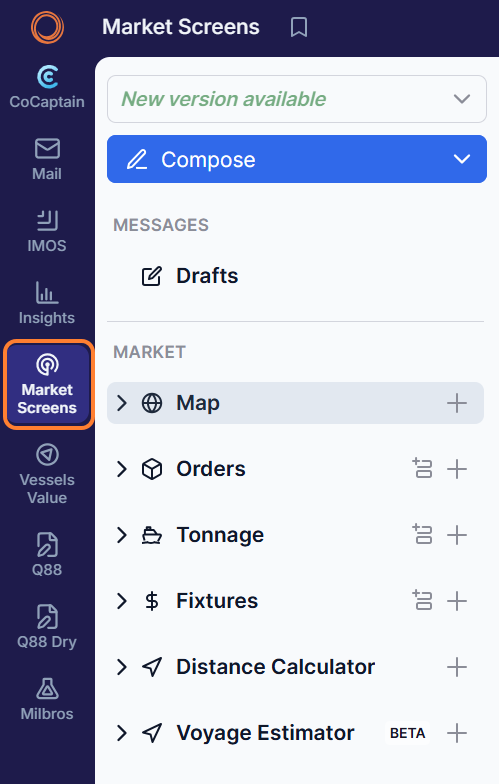
What can I do with Market Screens in Veson Platform?
Orders, Tonnage, Fixtures, Map, Distance Calculator, and Voyage Estimator are available as sections within this area, subject to your existing permissions. Read more about each area of the Market Data workspace here.
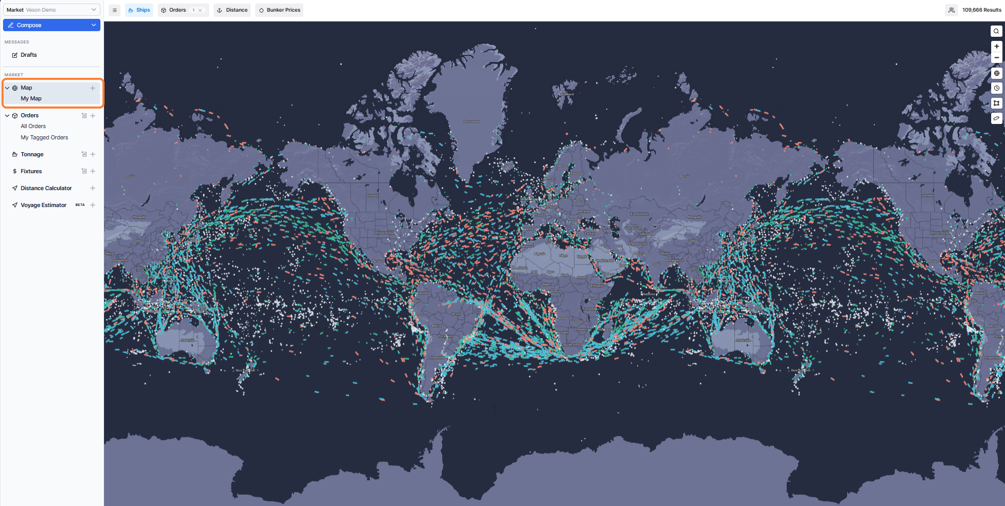
Map
View live AIS vessel positions and cargo propensity, with historical data back to 2017.
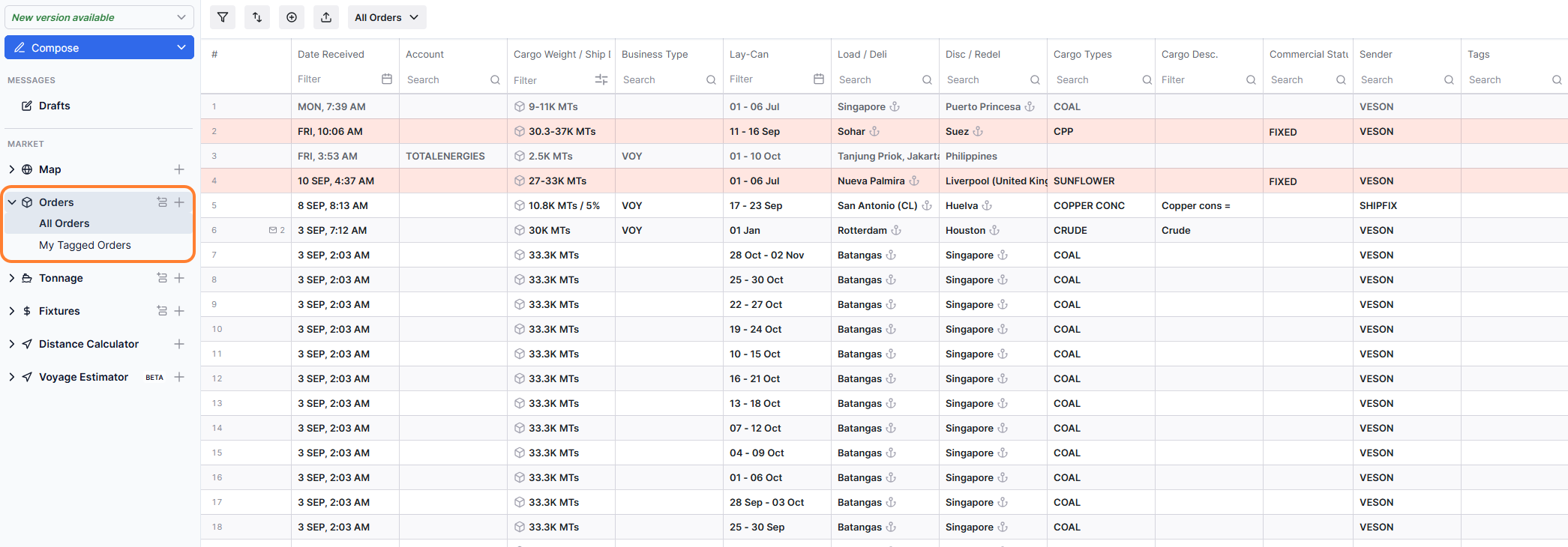
Orders
Track cargo orders circulated by charterers, traders, and brokers, extracted automatically from your inbox or added manually.
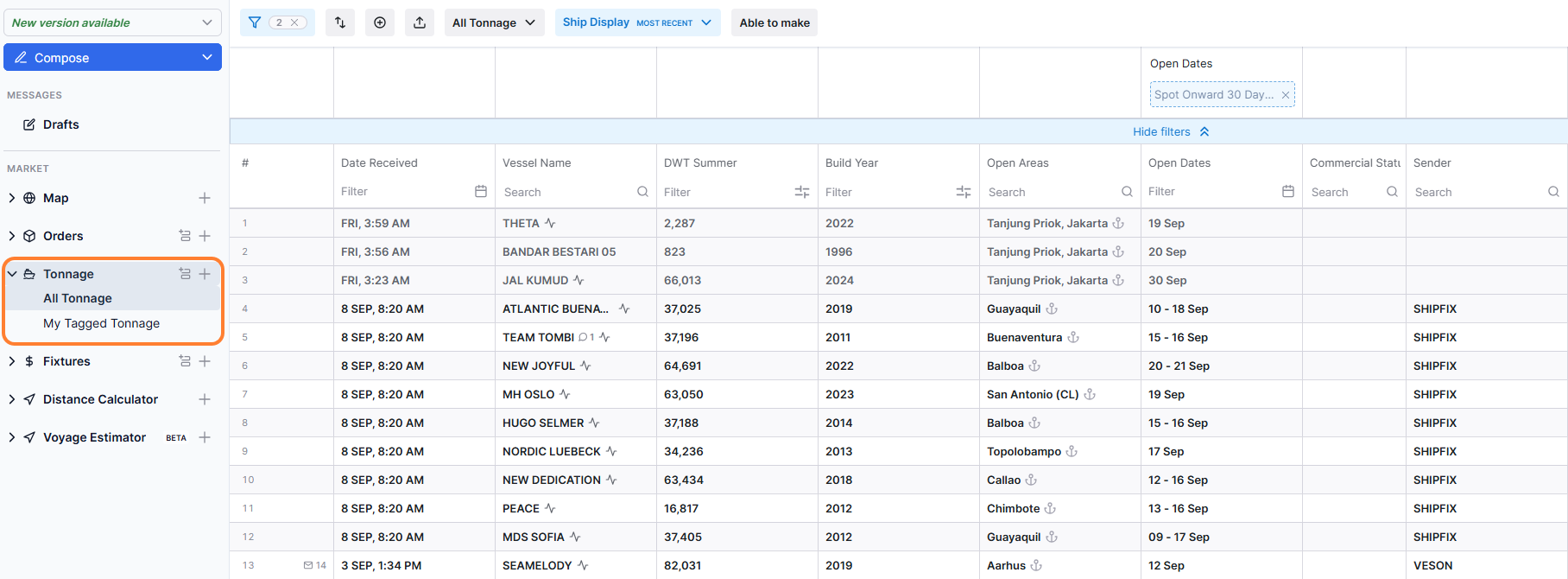
Tonnage
Track vessel positions and opens circulated by shipowners, operators, and brokers.
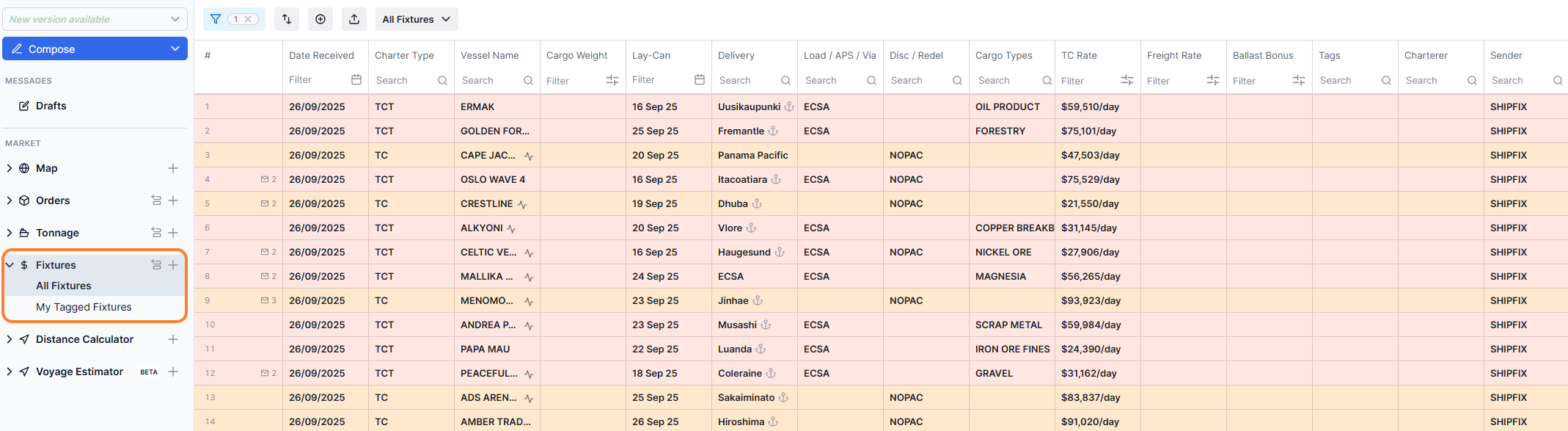
Fixtures
Track completed and reported market fixtures, extracted from emails or added manually for reference.
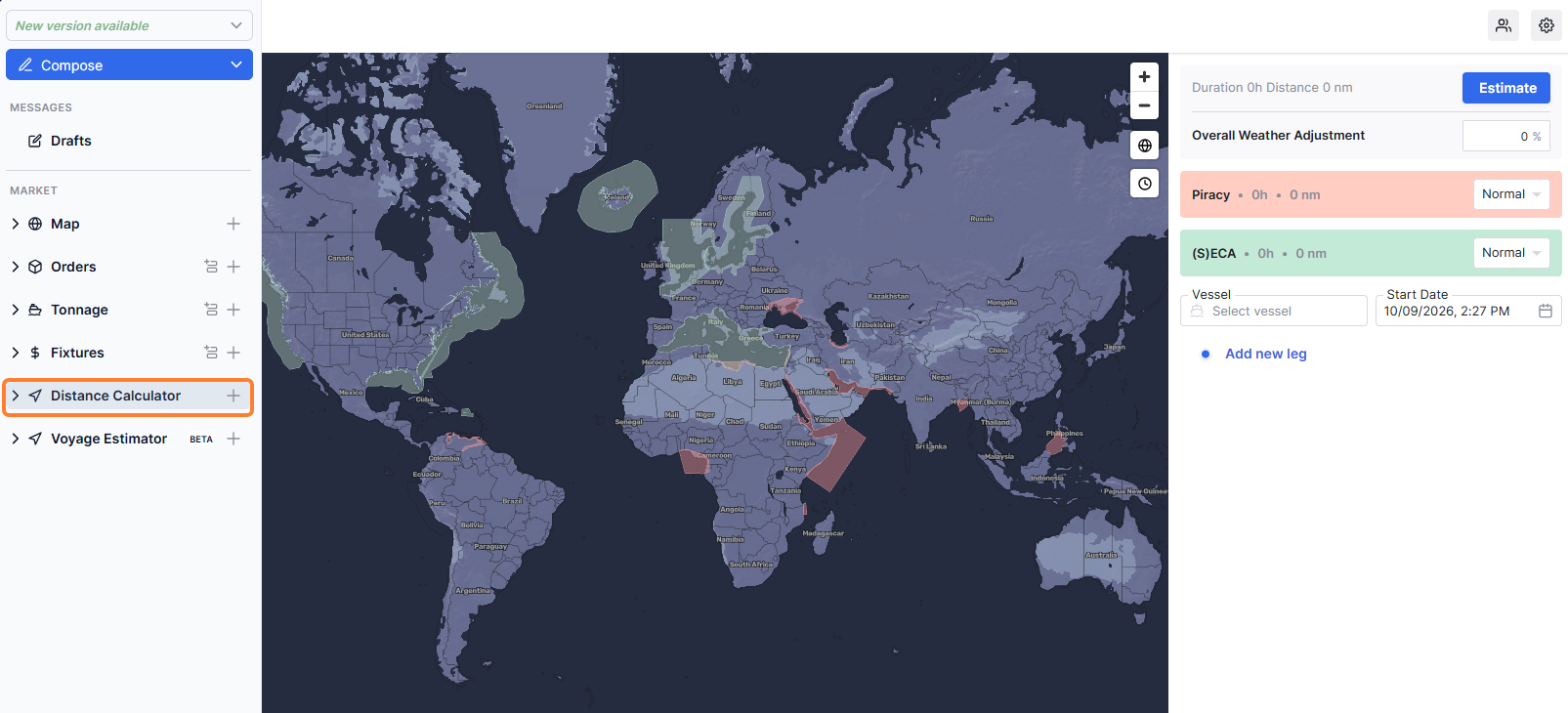
Distance Calculator
Calculate voyage duration and distance between ports, including transit through piracy and ECA zones.
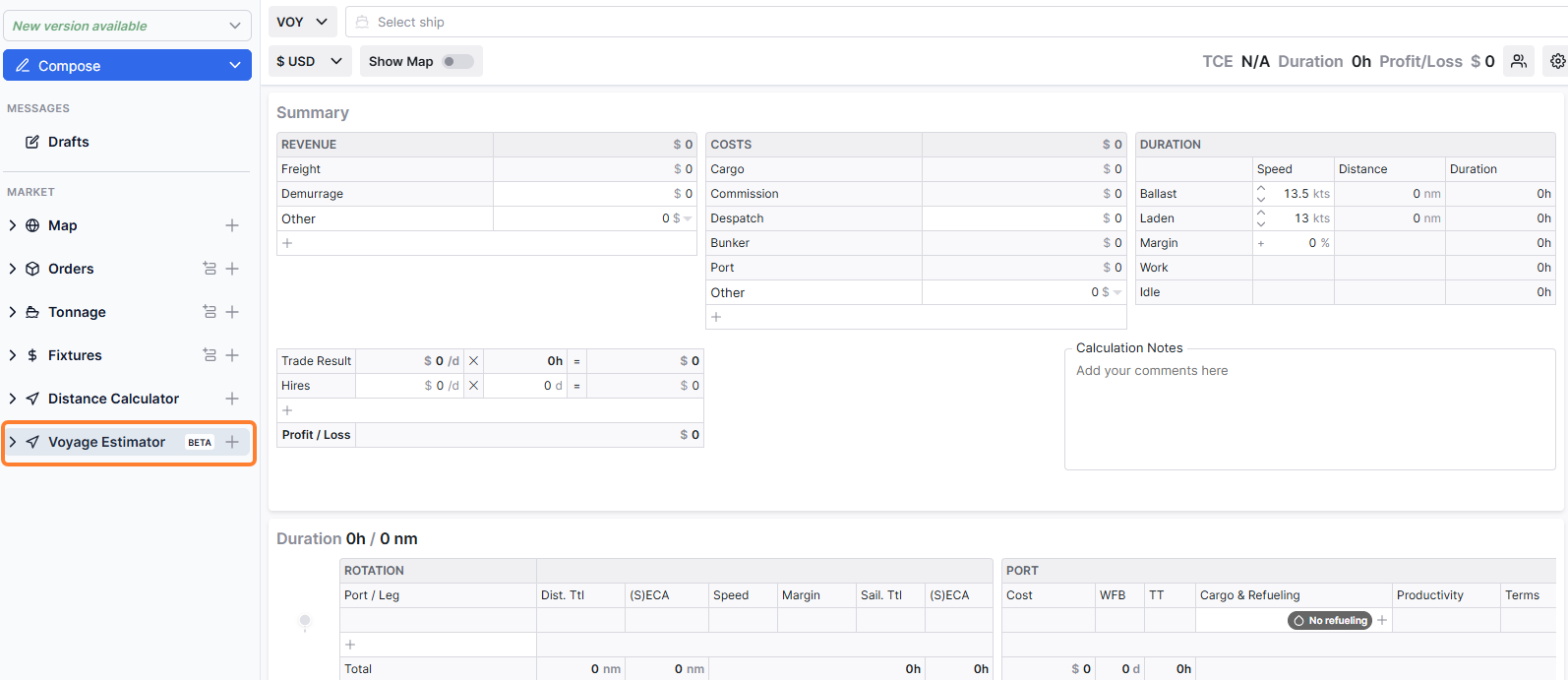
Voyage Estimator
Get quick voyage profitability and economics estimates, built into Market Screens.
How can I use CoCaptain for Market Screens?
You can now ask CoCaptain about your Market data. See Market Data for specific prompts.
CoCaptain makes it faster to search and find your Market data. It is designed to inform at this stage, not to take actions or make changes.
CoCaptain lets you ask questions in plain, conversational language instead of navigating through screens to find what you need. For general guidance on what CoCaptain is, how to use it, and its current limitations, see CoCaptain.