
Q88 brings validated vessel particulars and vetting data into Veson Platform, joining IMOS, Mail, CoCaptain, Insights, and VesselsValue in one connected experience. Instead of switching between systems to verify a vessel's specifications, certificates, officer credentials, or inspection history, you can search, compare, and vet vessels in the same place you already plan voyages and manage fixtures. Q88 rounds out Veson Platform's vessel and market data, giving you a fuller picture for chartering, vetting, and negotiation without leaving your workflow.
If you already use Q88, you'll recognize most of what you see.
Accessing Q88 in Veson Platform
-
Go to app.veson.com.
-
In the Veson Platform, go to Q88 in the sidebar menu.
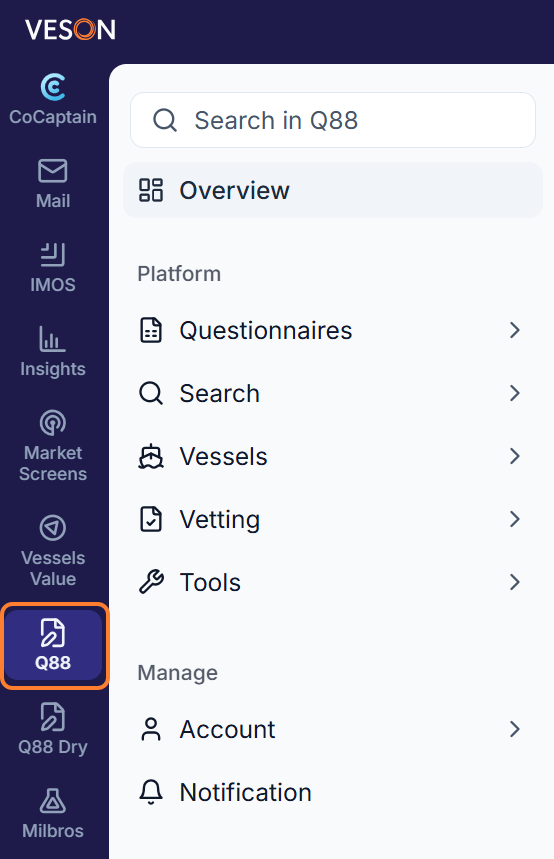
What can I do with Q88 in Veson Platform?
Here's a closer look at what each Q88 module offers within Veson Platform.
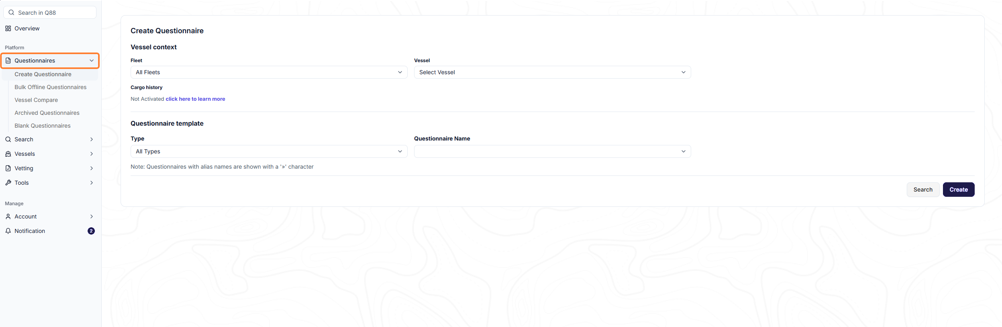
Questionnaires
Create and manage vessel questionnaires — one of the most used capabilities in Q88, with over 1,300 templates kept up to date. Search particulars across thousands of vessels, run advanced searches by data field, and use the vessel compare tool to evaluate vessels side by side. Because questionnaire data syncs with other Q88 modules, you always work from the same current information.
Vessels
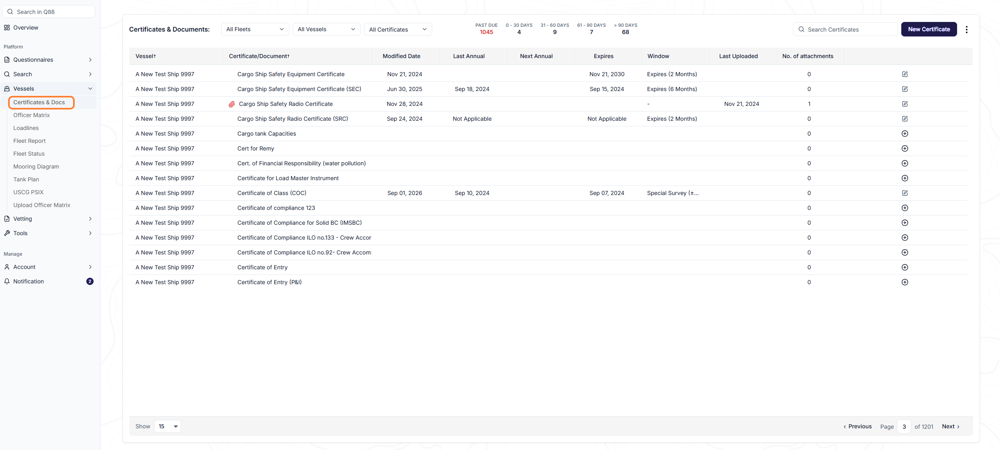
Certificates & Docs
Store, manage, and view every certificate, document, diagram, and report for your fleet in one place. Add, copy, or delete certificates and documents, group them into packages, and email them directly to counterparties. Scheduled reports and notifications alert you before certificates and inspections expire, so your safety and compliance records stay current without manual tracking.
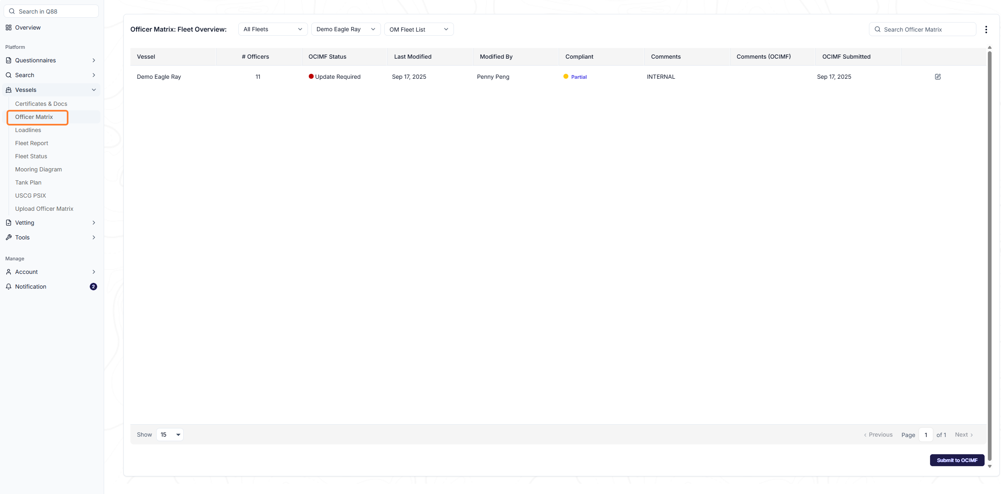
Officer Matrix
Keep officer and crew credentials current for every vessel in your fleet. Update the matrix online, offline, or through a system integration, so certification data is always accurate and ready to support vetting and compliance checks.
Loadlines
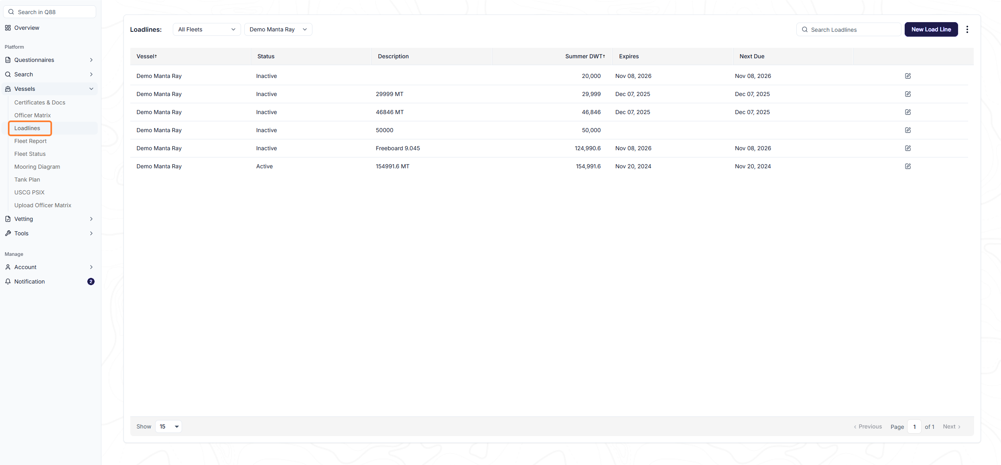
Track loadline information for your fleet from a single overview page instead of managing records vessel by vessel. Loadline data automatically populates the relevant fields in your questionnaires, and notifications alert you whenever a loadline changes, so your vetting and chartering data stays accurate.
Tools
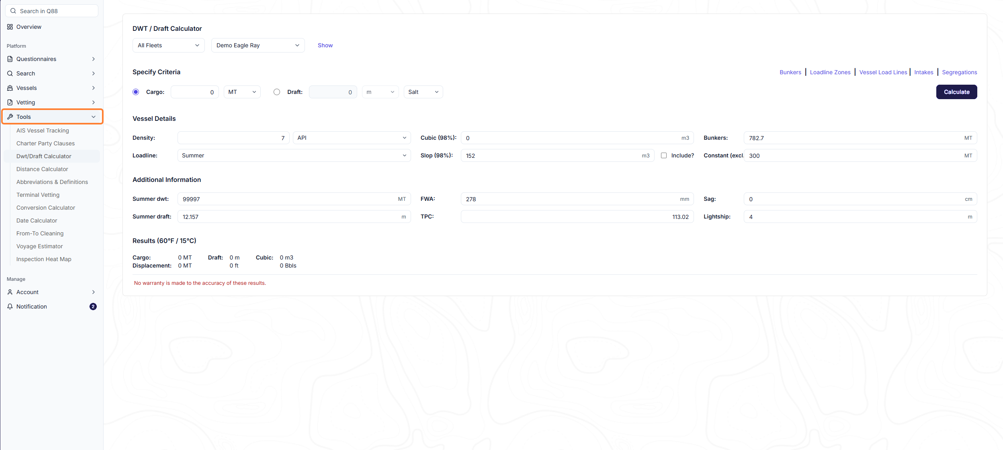
Access day-to-day tools that support your chartering and vetting work: manage vessels and fleets, request vessel access, run the voyage estimator, and reference charter party clauses. Built-in calculators for DWT/draft, distance, dates, and conversions, along with AIS vessel tracking, mooring diagrams, and tank plans, keep the details you need close at hand without switching to another system.
Vetting
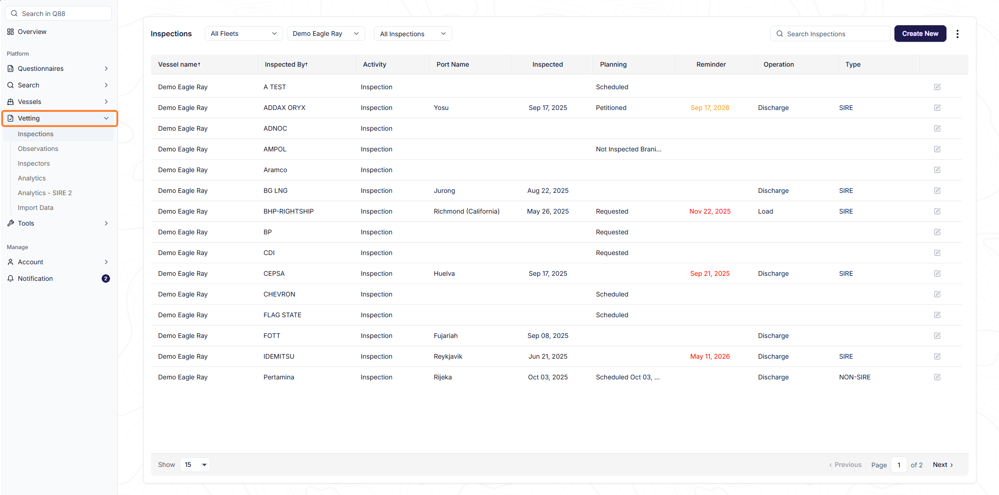
The Vetting module gives you one place to manage your fleet's inspection history and vetting risk. Log every inspection and its observations as they happen, so findings are always tied back to the record they came from. Built-in analytics, including analytics tailored to the SIRE 2.0 inspection regime, let you benchmark your fleet's performance against the wider industry, while the ability to import inspection reports directly cuts down on manual data entry. Together, these tools give you a clearer, more current picture of vessel risk, so you can make faster, better-informed chartering and vetting decisions.
Search
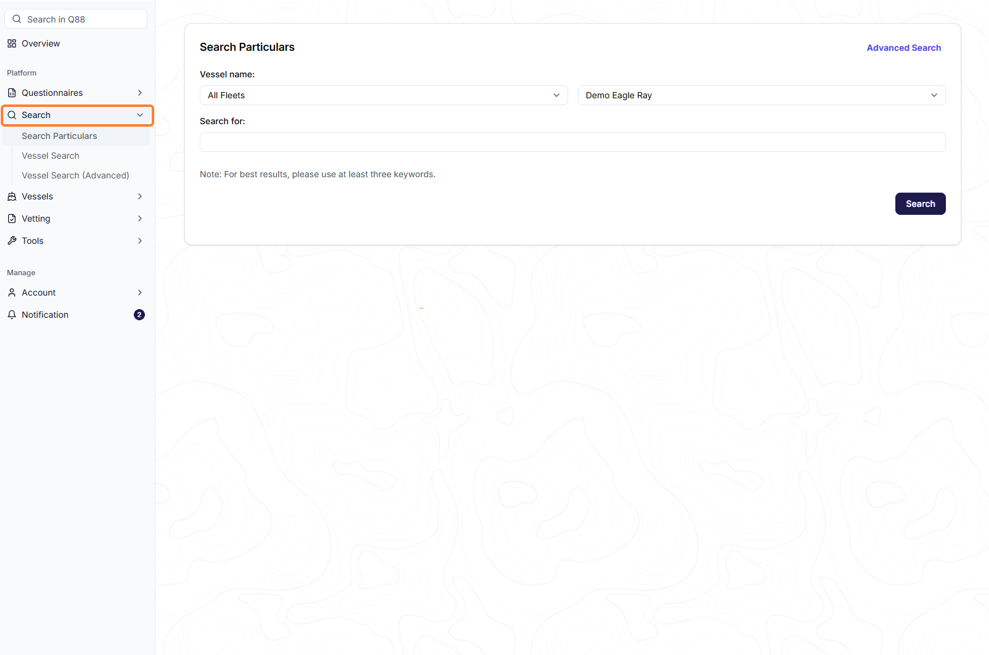
Q88 gives you a few ways to search, depending on what you're looking for. Use Vessel Search for a quick lookup by name or IMO number, Advanced Search to search the entire vessel registry with custom criteria and exportable results, and Search Particulars to search within Questionnaire content itself.
How can I use CoCaptain for Q88?
You can now ask CoCaptain about your Q88 data. See the Vetting and Compliance prompt list for examples.
CoCaptain now helps you search and surface relevant Q88 data you need. Currently, it can only access data tied to your account, so results are scoped to your organization rather than the full Q88 registry.
It is designed to inform at this stage, not to take actions or make changes.
CoCaptain lets you ask questions in plain, conversational language instead of navigating through screens to find what you need. For general guidance on what CoCaptain is, how to use it, and its current limitations, see CoCaptain.