
VesselsValue brings validated vessel valuations, market data, and fleet intelligence into Veson Platform, joining IMOS, Mail, CoCaptain, Insights, and Q88 in one connected experience. Instead of switching to a separate system to check a vessel's market value, ownership history, or trading activity, you can search, compare, and value vessels in the same place you already plan voyages and manage fixtures. VesselsValue rounds out Veson Platform's vessel and market data, giving you a fuller picture for chartering, valuation, and negotiation without leaving your workflow.
If you already use VesselsValue, you will recognize most of what you see.
Accessing VesselsValue in Veson Platform
-
Go to app.veson.com.
-
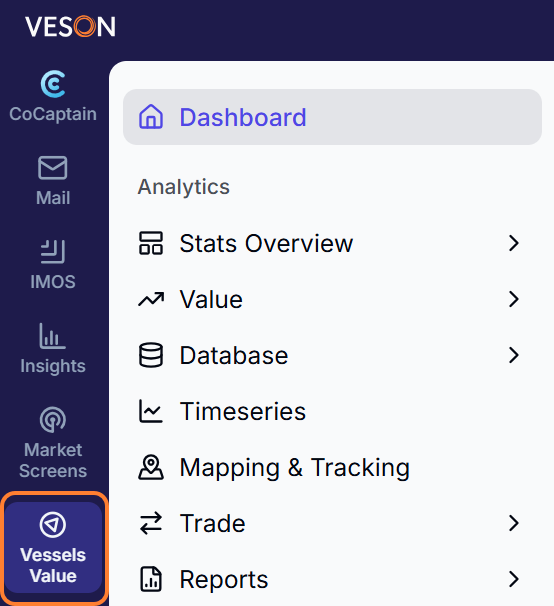
In the Veson Platform, go to VesselsValue in the sidebar menu.
What can I do with VesselsValue in Veson Platform?
Here is a closer look at what VesselsValue offers within Veson Platform.
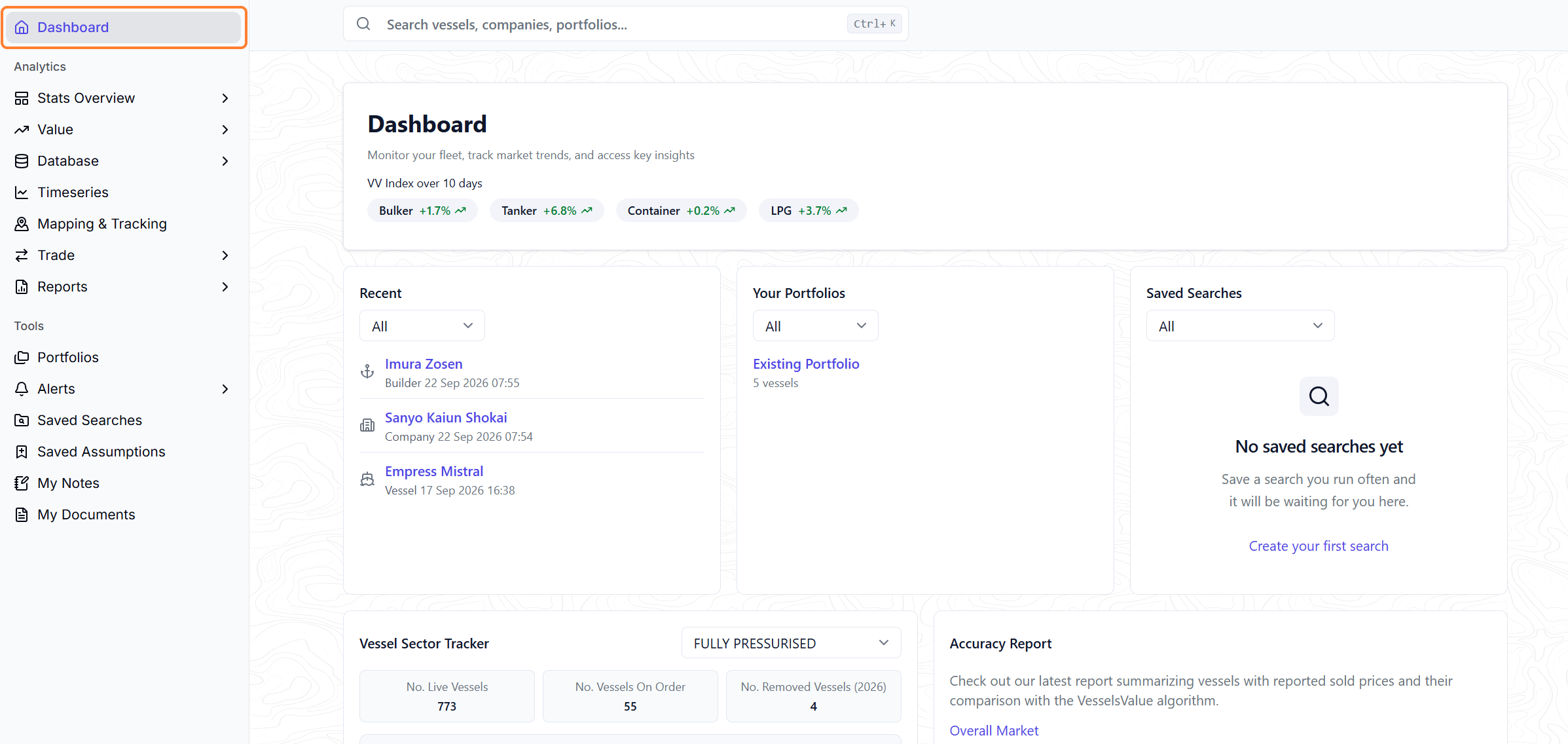
Dashboard
The Dashboard is your personalized home page in VesselsValue, giving you a single starting point accessing our data via the quick search, whilst showcasing your browsing history, your bespoke portfolios and saved searches. Now with additional market snapshots giving you an instant read on the market.
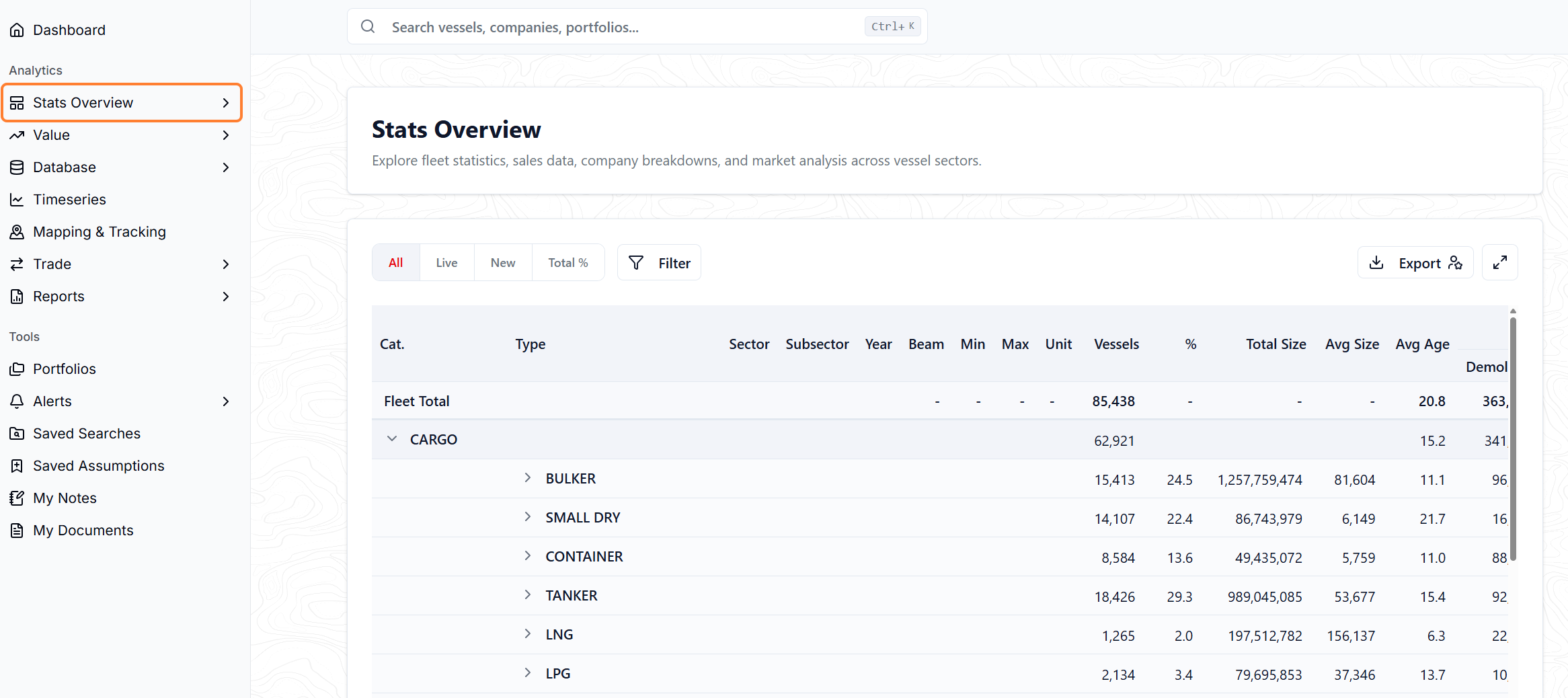
Stats Overview
Explore a top level view of what VesselsValue has to offer; diving into the fleet statistics, sales data, company breakdowns, and market analysis across vessel sectors.
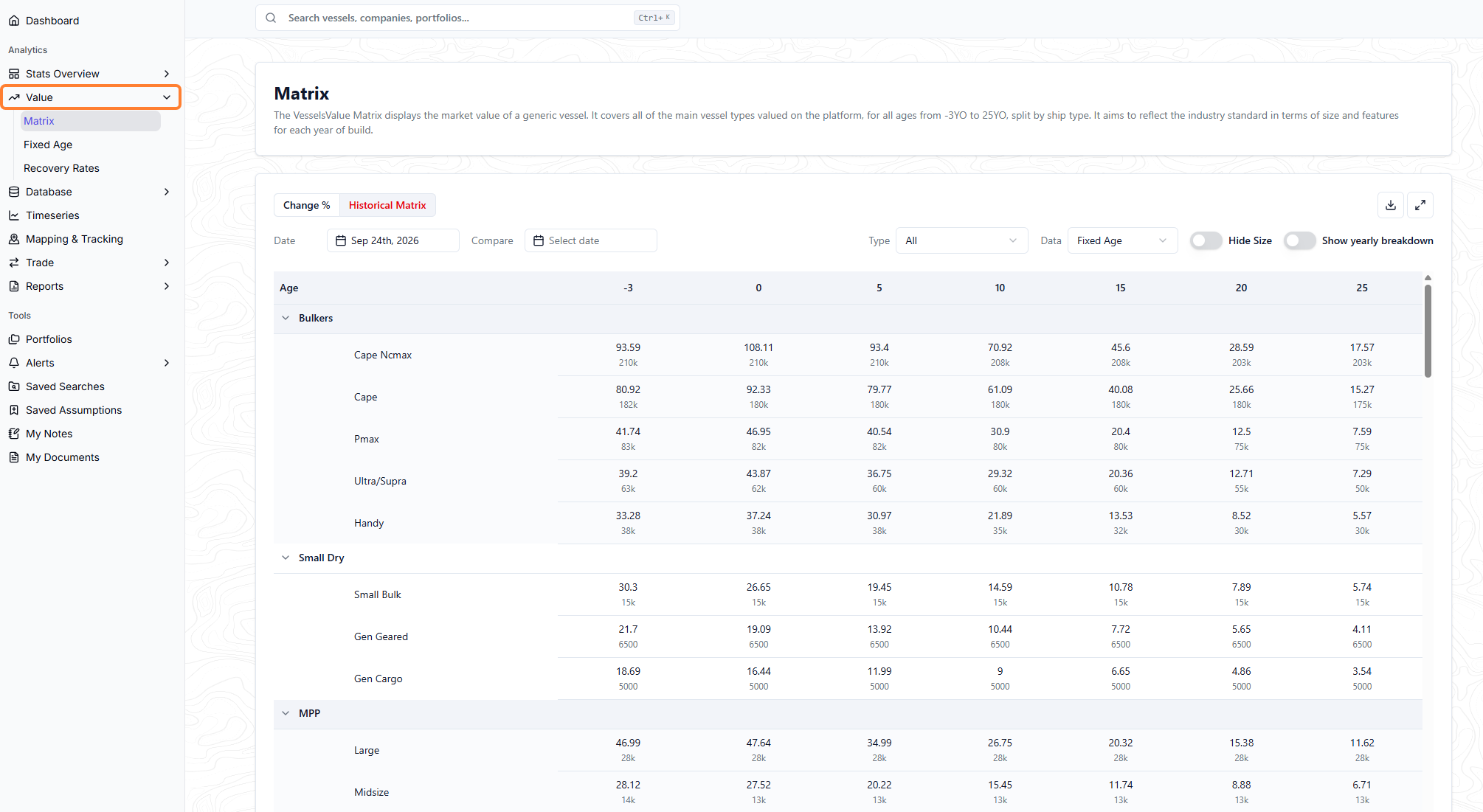
Value
VesselsValue calculates a Market Value for each vessel daily, using an automated model based on age, size, type, features, and market sentiment. Here you can find aggregated valuation data on a vessel type level, giving you a birds eye view of the market. You can also view historical, forecast, and condition-adjusted values, generate a valuation certificate.
Database
Search and compare vessel and company data across the global fleet using Fleet Database, including specifications, ownership history, and transaction activity. Visualise your Fleet Database searches using Charts search.
Search and filter market transactions using Deals Database, including secondhand sales, newbuild orders, demolitions, and charters.
Search for vessels which are currently in the Orderbook using the Orderbook search.
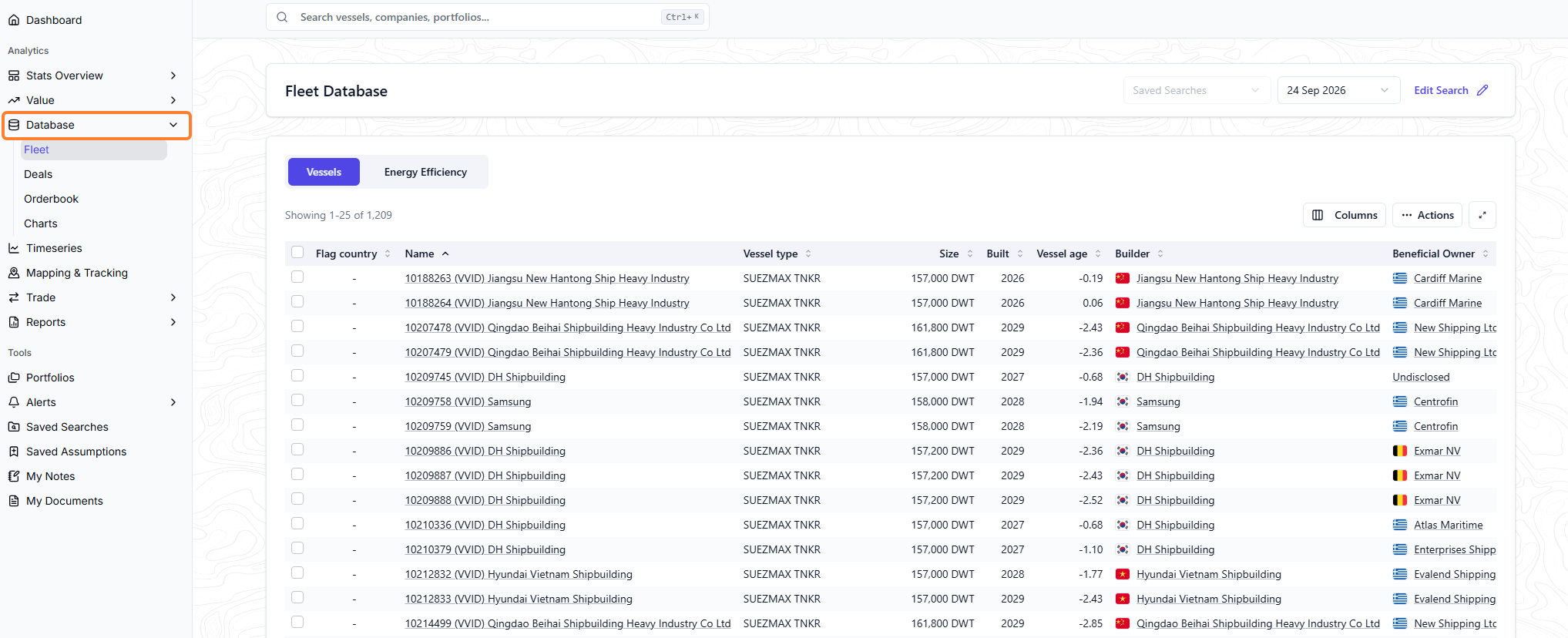
Timeseries
Use Timeseries to chart market trends across earnings, values, and sale and purchase activity.
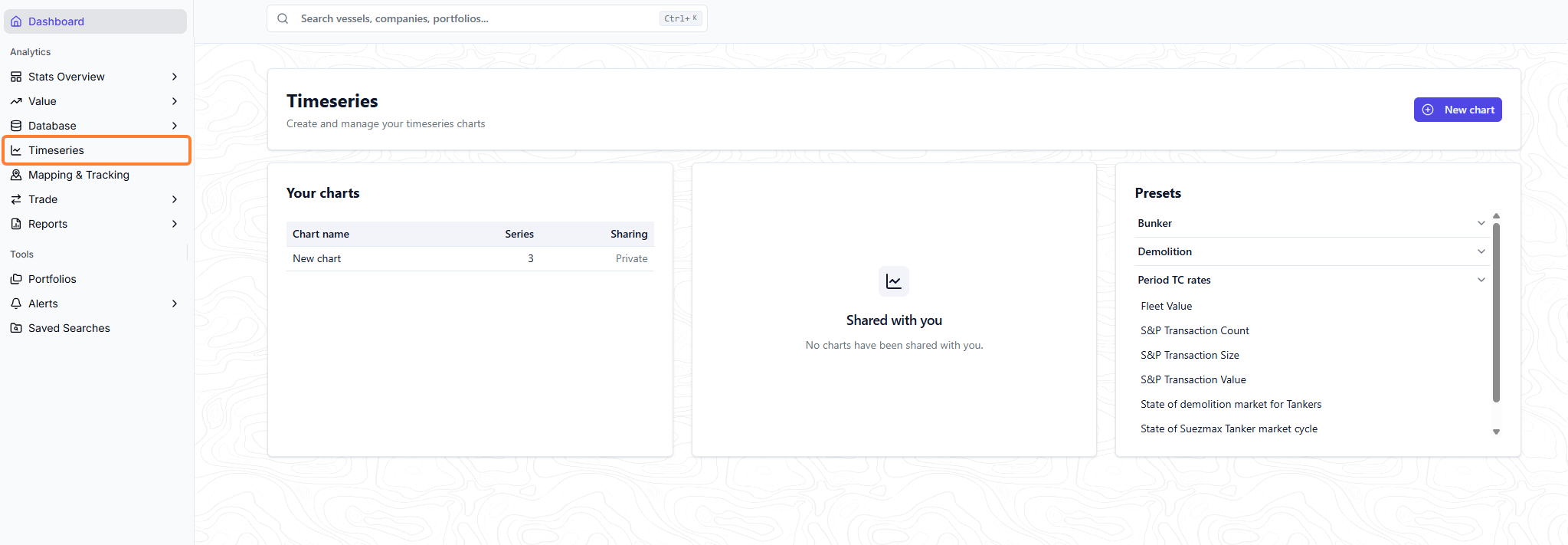
Mapping & Tracking
Track vessel positions and movements using AIS data, and follow multiple vessels or portfolios at once. Zone alerts notify you when tracked vessels enter or exit areas you define.
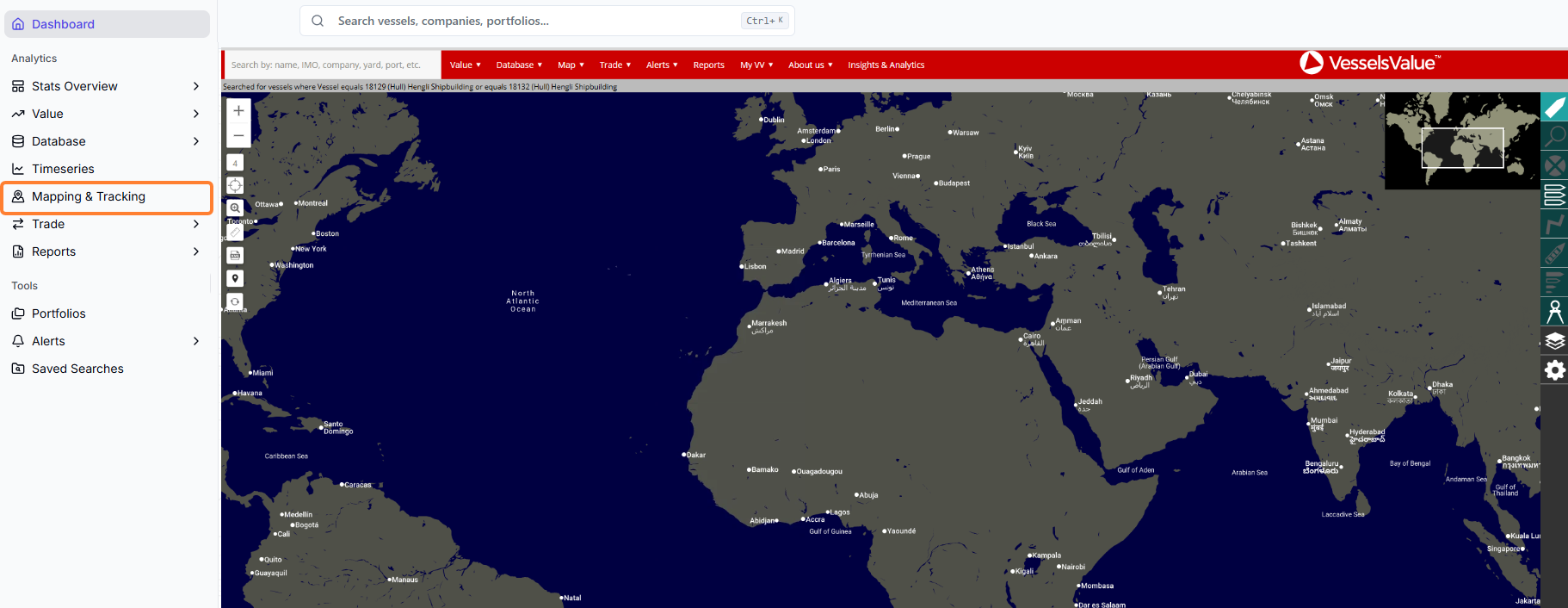
Portfolios
Group vessels of interest into individual Portfolios to track their combined value over time, allowing you to monitor your fleet or investments with ease across VesselsValue.
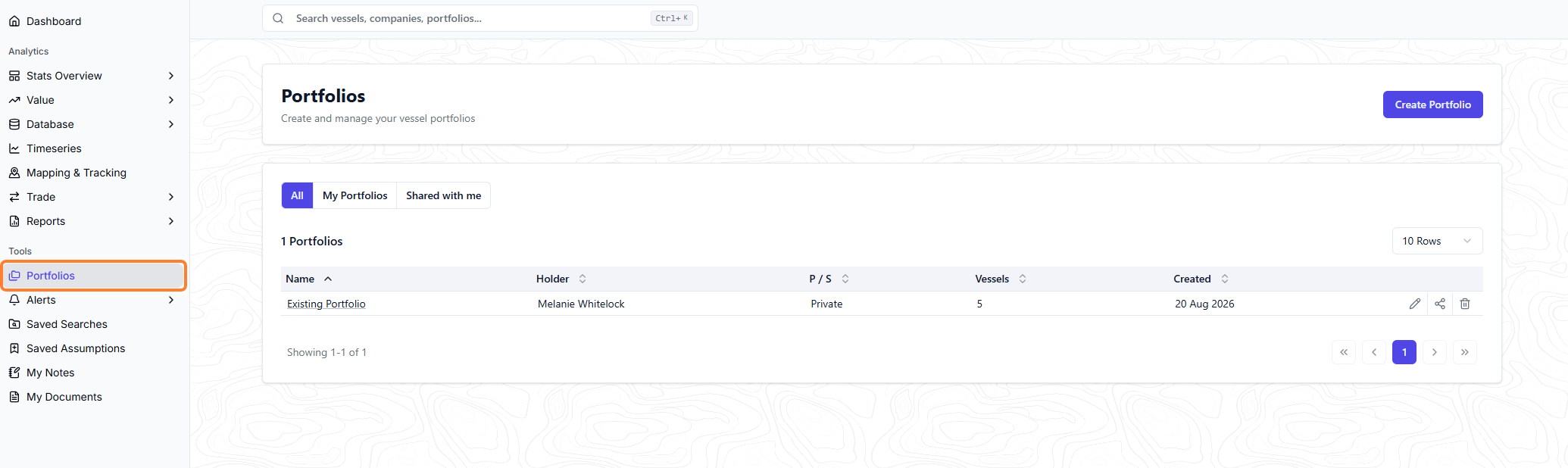
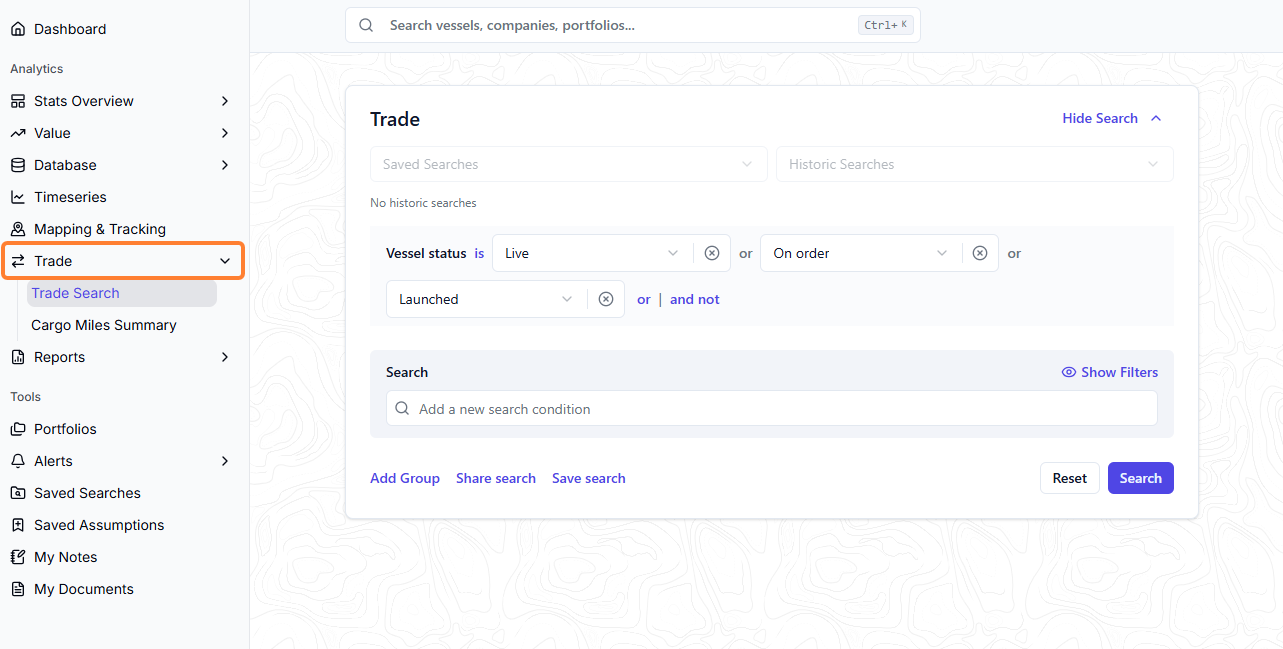
Trade
Analyze trade flows, journeys, stoppages, and port congestion by vessel type, using aggregated voyage data to see vessel and company trading history and identify supply and demand patterns.
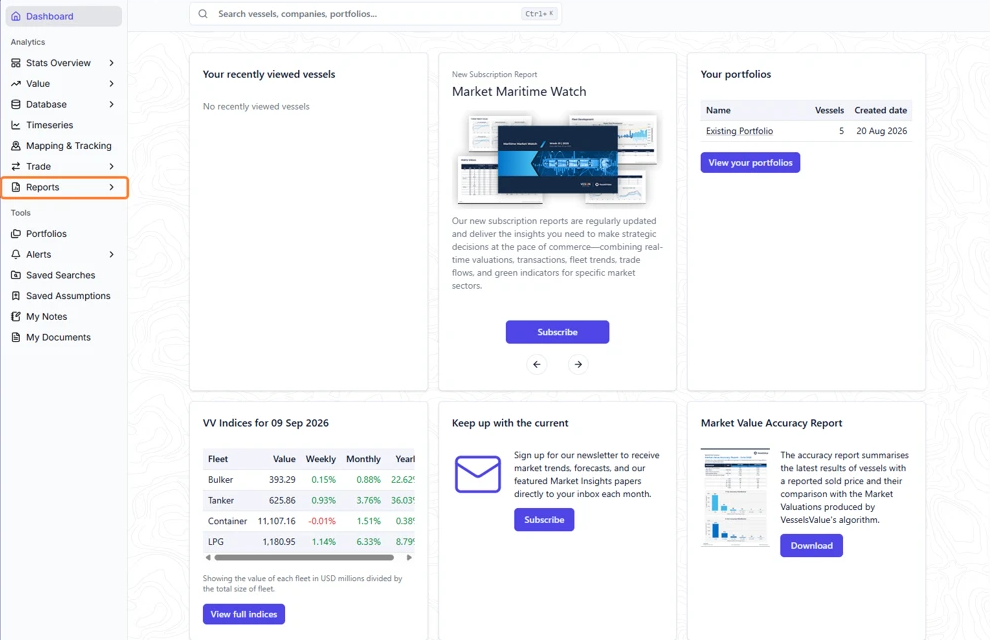
Reports
Access on-demand market reports and vessel-specific valuation certificates, plus support from VesselsValue's analyst and sales teams.
Efficiency
Review CII and EEDI/EEXI ratings for vessels in your fleet or across the market, along with data on scrubbers and other efficiency features, to support compliance and decarbonization planning.
API
Feed VesselsValue valuations, database records, and market data directly into your own systems through flexible APIs.
How can I use CoCaptain for VesselsValue?
CoCaptain lets you ask questions in plain, conversational language instead of navigating through screens to find what you need.
You can now ask CoCaptain about your VesselsValue data specifically filtering and summarizing of records from the Fleet Database and Deals Database.
CoCaptain now helps you search and surface relevant VesselsValue data quickly. It is designed to inform at this stage, not to take actions or make changes.
Providing you have access to these modules, you can now access data from Fleet and Deals, including:
-
Vessel type, class and size
-
Builder yards
-
Vessel ownership
-
Valuations
-
Energy efficiency and Emissions
-
Vessel features
-
Surveys, inspections and incidents
-
Transactions, sales and charterers
See Research for example prompts.
For general guidance on what CoCaptain is, how to use it, and its current limitations, see CoCaptain.