
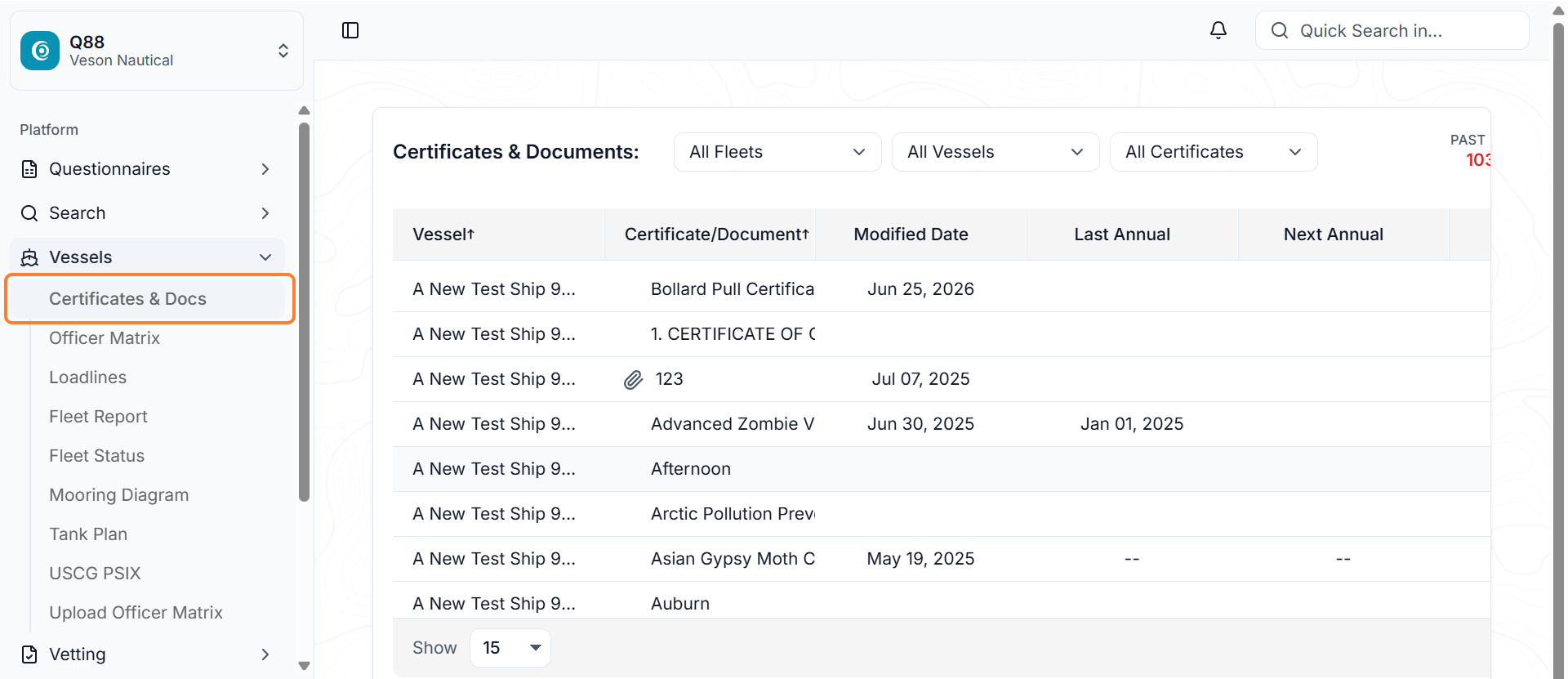
This module allows you to manage and view your certificates, documents, diagrams, dates, reports, attachments and emails that you want to store on the platform.
Q88 Users Accessing the Certificates & Docs module
To login to Q88, complete the following steps:
-
Login from https://www.q88.com/Login.aspx?c=1..
-
From the Home page go to the side bar menu select → Vessels → Certificates & Docs.
Q88 Onboard Users Accessing the Certificates & Docs
For Q88 Onboard users, you can access the Certificates & Docs module the same way as a Q88 user. However, please note that you will only have access to the certificates and documents related to the specific dedicated vessel.