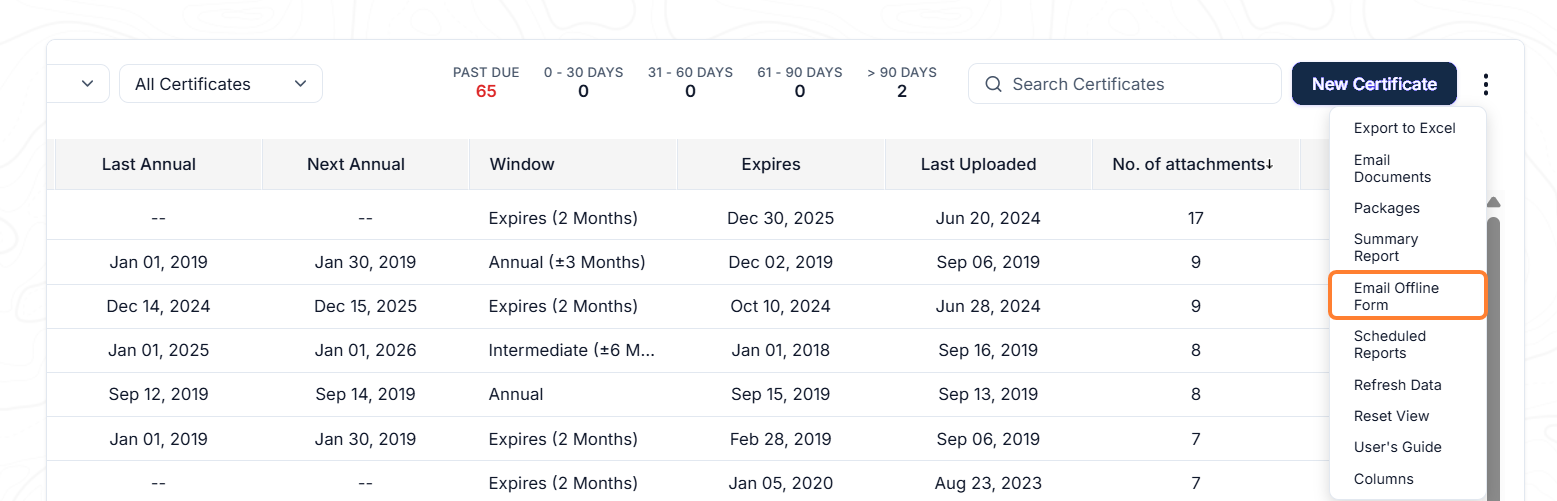
If you need the Master to assist in updating the certificate date, you can do so by sending the Offline forms to them by clicking on the Actions Menu → Email Offline Form.
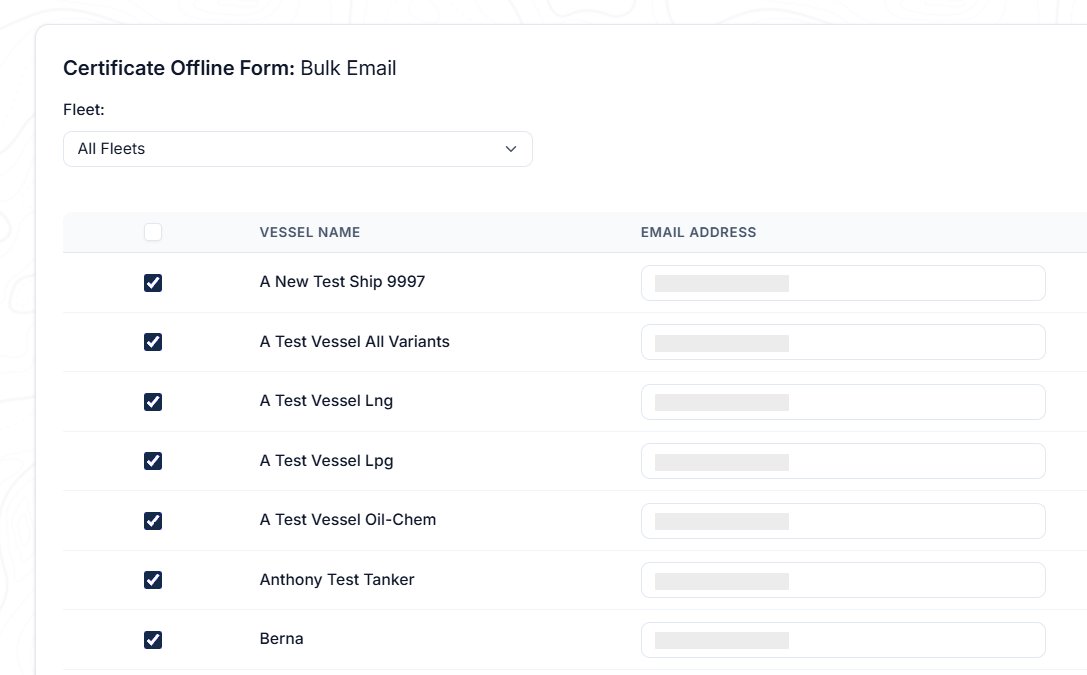
The Bulk offline form can be sent to all vessels in your fleet or you can also choose a specific vessel you wish to send the form to. Once you have selected the vessel(s), click the Email button to proceed.
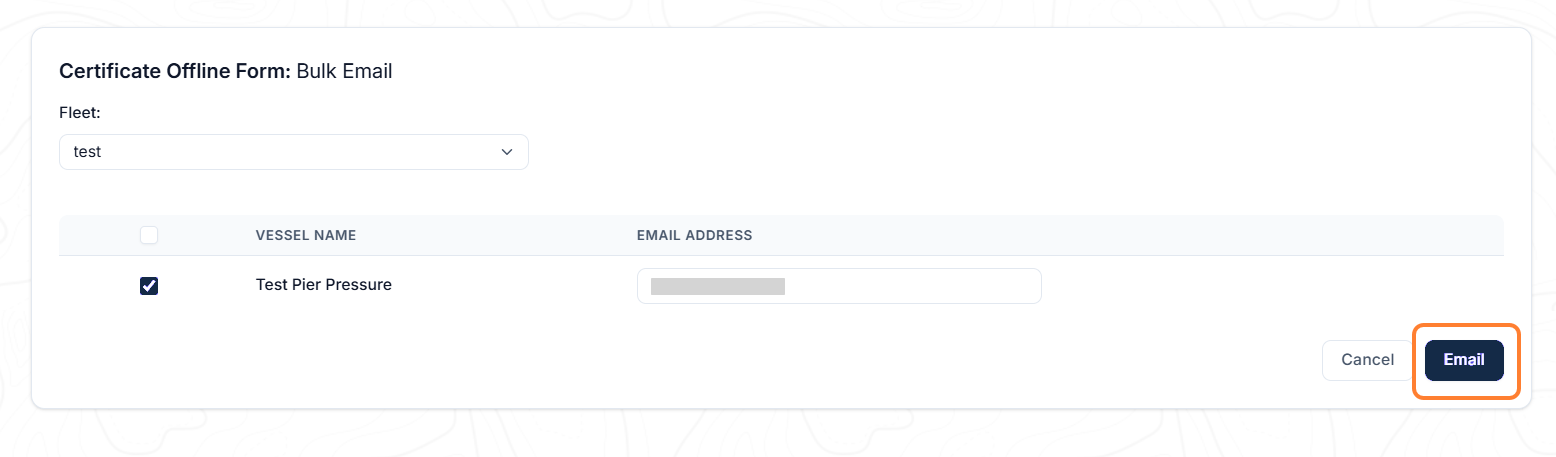
The system will compose an Email template with the attachment of the selected Offline form and the instructions for updating it.
-
Note: Certificates/documents offline form will be in Microsoft Excel format.
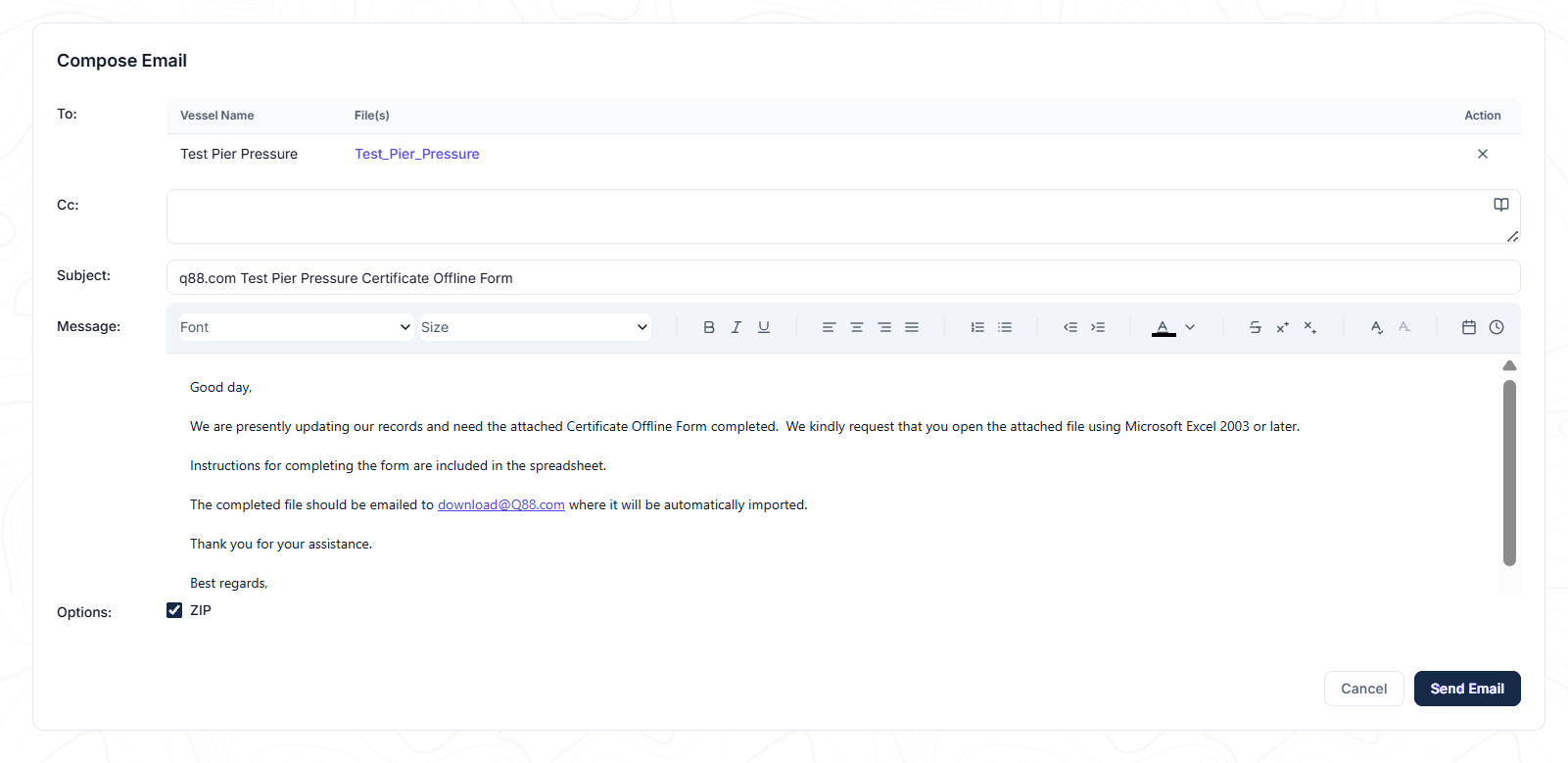
The Offline forms will expire one month after being sent to the vessel, and the expiry date is indicated on each form.
Customize Offline Form
-
If you have an administrator role, you will have the ability to customize the list of certificates/documents according to your requirement by selecting the Actions Menu → Settings.
-
Choose which certificates or documents to include in the Offline form by selecting the checkbox under the In Offline Form column.
-
Once the Master updates the dates, they will have to save the Offline form → attach it to an Email → send it to download@q88.com. Once the Offline form is imported, the date of the certificate will be updated in your Q88 account accordingly.
Email Notifications
To receive an email notification alert when the offline questionnaire is submitted, you can click the Actions Menu and select Scheduled Reports.
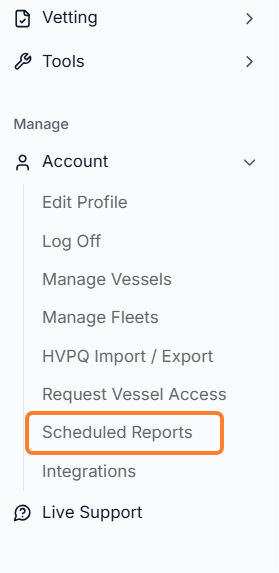
Click New Schedule on the report page.

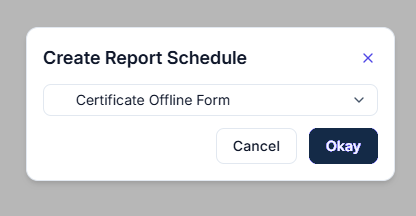
Select the form, and create the report schedule by selecting Okay.