This article will explain how to insert a Snippet into an email.
Snippets are pre-made templates stored in a Snippet, These can be added to pre-populate the email with the contents of the Snippet.
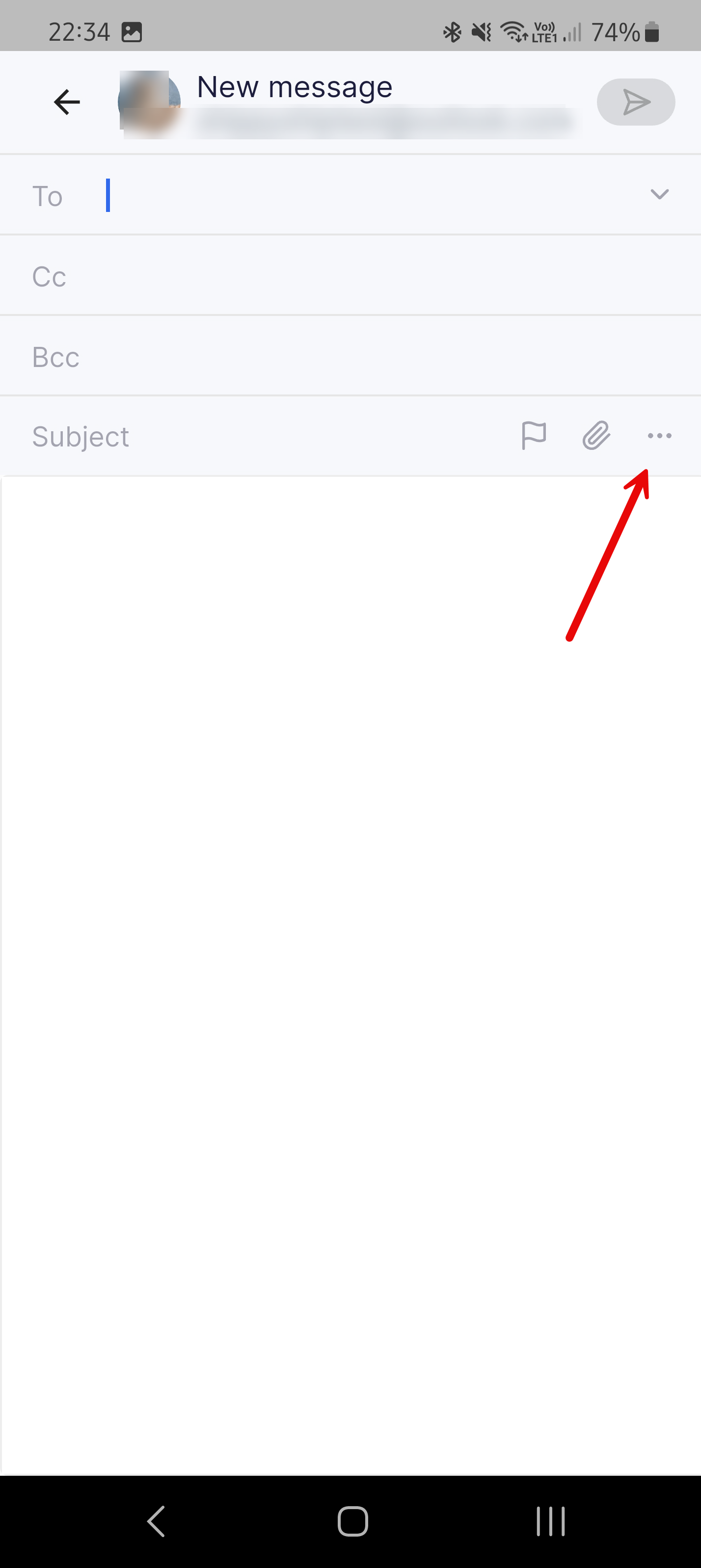
The Snippet option is shown in the 3-dot menu when composing or replying to an email.
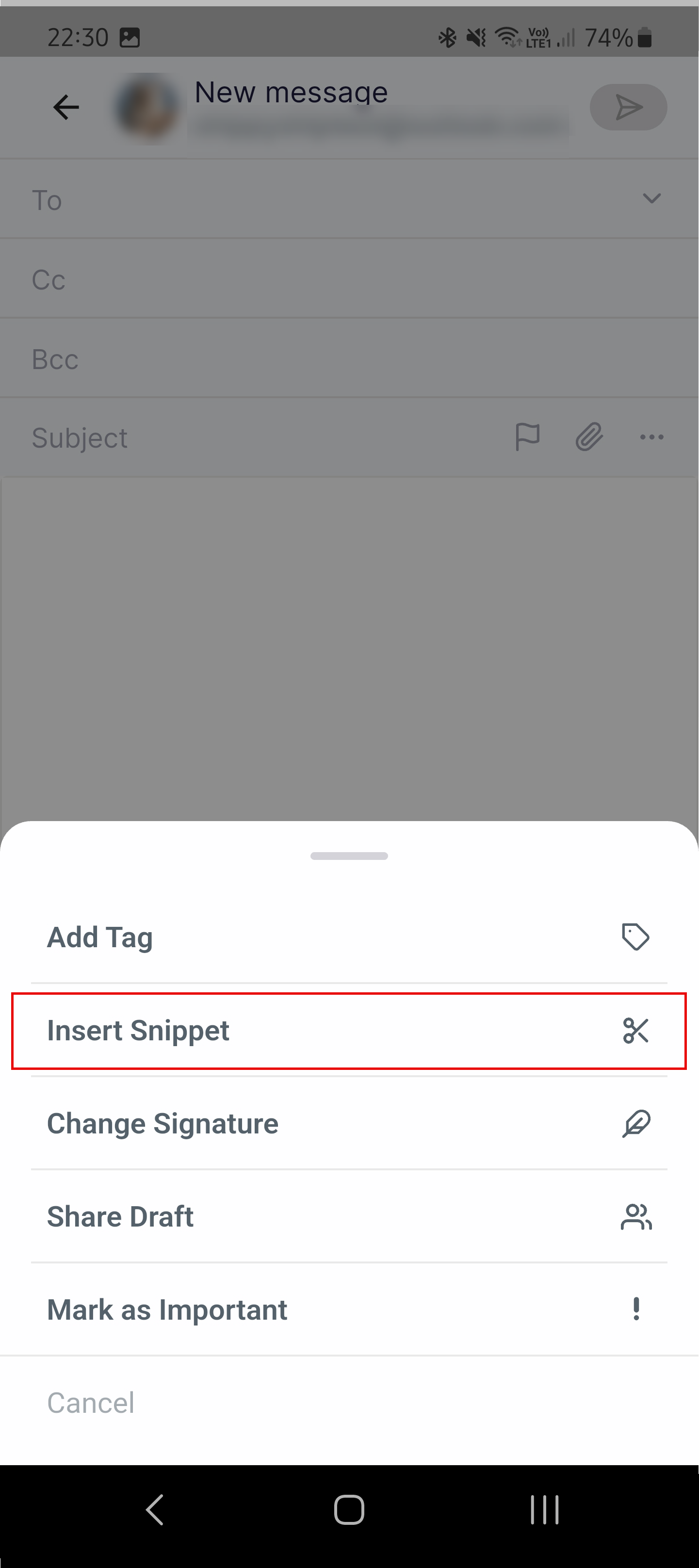
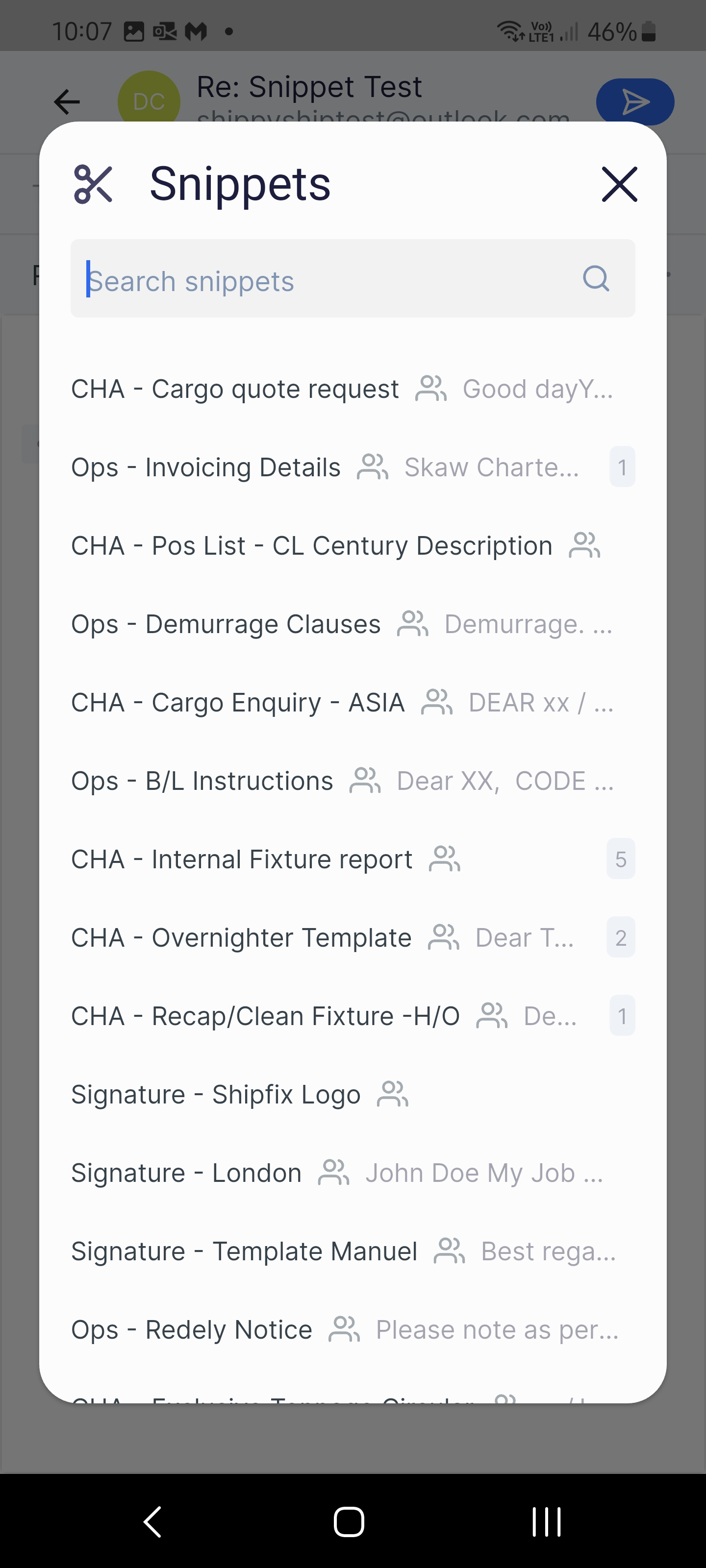
To insert a Snippet, select the 3 dot menu then ‘Insert Snippet'. This will display the Snippets list, where you can select or search for a snippet.
1.
2.
3.
4.
Insert Snippet in Quick Reply
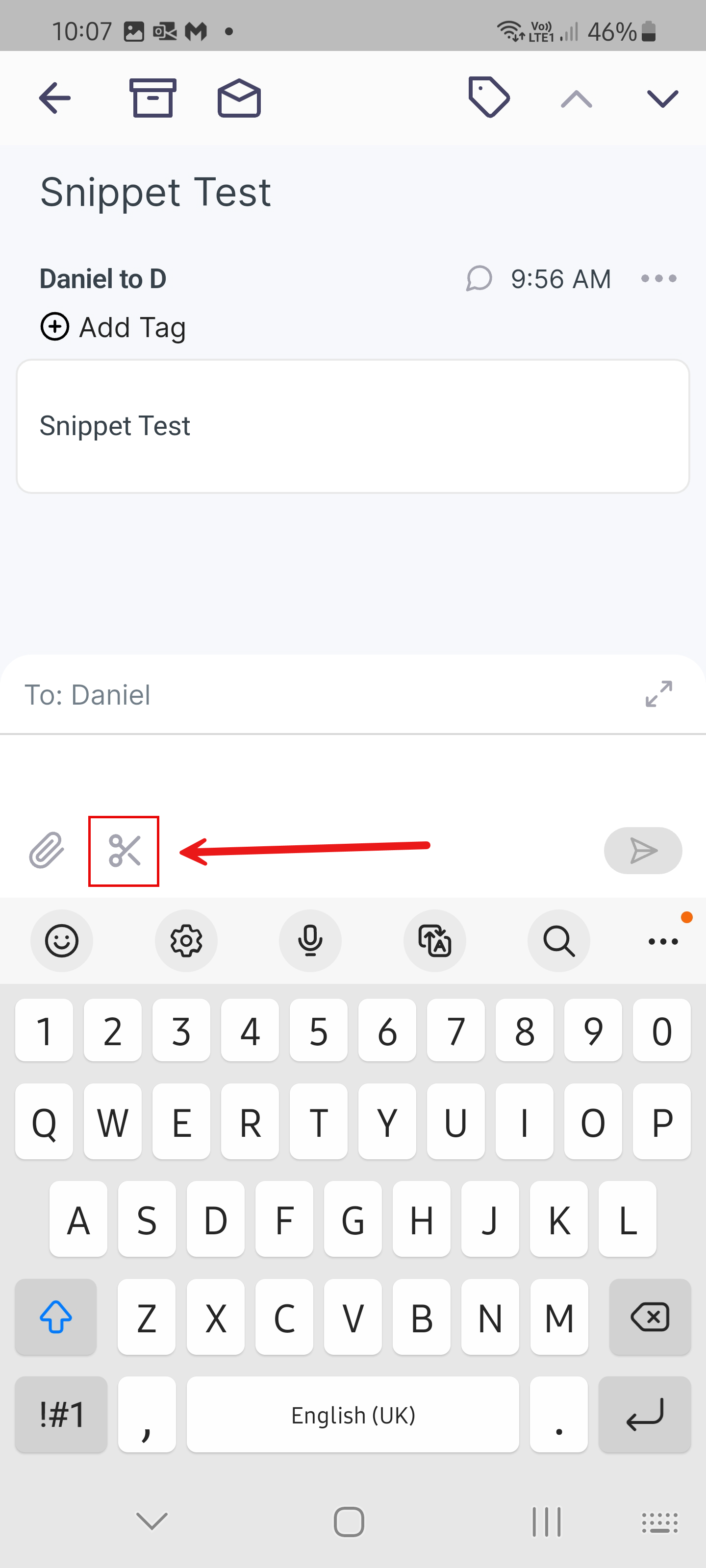
When in Quick Reply view, inserting a Snippet will switch the view from Quick Reply view, to full screen mode once the Snippet is inserted.
-
Click on the scissor icon to display the Snippet list
-
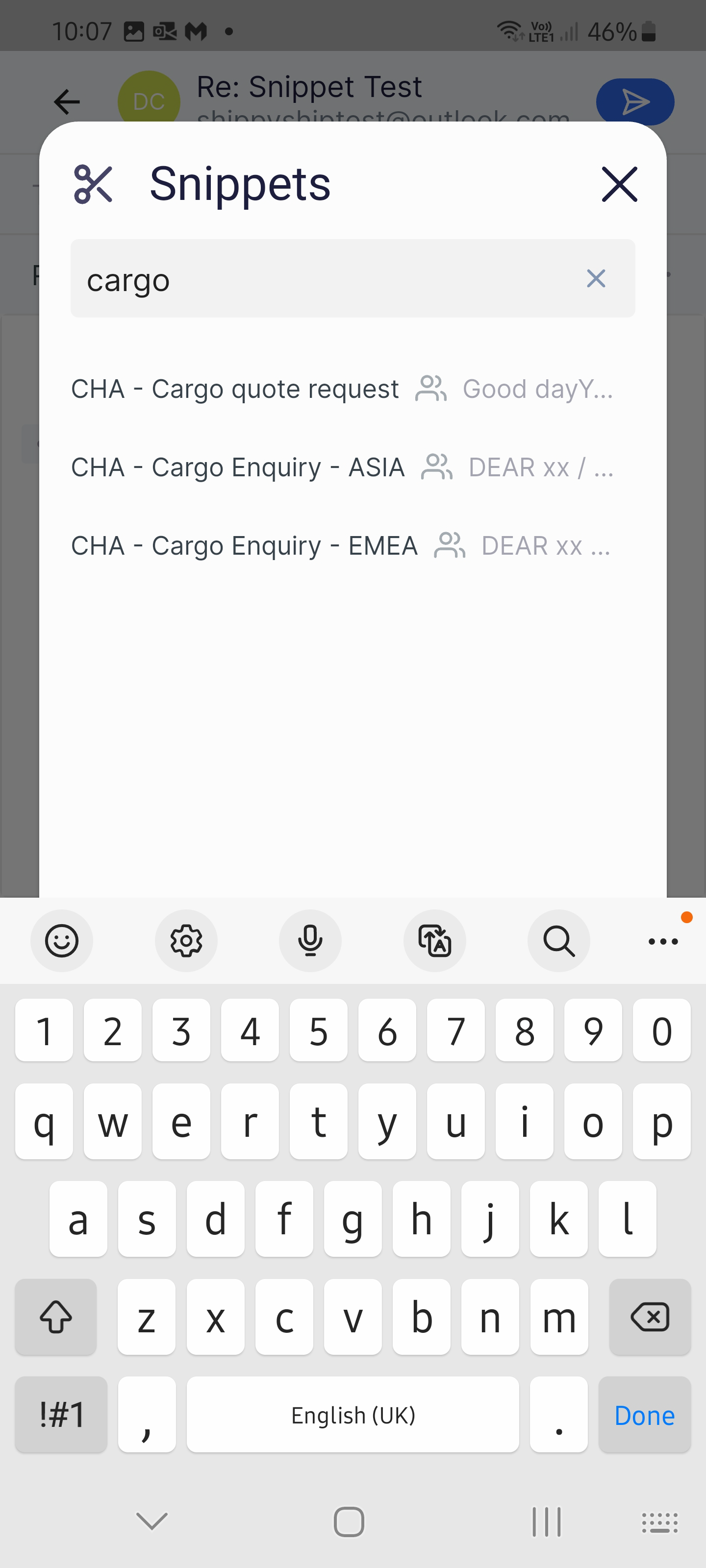
Select or search a snippet.
-
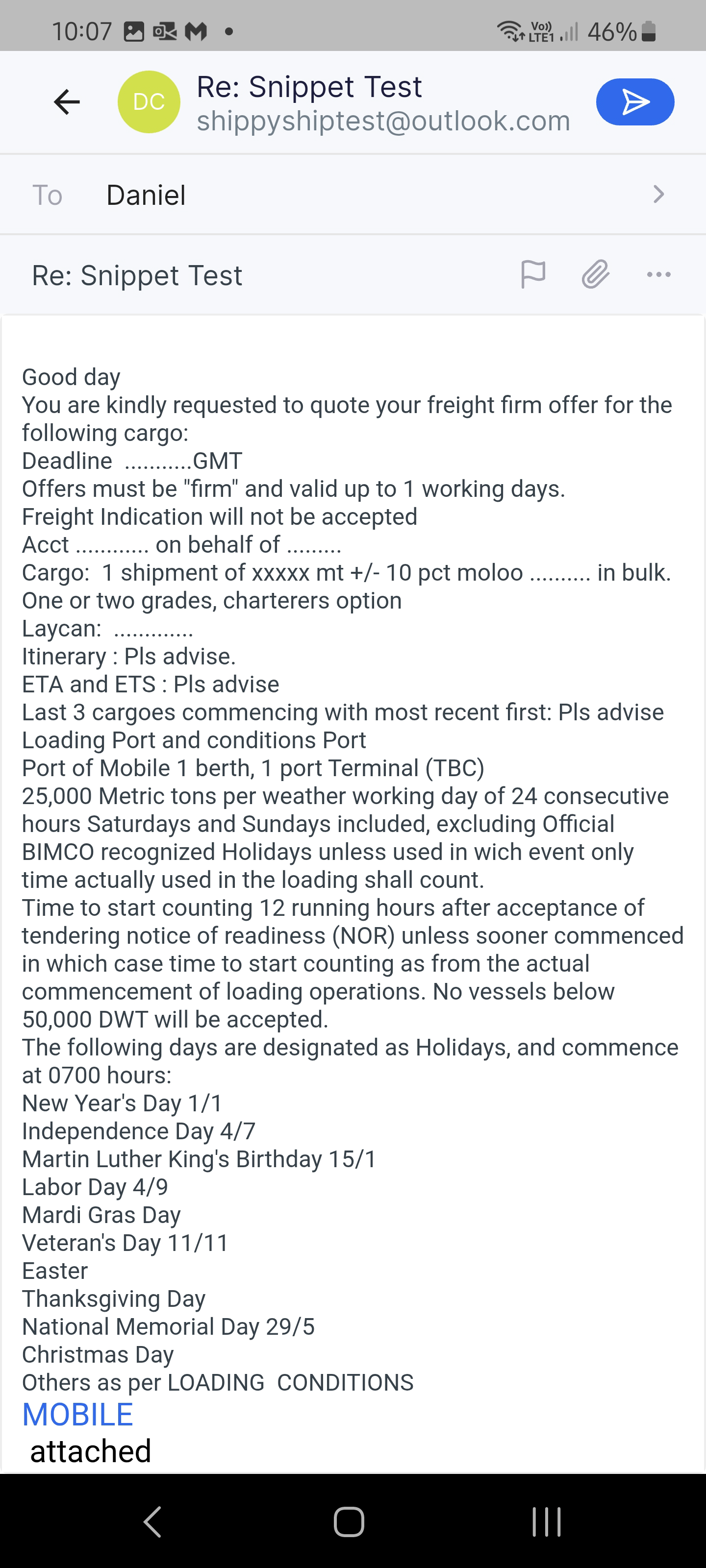
Snippet inserted, and the view has changed from Quick Reply to full-screen mode.