
The Shipfix mobile app also allows you to chat with your colleagues using the Smart Chat feature.
You can access the Chat feature from the bottom of the Shipfix mobile menu.
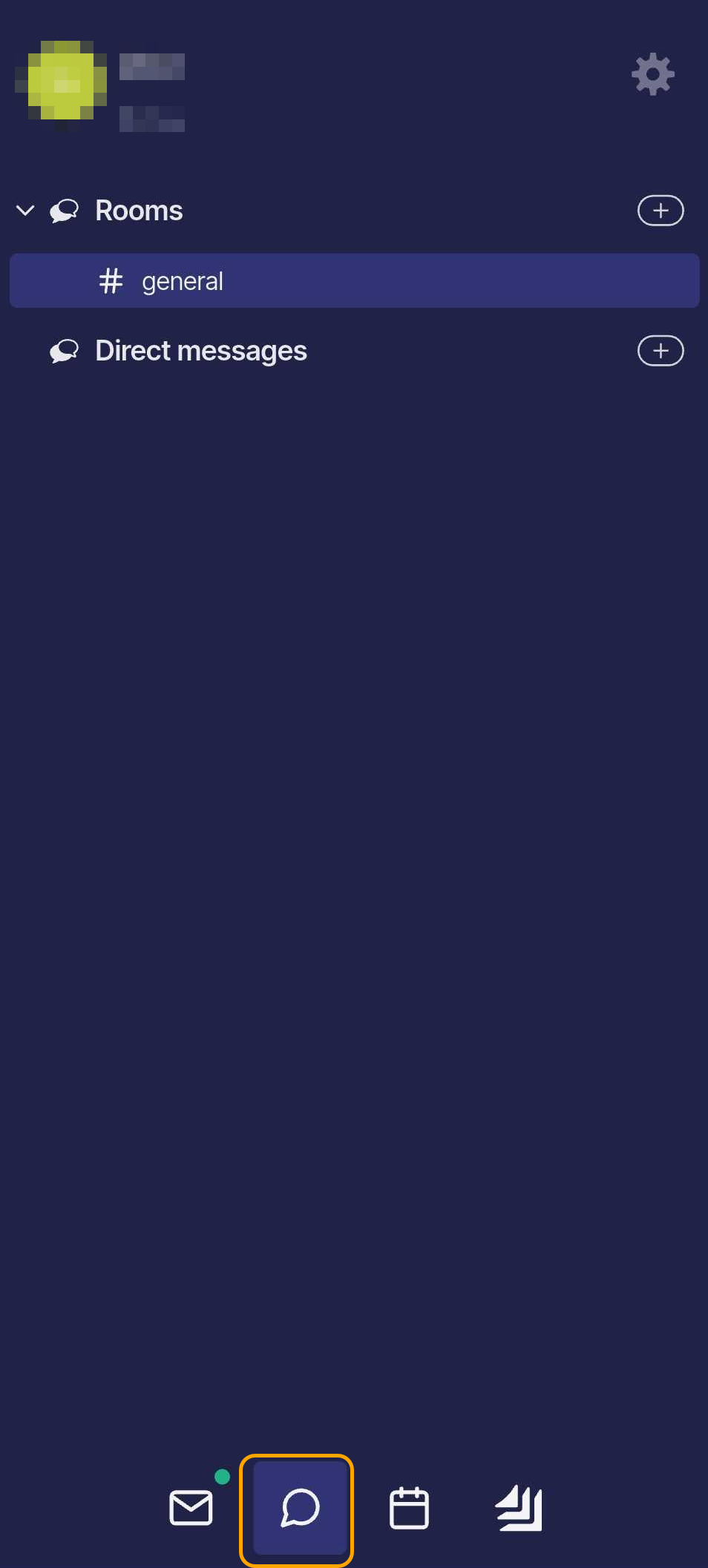
You can chat in the #general room, which includes all users in your company’s workspace, or create a group chat with specific users. To create a new group chat, tap the plus (+) button next to Rooms.
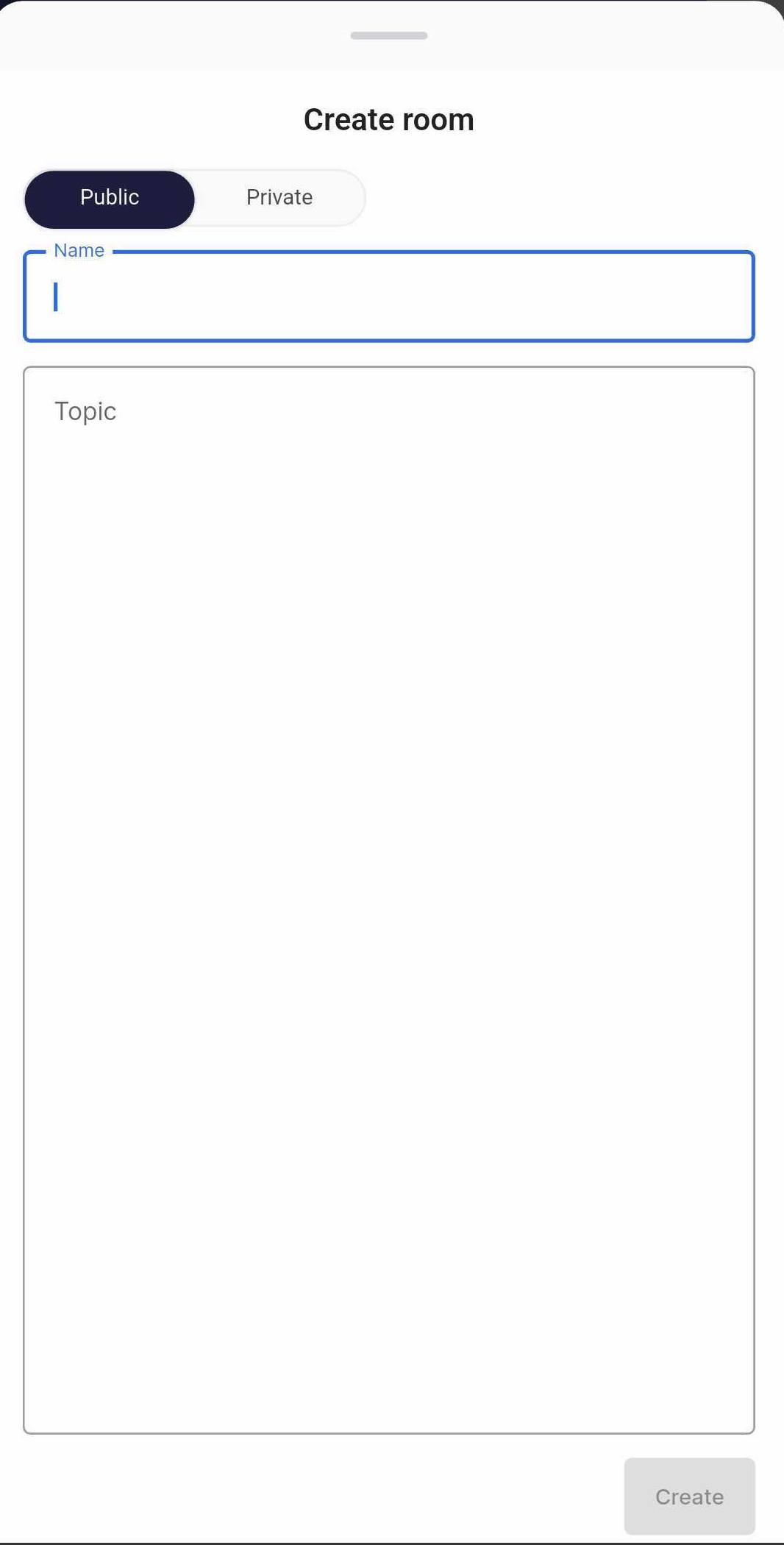
This will open the Create Room window, where you can choose whether the room will be Public or Private
In both group and individual chat rooms, you can access the Chat Menu by tapping the three-dot icon in the top-right corner of the screen.
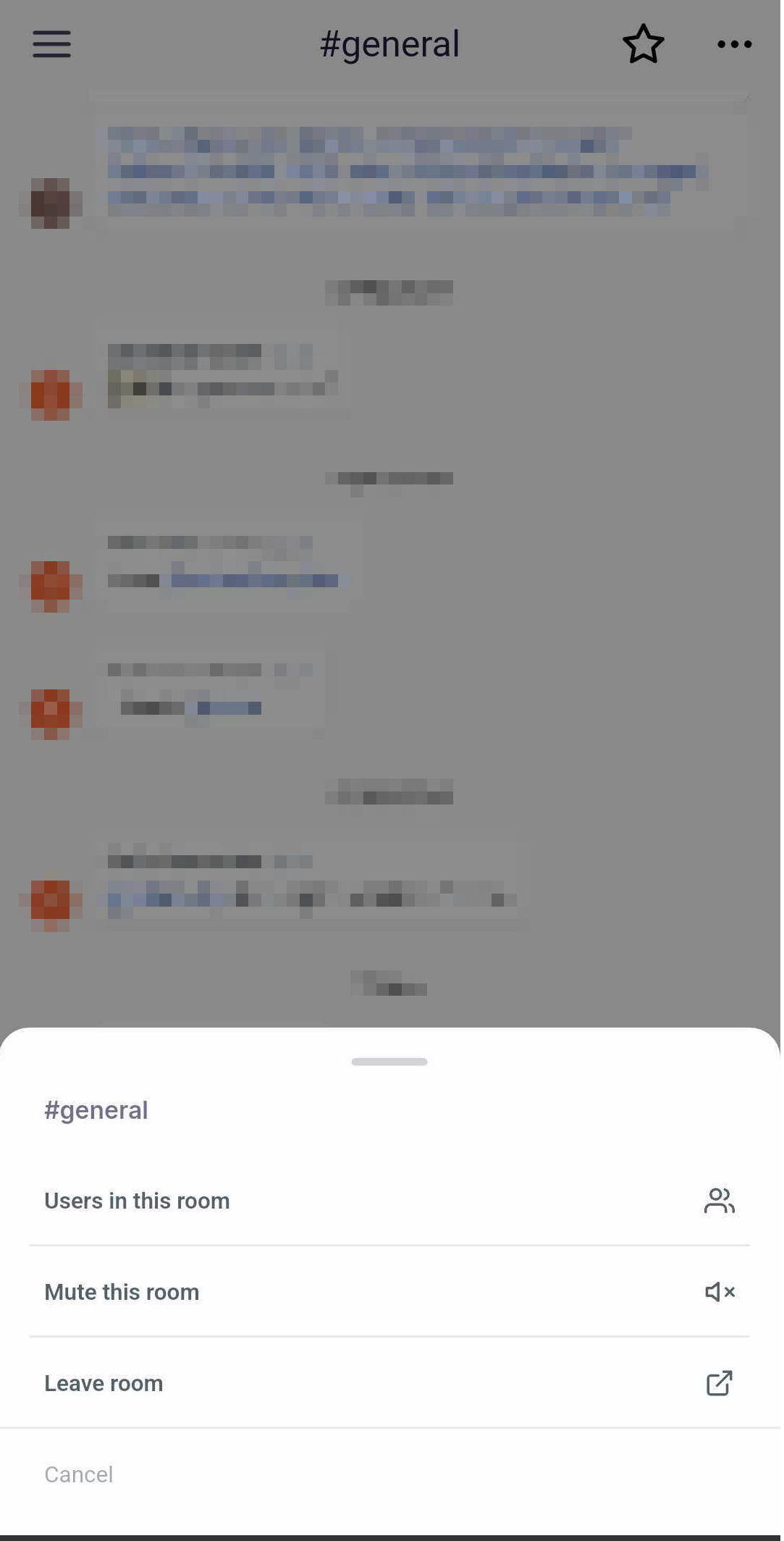
From this menu, you can:
-
View the list of users in the room
-
Mute the room
-
Leave the room