Carbon View is an alternate display mode within the Estimator Worksheet in IMOS. It highlights the carbon-emissions impact of a given voyage estimate.
This feature requires CO2 factors to be set up and enabling the configuration flag CFGEnableCarbonView.
Switching between Carbon View and Classic View
To switch views, select Carbon View on the Estimator Worksheet.
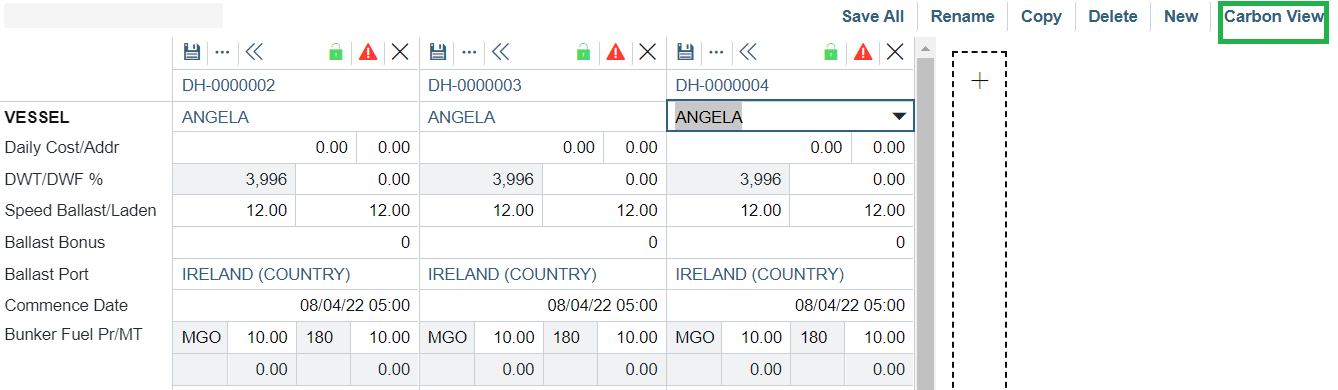
To return to the original view, select Classic View.
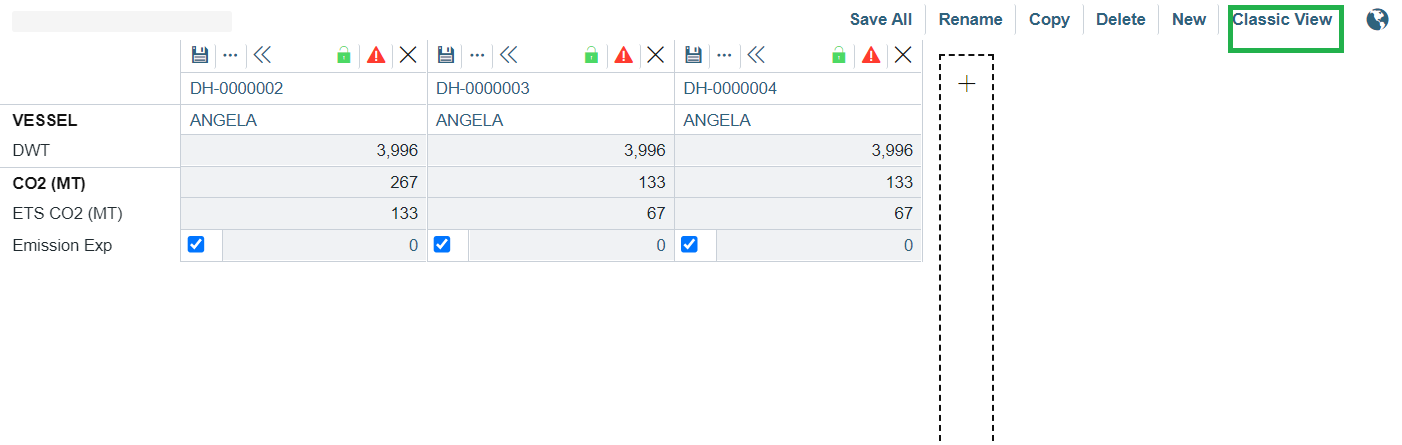
Carbon View Sections:
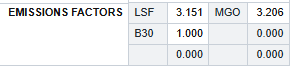
Emission Factors
Displays the emissions factors for each fuel type connected to the vessel. Emission factors must be set up before this functionality can be used. These values can be overridden on a per-estimate basis.
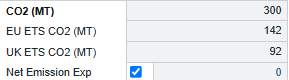
CO2 (MT)
Displays the CO2 emissions and expenses related to EU ETS and UK ETS regulations.
Net emission exp:
-
Check or uncheck this box to include or exclude net emission expenses from the Carbon Calculator.
Click the Net Emission Exp value to open the Carbon Calculator [Wiki page] screen.
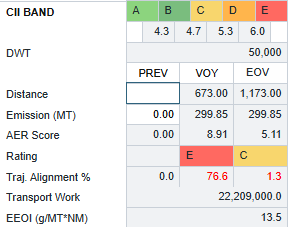
CII Band
Calculates the CII rating and AER score related to IMO MARPOL Annex VI. See [wiki page link] for more details.