
To view the details of extracted cargo from your email, you need to disable the View HTML option.
To disable View HTML:
-
Open the email you want to check.
-
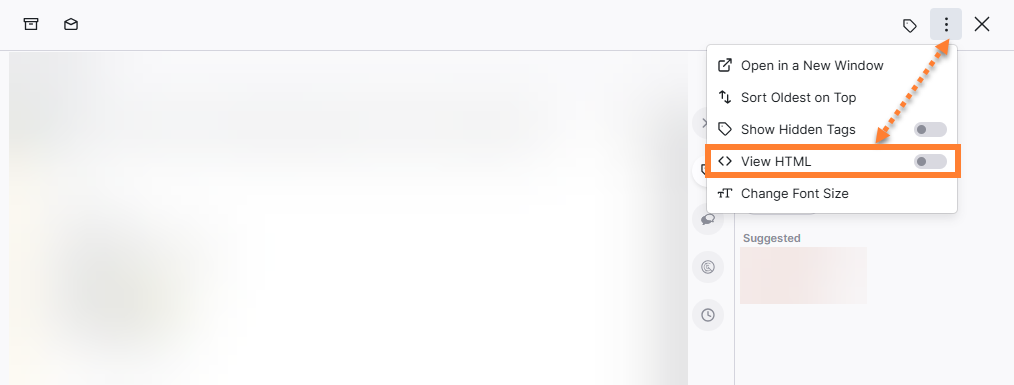
Click on the three-dot menu at the top right corner of the email.
-
Click on the toggle next to View HTML to disable.
-
The extracted cargo details will now be highlighted in yellow with port details linked within the email content.
-
Enable the View HTML option to revert.