
Shipfix does not support blocking emails directly, but admins and managers can hide an email at the organizational level.
To hide a sender throughout the organization:
-
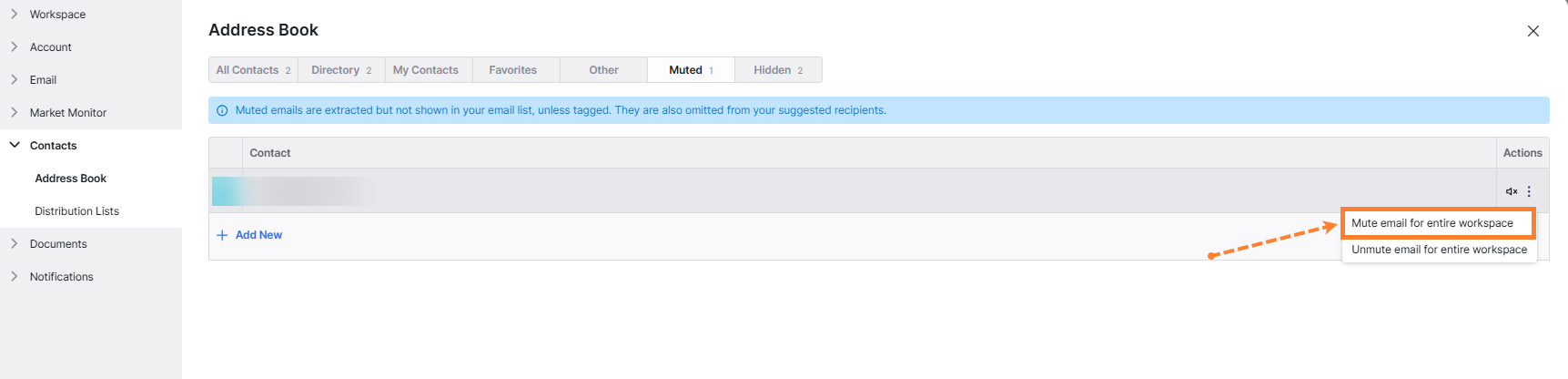
Navigate to the Address Book list.
-
Find the contact you want to mute
-
Click on the three-dot menu → mute for entire workspace.
Important notes:
-
Data from muted contacts can still be extracted (tonnage, orders, etc.).
-
To completely prevent data from reaching Shipfix mailbox and market screens, you need to block the sender from your original mail client (Outlook, Gmail, etc.).