
To apply custom tags to specific emails, you need to select SHIFT + T.
To tag individual emails:
-
Select the specific email you want to tag.
-
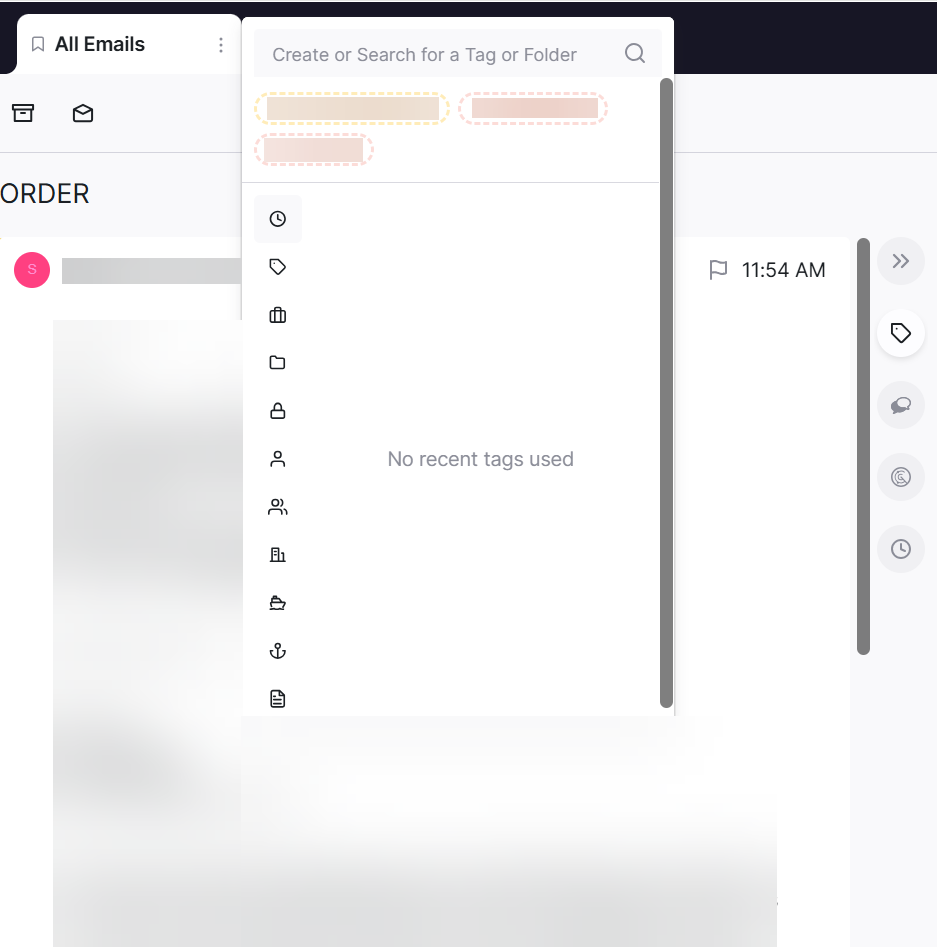
Use your custom tag hotkey (SHIFT + T).
-
Select appropriate tags to the specified email.