
In Shipfix, you can reply to emails by doing one of the following:
Keyboard shortcuts:
-
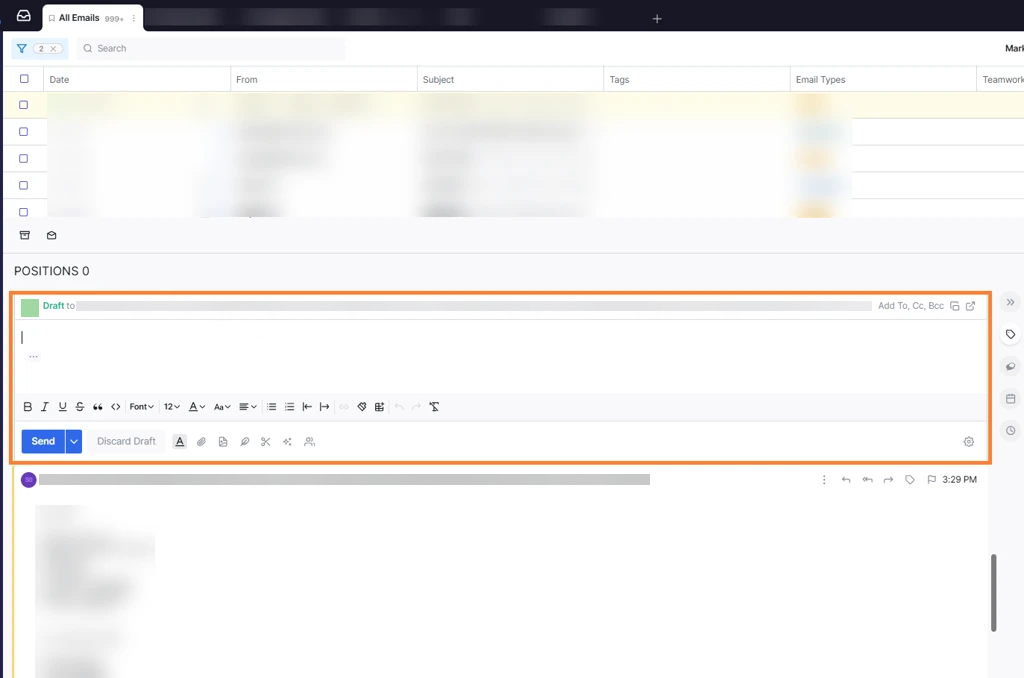
Click the email you want to reply to → Press the Enter key to Reply All → The reply box will appear.
OR
-
Press R just to reply to the sender.
Alternative methods:
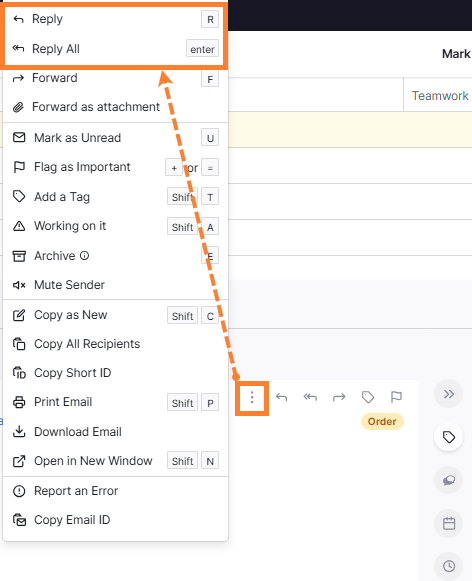
Click on the three-dot menu within the email → Select either Reply or Reply All.
If Reply All is still not working, try refreshing your browser or clearing your cache.