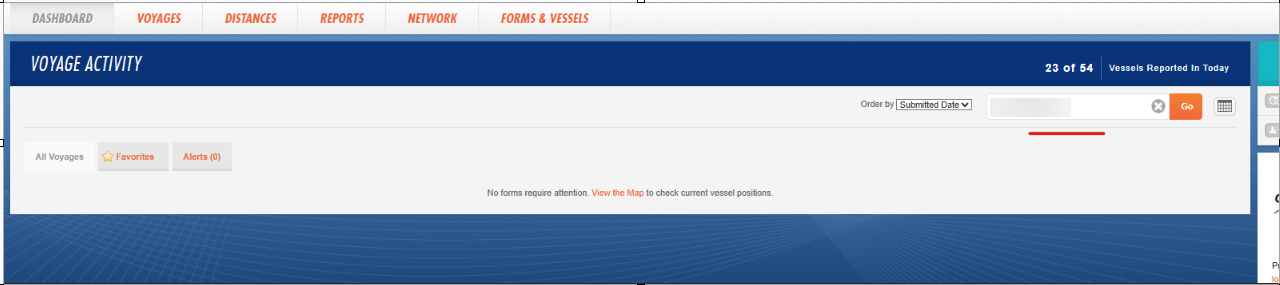
There are some scenarios where the client’s request forms that are stuck in status Being processed by IMOS to be rejected.
This could be valid for On Prem clients, as we don't host their database and are unable to find the GUIDs.
1.Go in Veslink and find the forms in the Dashboard.
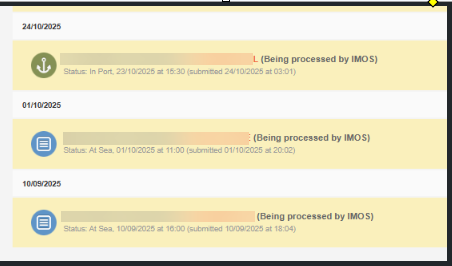
2.Identify what are the vessel codes (If the vessel codes are unable to be found, you can ask the client)
3.Use the following API to find the forms
https://api.veslink.com/v1/forms?apiToken=REDACTED&startDate=2025-06-24T12:00:00-05:00&endDate=2025-08-01T12:00:00-05:00&formStatus=Pending&vesselCode=(vesselcode)
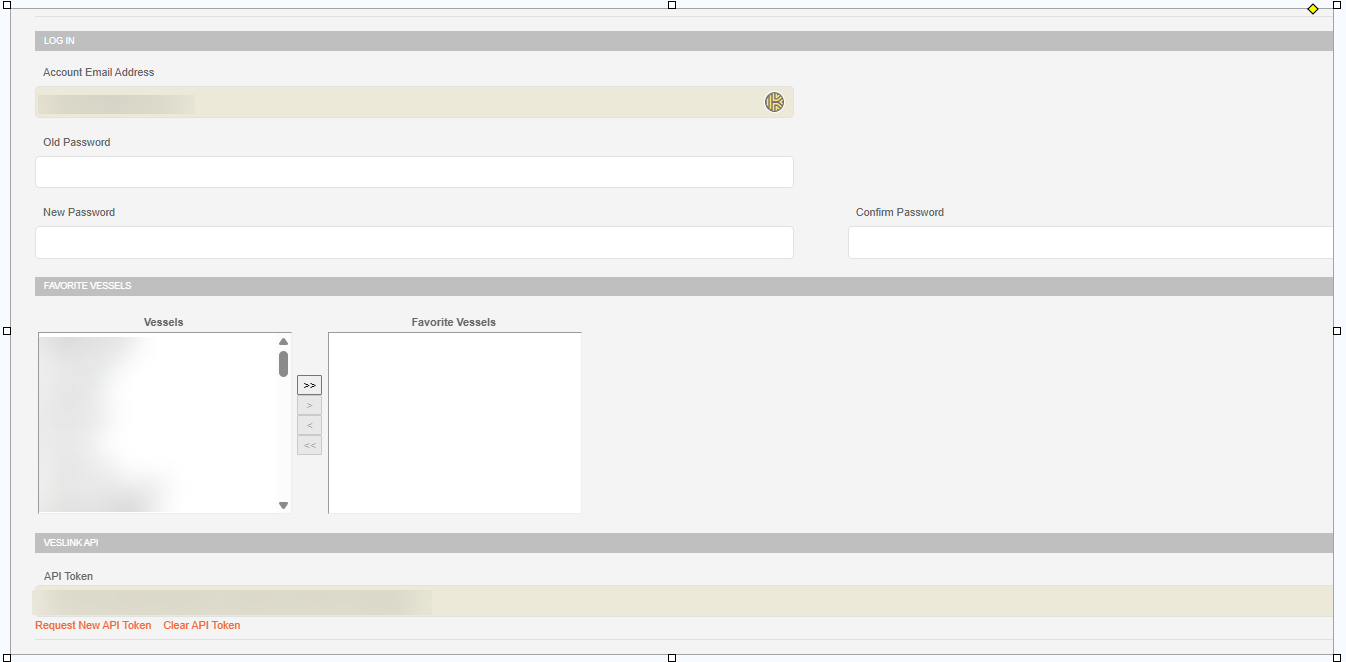
In REDACTED fill in the client's API token.
You can find it by impersonating the client’s veslinkadmin account and navigating to https://veslink.com/User/Profile
Amend the startDate and endDate accordingly to the form date you are looking for.
In vesselCode, add the code of the vessel.
The API should generate a result and you can find the GUID of the form
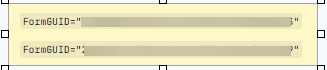
4.Use the GUID to Reject the form
Go in Veslink - Company Name - Company Administration - Veslink - filter by GUID - select 'Reject' to IMOS and click on Reset Forms.
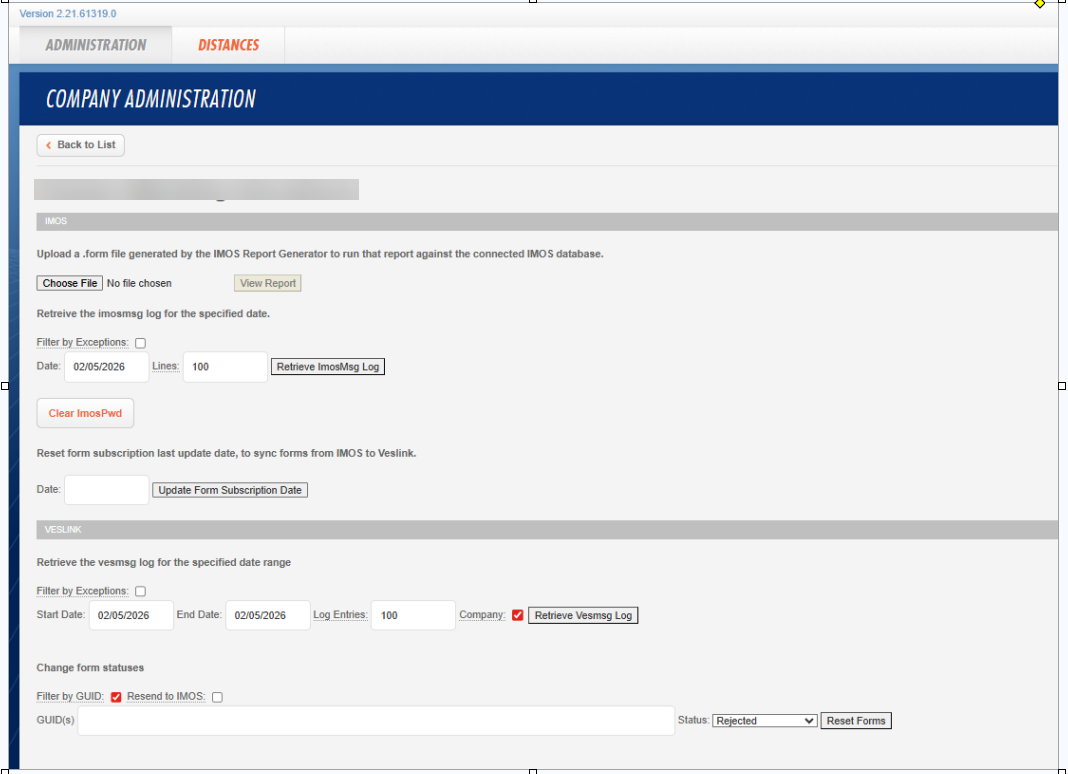
The form should be rejected now and it should disappear from the dashboard.