
In certain situations, users may need to add pre-purchased bunkers in IMOS even after a voyage has already commenced. To ensure the data remains accurate and consistent across the system the below workflow can be used:
Recommended Workflow
-
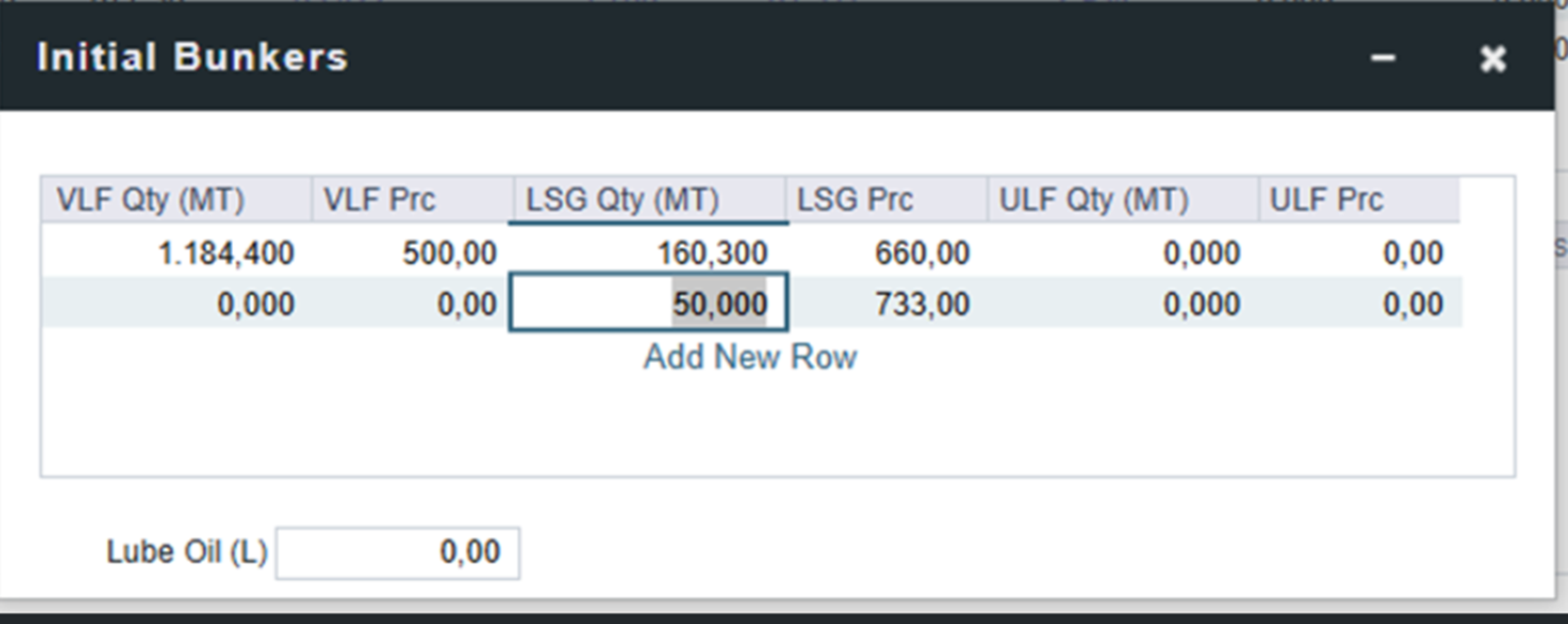
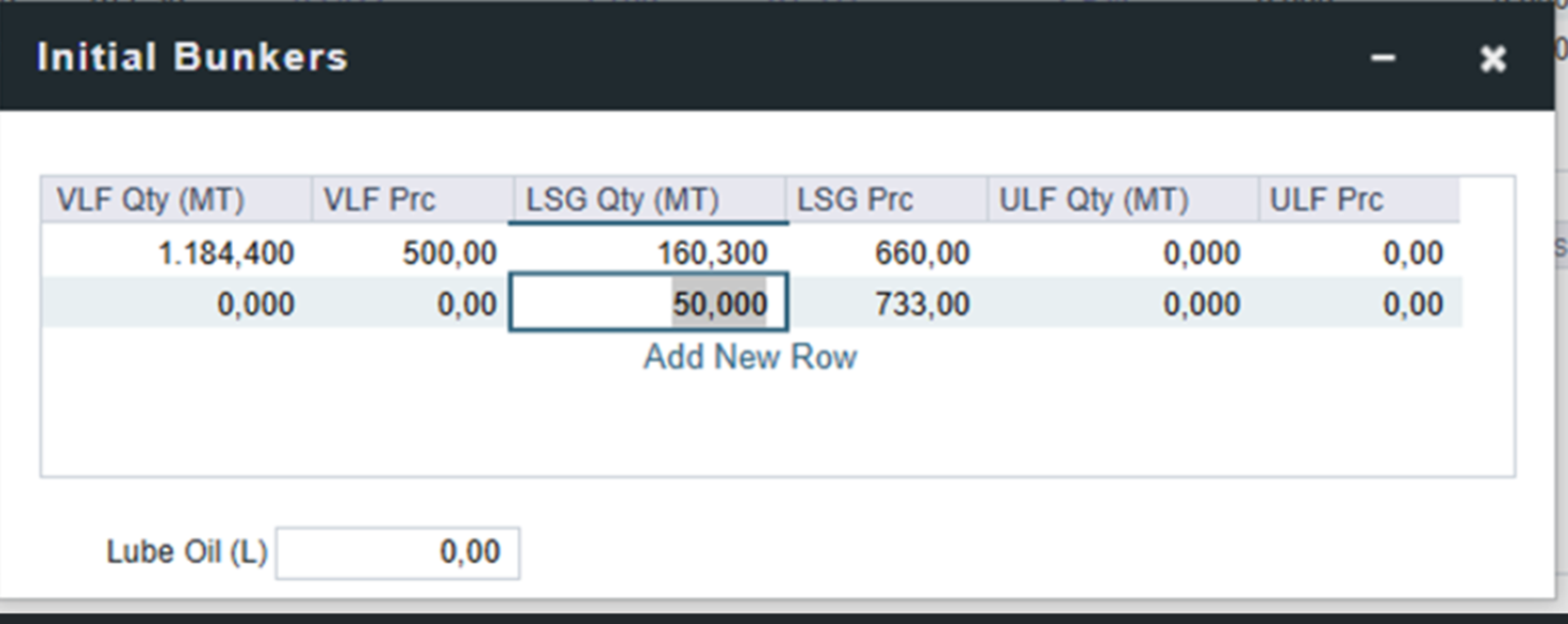
Update the Initial Voyage Bunkers
Begin by updating the initial voyage bunker entries with the details of the pre-purchased bunkers. This ensures that the system reflects the correct quantities from the start.
-
Review the Bunker Breakdown on the TC Contract
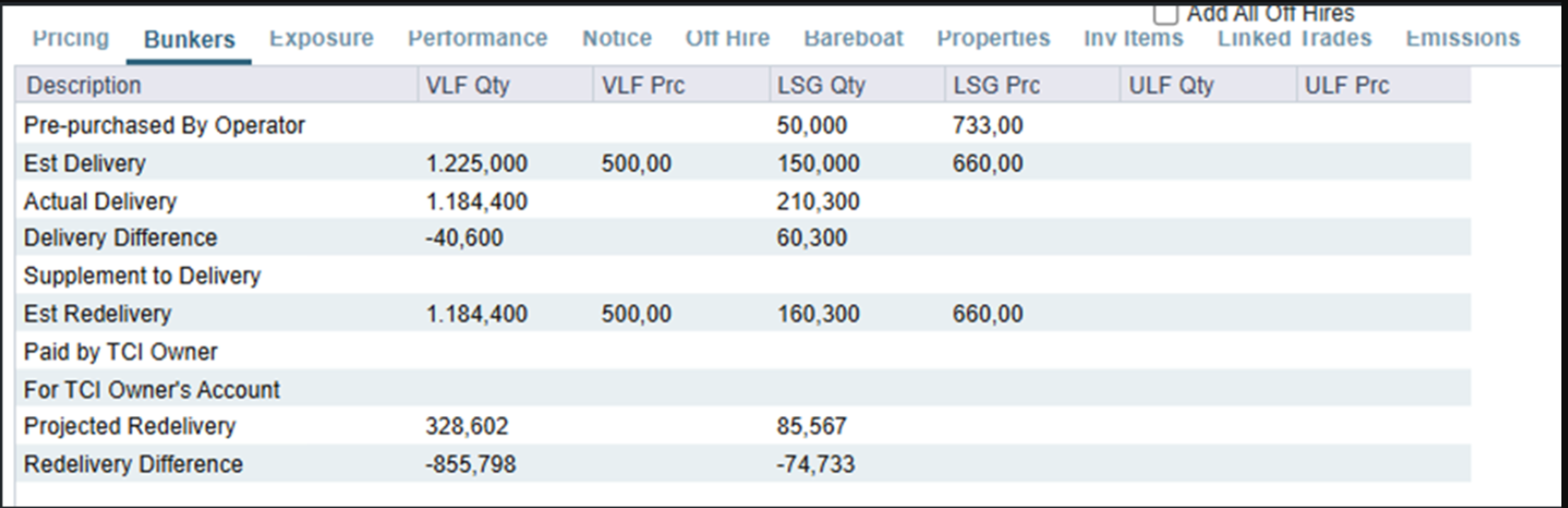
Once the pre-purchased bunker information is added, IMOS will automatically generate an additional line on the Time Charter (TC) contract’s bunker breakdown.
o Select the newly added pre-purchased bunker line.
o Save both the Bunker Breakdown and the TC contract to confirm the update.
-
Verify Bunker Details in the TC Contract and Voyage
After saving, the pre-purchased bunkers will appear appropriately in both the TC contract and the voyage record. This ensures that all related operational and financial data remains aligned with the updated bunker quantities.
Additional Note: Pre-Voyage Bunker Invoice
If needed, a pre-voyage bunker invoice can also be created. When doing so, you may enter the bunker details along with the voyage number. Importantly, there is no requirement to associate the invoice with a port